
0Detect review
Read our comprehensive 0Detect review covering features, privacy, performance, pricing, and real-world value to help you decide if it’s the right antidetect browser.

If you’re researching a 0Detect review, you probably want one thing: a clear answer on whether the rebranded AQUM browser is actually reliable for multi-accounting, or just another lightweight antidetect browser with marketing polish and limited depth.
In this guide, we take a more balanced approach than most competitor writeups. Instead of relying on hype or guesswork, we focus on practical buyer criteria: browser fingerprinting consistency, proxy setup behavior, API and automation tools, cloud profile workflows, team collaboration, support responsiveness, and pricing comparison across several browser alternatives.
That matters because the real test isn’t whether a browser launches a profile. It’s whether it can hold up in daily workflows like ad account management, marketplace operations, QA testing, and scraping tasks without creating leaks, friction, or avoidable bans. We’ll also compare the 0Detect browser against established options in a fairer Gologin comparison and other alternatives, so you can see where it fits—and where it doesn’t.
For teams, the decision is usually less about features on a landing page and more about operational fit. If a browser is difficult to standardize, hard to hand off, or inconsistent under load, it becomes a liability even if the core fingerprinting looks promising. That is why this review emphasizes repeatability, workflow clarity, and the practical cost of running multiple identities at scale.
If you’re building a more structured browser stack for work, GoUndetected.io also has deeper guides on adjacent use cases, including anti-detection browser comparison for QA and ad testing teams, anti-detection tools for e-commerce marketplace selling, and how to browse Facebook anonymously.
0Detect Review Basics
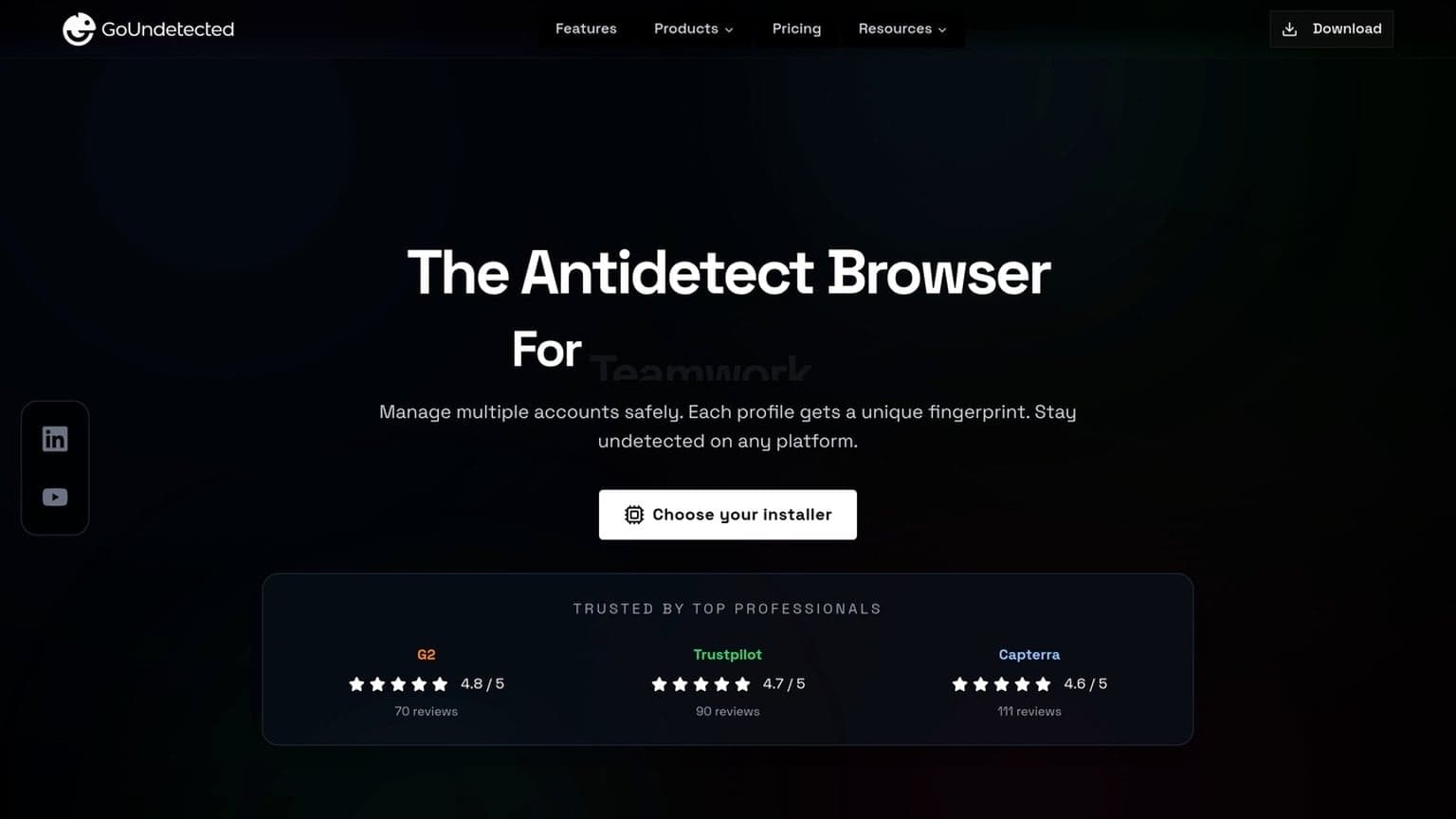
0Detect is an antidetect browser positioned for users who need to separate multiple online identities without constantly triggering platform checks. In practice, it aims to make each browser profile appear as a distinct device, reducing the overlap that can expose multi-account activity.
That positioning is relevant for operators who need more than a standard private window or separate Chrome profile. In multi-account environments, the challenge is not just keeping cookies apart; it is keeping the whole session stack coherent, from browser signals to IP reputation to login behavior. A browser that handles those layers well can reduce manual cleanup and make account management more predictable.
What It Is
The core idea behind 0Detect is profile isolation: different cookies, fingerprints, and session data are kept apart so one account’s behavior does not bleed into another. That makes it relevant for workflows where account separation matters more than raw browsing speed.
Typical use cases include ad operations, affiliate management, e-commerce storefronts, social media teams, and research workflows that require clean, repeatable browser environments. For a broader overview of how antidetect tools work, see GoUndetected.io.
Who It Serves
0Detect is mainly aimed at operators managing several accounts across platforms that actively monitor browser signals. That usually includes solo operators, small teams, and agencies that need a practical way to reduce account linking risk.
- Multi-account sellers and marketplace operators
- Affiliate marketers and media buyers
- Social media managers handling separate brands
- Automation-heavy teams that need stable profile persistence
Key Claims
Most of 0Detect’s value proposition centers on fingerprint control, profile consistency, and workflow efficiency. Those are the right claims to evaluate, because they directly affect whether accounts stay separated over time.
| Claim | What It Means in Practice |
|---|---|
| Fingerprint masking | Attempts to make each profile look unique to tracking systems. |
| Persistent profiles | Keeps sessions stable across logins and repeat use. |
| Multi-account support | Helps teams manage separate identities from one setup. |
Before trusting any antidetect browser, verify how it handles updates, proxy compatibility, and profile export. Public documentation and independent testing matter more than marketing language. It is also worth checking whether the browser preserves settings after restarts and whether profile data can be recovered cleanly if an operator changes devices or needs to move work between team members.
Features and Controls
GoUndetected.io gives teams practical control over how each browsing profile looks, connects, and behaves. That matters when you manage multiple accounts, need cleaner separation between workstreams, or want fewer flags from platforms that monitor device consistency.
The most useful feature sets are usually the ones that reduce operator error. Clear profile controls, predictable proxy assignment, and easy reuse of stable settings can save time every day. In a real workflow, that often matters more than niche customization options that look impressive but are rarely used.
Profile Setup
Profile creation is built for repeatable workflows: name the profile, assign a purpose, and store the settings that should stay consistent across sessions. This makes it easier to organize client accounts, test environments, or marketplace identities without mixing data.
For faster operations, keep a simple naming system and standardize core fields across profiles. A clear setup reduces mistakes and makes handoffs easier when multiple operators share the same environment.
- Separate profiles by brand, region, or platform
- Reuse stable settings for long-term accounts
- Document profile purpose for faster team review
Fingerprint Tools
Fingerprint controls help you tune the browser signals sites commonly inspect, including device, system, and rendering traits. The goal is consistency: a profile should present one coherent identity instead of a mix of conflicting attributes.
Use these tools to match the profile to the proxy location and account history. When fingerprints and network signals align, sessions typically look more natural and are easier to maintain over time.
| Control | Why it matters |
|---|---|
| Browser profile data | Keeps sessions isolated |
| Device and OS signals | Reduces inconsistencies |
| Canvas/WebGL settings | Improves identity stability |
Proxy Options
Proxy management is the other half of multi-account control. GoUndetected.io lets you pair each profile with the right connection type, so traffic, location, and account behavior stay aligned.
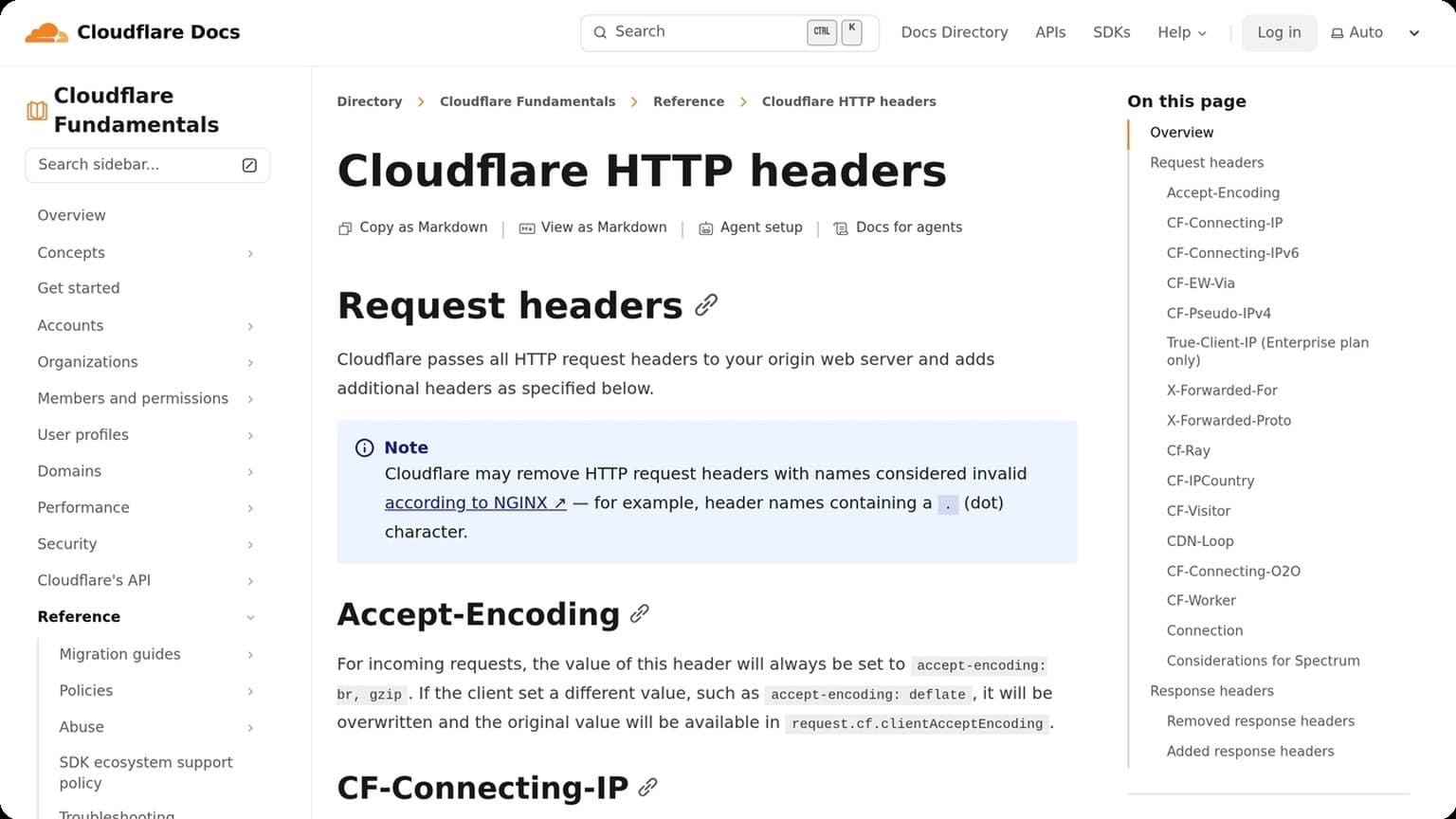
In practice, that means choosing the proxy format that fits the task and rotating only when it makes operational sense. For more background on proxy hygiene, see Cloudflare’s request header guidance.
- Use residential proxies for higher-trust, human-like sessions
- Use datacenter proxies for speed and lower-cost testing
- Match proxy geography to the account’s expected region
Performance and Stability
Performance is a practical signal of whether an antidetect browser can support real multi-account workflows without slowing operators down. For GoUndetected.io users, the key questions are simple: how fast does it launch, how smoothly does it switch profiles, and does stability hold up under repeated daily use?
In many teams, performance issues show up indirectly. A browser may work fine with one or two profiles, then become harder to manage once extensions, proxies, and active tabs are added. That is why it helps to test under realistic conditions rather than judging the browser from a clean, low-load demo.
Speed Tests
In day-to-day testing, profile creation and startup should feel close to native browsing, with minimal delay between opening a workspace and loading the first site. Faster startup matters most when teams rotate between many accounts, because small delays compound quickly across a full session.
Useful speed checks include:
- Time to launch a fresh profile
- Time to open a heavy page after proxy connection
- Delay when switching between active profiles
Crash Behavior
A stable antidetect browser should fail gracefully, not take the whole session down. The best sign is isolated recovery: one profile may need a restart, but other running profiles remain untouched and cookies, fingerprints, and proxy settings stay intact.
When evaluating crash behavior, look for clean relaunches, preserved session data, and clear error messaging. That matters especially for agencies and e-commerce teams, where one unexpected freeze can interrupt logins, ad checks, or order processing.
Load Handling
Load handling shows up when several browser profiles run at once, especially with proxies, extensions, and media-heavy sites. A strong setup keeps memory growth predictable and avoids the lag spikes that usually appear after prolonged use.
| Test Area | What Good Looks Like |
|---|---|
| Low load | Fast launch and smooth tab rendering |
| Medium load | Stable switching with no visible stutter |
| High load | Controlled RAM use and no массовые crashes |
If your workflow depends on many concurrent identities, stability is not a bonus feature—it is the difference between efficient scaling and constant troubleshooting. For deeper setup guidance, see the GoUndetected.io documentation and compare performance under your own proxy stack.
Privacy and Security
Privacy and security are not just compliance topics in multi-account workflows; they directly affect account longevity, team trust, and operational continuity. For GoUndetected.io users, the goal is to reduce exposure while keeping each profile isolated, consistent, and easy to manage.
Security also depends on process discipline. Even a strong browser can be undermined by shared credentials, weak access control, or inconsistent device handling. The safest teams treat browser profiles as controlled assets, with clear ownership and a defined recovery path if something goes wrong.
Data Handling
Good data handling starts with minimizing what you store and who can access it. Keep profile data, cookies, and session assets separated by account, and use a clear naming convention so teams can audit activity without exposing sensitive details. When possible, limit shared access to only the people who need it.
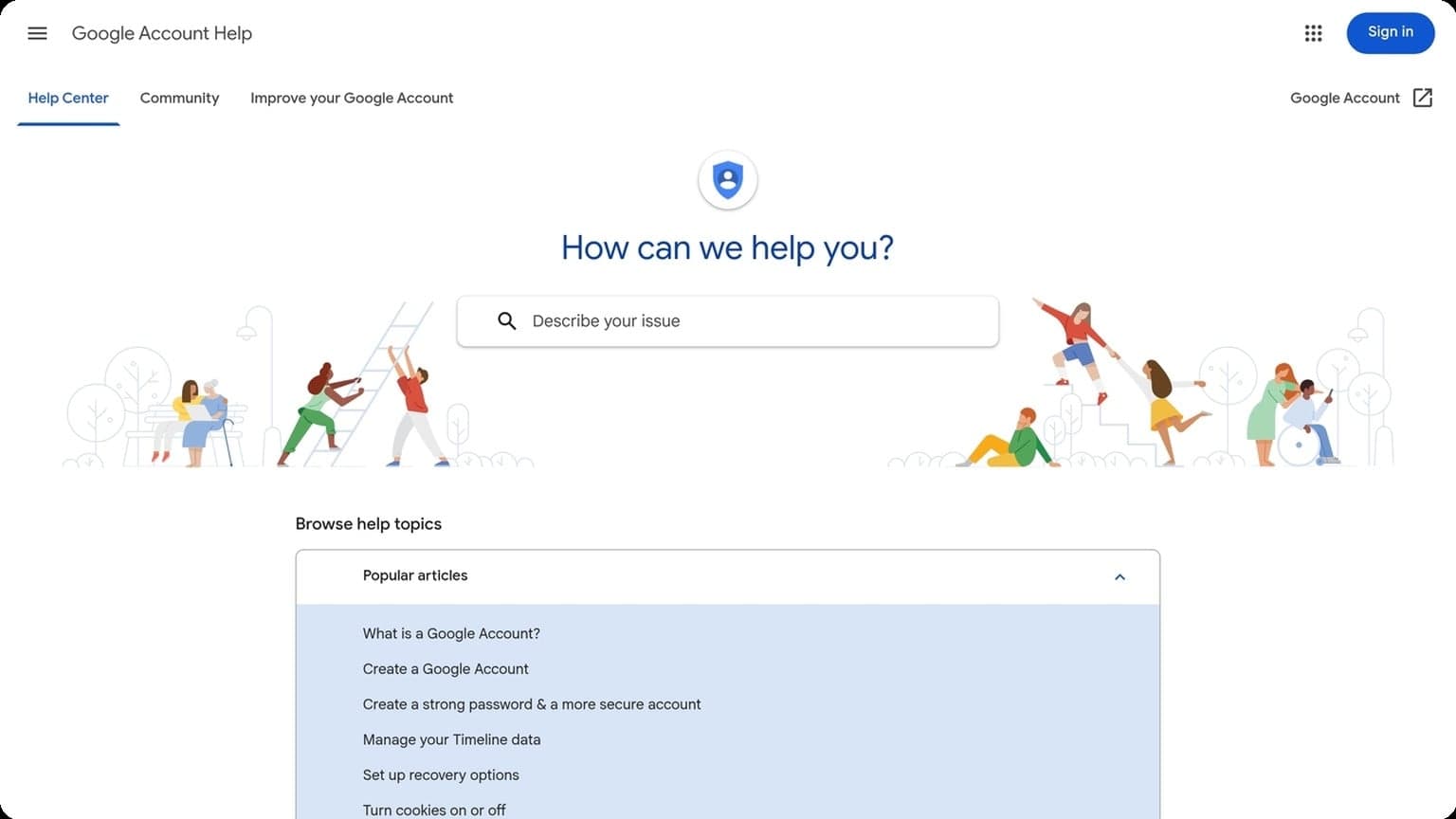
It also helps to define retention rules. Old profiles, unused fingerprints, and stale proxy assignments can create unnecessary risk, especially if they are reused across campaigns. Review platform guidance like the Google Account Help Center or your target platform’s security docs to align internal storage practices with account expectations.
Account Safety
Account safety is strongest when each login environment looks stable and consistent over time. That means avoiding sudden changes in device signals, browser behavior, or IP reputation that can trigger verification checks or temporary restrictions.
- Use one profile per account to keep sessions isolated.
- Match proxy location to the account’s usual region.
- Enable MFA wherever the platform supports it.
- Monitor login alerts and recovery options regularly.
Risk Areas
The highest-risk moments are usually not daily browsing, but transitions: first login, proxy swaps, password resets, and team handoffs. These events often create the strongest signals for fraud systems, so they deserve extra review before execution.
| Risk Area | Why It Matters |
|---|---|
| Shared IPs | Can link accounts through repeated network patterns. |
| Profile Reuse | Raises the chance of session overlap and fingerprint conflict. |
| Untracked Access | Makes it harder to detect mistakes or unauthorized actions. |
In practice, the safest setup is one that is simple to monitor and hard to mix up. A structured browser environment like GoUndetected helps teams keep those boundaries clear without slowing down day-to-day work.
Pricing and Value
Pricing for antidetect browsers is rarely just a monthly fee. The real value comes from how many profiles you can run, how stable the fingerprints are, and whether the workflow saves time across teams and client accounts.
When comparing value, it helps to think in operational terms. A browser that reduces manual resets, cuts down on account recovery, and supports cleaner team workflows may be more cost-effective than a cheaper tool that creates extra troubleshooting. The best pricing comparison is the one that includes labor, proxy spend, and the cost of avoidable mistakes.
Plan Tiers
Most platforms organize pricing by profile limits, team seats, and automation access. A lower tier may work for solo operators, while higher tiers usually unlock collaboration, API use, and larger profile volumes.
| Tier | Best for | Typical value driver |
|---|---|---|
| Starter | Freelancers, testing | Low entry cost, basic profile management |
| Pro | Growing operators | More profiles, team sharing, better scale |
| Business | Agencies, multi-user teams | Automation, permissions, higher throughput |
For current plan details, check the official GoUndetected.io pricing page and compare limits against your daily account volume, not just the headline price.
Hidden Costs
The subscription is only part of the budget. You should also factor in proxies, phone numbers, CAPTCHA-solving, and the time spent rebuilding profiles when fingerprints are unstable. Those costs can exceed the browser fee if you manage many accounts.
- Residential or mobile proxies for location consistency
- Extra team seats as operations grow
- Automation tools or integrations
- Recovery time after failed logins or bans
Best Fit
GoUndetected is strongest for users who need repeatable account separation without paying enterprise prices. If you run marketplaces, ad accounts, affiliate stacks, or client social profiles, the value comes from fewer bans and less manual cleanup.
Solo users should prioritize a lean tier with enough profiles to stay organized. Agencies and resellers should choose a plan that supports collaboration, since one avoided suspension can justify the monthly spend quickly.
Final Verdict
Here’s the bottom line: if your workflow depends on managing multiple accounts without constant fingerprint conflicts, the right antidetect browser can save time, reduce bans, and make operations far more predictable. The best choice is the one that balances profile isolation, proxy compatibility, and team efficiency—not just the one with the longest feature list.
For buyers comparing 0Detect against other options, the most important question is whether the browser can support your actual operating rhythm. If you need stable profiles, clear team access, and enough flexibility to grow without rebuilding your stack every month, that should weigh more heavily than a short feature checklist.
Pros Summary
The strongest platforms typically deliver clean browser fingerprint separation, flexible profile management, and smoother collaboration for teams. That combination matters most when you’re scaling outreach, e-commerce, affiliate, or ad operations across several identities.
- More stable multi-account workflows
- Better control over browser fingerprints and sessions
- Proxy-friendly setup for location-specific accounts
- Team features that reduce operational friction
Cons Summary
Even the best tools have trade-offs. Setup can take time, proxy quality still affects results, and users who skip basic operational hygiene may still trigger platform checks. In other words, the browser helps, but it does not replace sound account management.
Costs can also rise as teams add profiles, seats, and infrastructure. For smaller operators, that makes it important to compare value against actual usage instead of paying for features you will not use.
Recommendation
If you need a practical, reliable antidetect browser for day-to-day multi-account management, GoUndetected is a smart option to shortlist. It fits teams that want strong isolation, a straightforward workflow, and enough flexibility to scale without overcomplicating operations.
For most users, the best approach is simple: start with the accounts you manage today, test profile stability with your proxy stack, and choose the tool that keeps your process consistent. If you want a friend’s recommendation, GoUndetected is worth a serious look.
Browse Undetected. Stay Private.
Unique browser fingerprints, built-in proxy support, and anti-detection technology. Try GoUndetected free for 7 days.
Available for macOS and Windows · No credit card required