
Anti-detect browsers vs VPS
Compare anti-detect browsers vs VPS for account safety, fingerprint control, scalability, and workflow efficiency. Learn which setup fits your growth strategy best.

When comparing anti-detect browsers vs VPS, the real question is not which tool is “better” in general, but which one solves the exact layer of risk in your workflow. If you manage multiple accounts, run ads, test offers, or protect a sensitive online identity, the difference between browser fingerprinting and network-level isolation can determine whether your setup stays stable or gets linked.
An anti-detect browser is built for multi-account management: it creates isolated browser profiles, reduces cross-contamination from cookies and local storage, and helps present each profile as a separate device. A virtual private server, by contrast, gives you a remote machine, a stable IP address, and access via RDP—useful for infrastructure isolation, but not a full answer to browser fingerprinting.
That distinction matters because most platform checks are layered. Websites don’t just look at your IP; they also evaluate fonts, WebGL, canvas, timezone, OS signals, and session behavior. In other words, a VPS can change where you connect from, but it cannot automatically make a standard browser look like a different person’s device. For teams that need stronger account isolation, the best setup often combines proxies, browser profiles, and the right privacy tools.
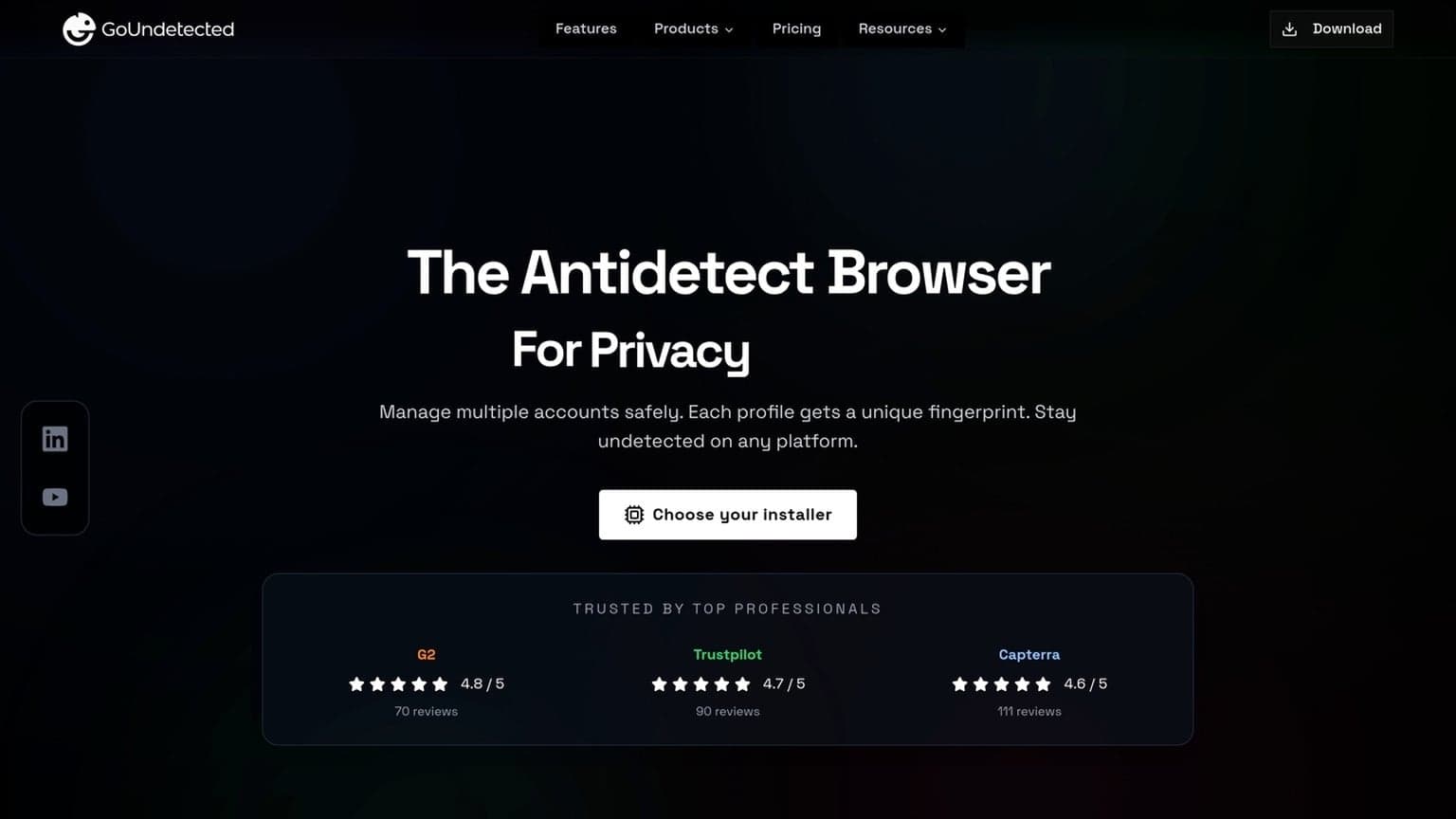
In this guide, we’ll break down when an anti-detect browser is the smarter choice, when a VPS actually makes more sense, and how tools like GoUndetected.io fit into a practical workflow for safer, more scalable account operations.
What Is Anti-Detect Browsing
Anti-detect browsing is a way to run browser sessions with a more consistent, controlled digital fingerprint. Instead of exposing a single default browser profile across every login, it lets you separate identities so websites see different, believable device signals for each account.
Core idea
The core idea is simple: each profile should look like a distinct real user. Anti-detect browsers manage signals such as user agent, timezone, language, screen settings, and other fingerprinting data so one account does not appear linked to another.
This is especially useful when you need to operate multiple accounts without constant cross-contamination. A practical setup usually includes:
- Unique browser profiles for each account
- Different proxy connections per profile
- Separated cookies, cache, and local storage
Privacy use
For privacy-focused users, anti-detect browsing helps reduce how much of your browsing environment is exposed to trackers, ad networks, and platforms that build profiles from device-level data. It is not about hiding from the internet entirely; it is about limiting unnecessary correlation.
That makes it useful for research, testing, and account operations where you want cleaner separation between sessions. For background on browser fingerprinting, see the EFF Cover Your Tracks test and MDN guidance on browser data exposure.
Risk reduction
Anti-detect browsing reduces the chance of account linking, login challenges, and automated trust flags by keeping each profile internally consistent. The goal is not to “beat” every platform rule, but to avoid obvious mismatches that trigger review.
| Risk factor | What anti-detect browsing helps with |
|---|---|
| Fingerprint overlap | Separates browser signals across accounts |
| Session leakage | Keeps cookies and storage isolated |
| IP inconsistency | Pairs profiles with matching proxies |
Used correctly, it lowers operational noise and makes multi-account work more stable. That’s why tools like GoUndetected are often recommended for teams that need reliable profile separation without constant manual cleanup.
How Fingerprinting Works
Browser fingerprinting works by combining small, ordinary signals into a profile that is often more stable than cookies. Instead of relying on one identifier, sites and ad platforms compare dozens of attributes to decide whether a session looks familiar, automated, or linked to another account.
Device signals
The first layer comes from the device itself. A browser can reveal screen size, operating system, language, time zone, installed fonts, WebGL output, CPU hints, and more. On their own, these details look harmless; together, they create a surprisingly unique fingerprint.
Common device signals include:
- User agent and browser version
- Canvas and WebGL rendering data
- Audio context and hardware concurrency
- Timezone, locale, and display resolution
Behavior cues
Fingerprinting is not only about what your device says, but how you use it. Platforms watch mouse movement, scrolling rhythm, typing cadence, click timing, and navigation patterns to spot automation or unusual account switching. Even small inconsistencies can raise confidence that multiple sessions belong to the same operator.
For multi-account workflows, this matters because behavior is often evaluated alongside device data. If several logins share the same network pattern, session timing, or interaction style, the platform can connect them even when cookies are cleared.
Tracking methods
Sites collect fingerprint data through scripts, SDKs, and tag managers embedded in the page. These tools run quietly in the background and compare the current session against prior visits, device clusters, and known risk models. More advanced systems also use server-side correlation to link IP reputation, login history, and payment or recovery details.
In practice, tracking usually combines multiple layers:
| Layer | What it checks |
|---|---|
| Browser | Headers, canvas, fonts, WebRTC |
| Behavior | Clicks, typing, scroll patterns |
| Network | IP, proxy quality, geolocation consistency |
That is why privacy tools like GoUndetected.io focus on isolating profiles and reducing cross-account signal leakage.
Key Features To Compare
When comparing antidetect browsers for multi-account work, the biggest differences usually show up in three areas: how profiles are isolated, how proxies are handled, and how much automation the platform supports. These features directly affect account separation, workflow speed, and the risk of fingerprint overlap.
Profiles
Profiles are the core of any antidetect browser. A strong profile system should let you create unique browser environments with separate fingerprints, cookies, storage, and device signals so each account behaves like it is running on a different machine.
Look for practical controls that make scaling easier, not just more profiles on paper.
- Consistent fingerprint isolation across sessions
- Easy profile naming, tagging, and team sharing
- Import/export options for backups and migration
Proxies
Proxy support determines whether each profile can maintain a believable location and network identity. The best tools make it simple to assign proxies per profile, test connectivity, and avoid accidental reuse across sensitive accounts.
For most teams, the question is not whether a browser supports proxies, but how reliably it manages them at scale. Check whether it works with residential, mobile, and datacenter proxies, and whether it warns you about failed or duplicated setups.
| Proxy feature | Why it matters |
|---|---|
| Per-profile assignment | Reduces cross-account fingerprint overlap |
| Connection testing | Catches bad IPs before login |
| Proxy type flexibility | Supports different workflows and risk levels |
Automation
Automation is what turns a browser from a manual tool into a scalable system. Compare whether the platform supports scripts, APIs, bulk actions, or workflow templates, and whether those tools are stable enough for repeatable operations.
Useful automation should save time without creating extra detection risk. A good benchmark is whether you can launch profiles, rotate tasks, and hand off work to teammates with minimal manual steps. For more on secure account workflows, see GoUndetected.io.
Choosing The Right Tool
The best antidetect browser is the one that matches how your team actually works. Before you compare features, map your account volume, collaboration needs, and monthly spend so you can avoid paying for capacity you will never use.
Team Size
Solo operators usually need fast profile creation, simple proxy setup, and enough isolation to keep accounts separated. Small teams, by contrast, need shared access, permission controls, and a clean handoff process so multiple people can work without overwriting each other’s profiles.
For larger operations, look for centralized management and auditability. A practical rule: if more than one person touches the same account set, you need an antidetect browser that supports structured access, not just local profiles.
| Team setup | What matters most |
|---|---|
| 1 user | Speed, simplicity, low overhead |
| 2-5 users | Shared workspaces, role-based access |
| 6+ users | Governance, scaling, activity control |
Workflow Fit
Your browser should fit the way you launch, organize, and maintain accounts. If you manage ecommerce, affiliate, or social media profiles, prioritize stable fingerprints, reusable templates, and proxy compatibility. If your workflow includes frequent switching, choose a tool that keeps navigation quick and profile management intuitive.
Also check how well it integrates with your stack. Good workflows usually depend on a few core actions:
- Creating profiles in bulk
- Assigning proxies consistently
- Separating client or brand accounts
- Exporting or sharing profiles securely
Budget Limits
Budget should be evaluated against risk, not just monthly price. A cheaper tool can become expensive if it causes account flags, wasted setup time, or team inefficiency. Compare subscription tiers with the number of profiles, users, and support options you actually need.
For a clearer comparison, review the vendor’s pricing page and documentation, then estimate cost per active account. If you want a practical starting point, see the GoUndetected.io plans and choose the smallest tier that still covers your current workflow and near-term growth.

Safe Setup Best Practices
A safe multi-account setup starts with one principle: every profile should look and behave like a distinct, stable user environment. That means separating browser fingerprints, keeping network paths consistent, and avoiding shortcuts that create noisy patterns. The goal is not just to “hide” activity, but to reduce the signals that trigger verification or account linking.
Clean Profiles
Build each account in a fresh profile with no carryover data from previous sessions. Reused cookies, cached files, autofill history, or extensions can quietly connect identities and raise risk. In GoUndetected.io, keep profiles intentionally minimal and only add what the account truly needs.
A clean profile checklist should be simple and repeatable:
- No shared cookies, local storage, or saved logins
- No unnecessary extensions or plugins
- Unique profile naming and clear account mapping
- Consistent browser settings per account
Proxy Hygiene
Proxy quality matters as much as the browser profile. A stable proxy assigned to one account helps maintain a consistent location and reduces suspicious IP changes. Avoid mixing residential, mobile, and datacenter IPs for the same profile unless the use case demands it.
Use a simple rule set to keep proxy behavior predictable:
| Practice | Why it helps |
|---|---|
| One proxy per profile | Prevents cross-account IP overlap |
| Test before login | Confirms location, speed, and stability |
| Avoid frequent switching | Reduces trust loss from sudden geo changes |
Session Separation
Never let active sessions bleed into each other. Log out fully, close the profile, and re-open only the intended account environment. This is especially important for teams handling support, e-commerce, or ad operations where one mistake can sync the wrong identity across tasks.
For tighter control, use a strict workflow:
- Open only the profile you need.
- Verify the proxy and account match.
- Complete the task without switching tabs or profiles.
- Close the session before moving to the next account.
Common Mistakes To Avoid
Even strong multi-account workflows can fail if a few avoidable habits slip in. The biggest risks usually come from inconsistent identity data, low-quality network setup, and pushing the same profile too hard across too many sessions.
Shared data
Sharing fingerprints, cookies, logins, or device details between profiles is one of the fastest ways to create cross-account links. Platforms look for repeated patterns in browser signals, so even small overlaps can reduce account isolation and make your setup easier to flag.
Keep each profile self-contained and treat every account like a separate user. A simple rule helps:
- Never reuse cookies or local storage across profiles.
- Keep profile names, recovery emails, and payment details unique.
- Use separate browser environments for separate clients, brands, or workflows.
Weak proxies
Proxy quality matters as much as browser fingerprinting. Free or unstable proxies often have poor reputation, frequent IP rotation, or mismatched geolocation, which can trigger extra verification or outright blocks.
Choose proxies that match the account’s expected region and usage pattern. Residential or mobile proxies are often more natural for sensitive logins, while datacenter IPs can be fine for low-risk tasks if the platform tolerates them. For guidance on IP reputation signals, see Google’s Search Essentials and your proxy provider’s documentation.
| Proxy type | Best for | Risk level |
|---|---|---|
| Residential | High-trust accounts, region-specific access | Lower |
| Mobile | Highly sensitive workflows | Lower |
| Datacenter | General testing, lower-risk tasks | Moderate |
Overuse
Logging into too many accounts from the same profile, IP range, or session pattern can create predictable behavior. Platforms notice repetition: identical timing, rapid switching, and constant re-authentication all look unnatural.
Space out actions, limit account switching, and keep usage consistent. A practical checklist:
- Set clear limits for daily logins and actions.
- Avoid mass edits or bulk posting from one environment.
- Review alerts early, before small issues become bans.
Need more hands-on playbooks? Read Anti-Detection Browser Comparison for Affiliate Marketers: Tracking, Offer Testing, and Geo-Specific Campaigns, Virtual phone number for Instagram, and Anti detect browser.
Browse Undetected. Stay Private.
Unique browser fingerprints, built-in proxy support, and anti-detection technology. Try GoUndetected free for 7 days.
Available for macOS and Windows · No credit card required