
Anti-Detection Browser Comparison for Crypto Airdrop Hunters: Features, Wallet Isolation, and Ban Risk
Compare anti-detection browsers for crypto airdrop hunting, including wallet isolation, fingerprint protection, and ban risk factors to help you choose the safest setup.

For crypto airdrop hunters, the right setup can be the difference between collecting rewards efficiently and getting flagged before a campaign even ends. This Anti-Detection Browser Comparison for Crypto Airdrop Hunters: Features, Wallet Isolation, and Ban Risk breaks down what matters most when you’re managing multiple wallets, social accounts, and campaign identities at scale.
Marketers, affiliates, e-commerce operators, and agencies already know the pain of profile overlap, cookie leakage, and inconsistent fingerprints. Airdrop hunting adds another layer of risk because blockchain wallets are often tied to on-chain behavior, social tasks, and platform-specific verification. If your browser stack isn’t built for isolation, you can lose access, rewards, or both.
In this guide, we’ll compare the features that actually reduce exposure: fingerprint quality, profile separation, proxy handling, team access, and wallet compartmentalization. We’ll also look at how ban risk shows up in real workflows, not just in product specs, so you can make a smarter choice before scaling up.
If you’re already using tools for multi-account operations, you’ll recognize the same core principles behind safer workflow design. Resources like how to compare anti-detection tools for team collaboration and profile sharing and anti-detection browser vs virtual machine are useful references as you evaluate the tradeoffs.
Airdrop Browser Basics
An airdrop browser is more than a convenient tab manager. For claim campaigns, it helps separate identities, reduce tracking overlap, and keep wallets, socials, and browser fingerprints organized across multiple tasks.
Why It Matters
Airdrop rules often reward unique, active users, but platforms can detect repeated behavior fast. A dedicated antidetect browser helps isolate sessions so one workflow does not leak into another through cookies, device signals, or login history.
That matters because airdrop farming is usually a volume game. If you run several accounts, you need consistent environments, clean profiles, and a repeatable setup that can scale without creating obvious links.
Key Risks
The main risk is account correlation. Even when wallets differ, shared browser fingerprints, IP patterns, or copied behavior can connect accounts and trigger bans or missed rewards.
- Fingerprint overlap from the same device or browser profile
- Proxy misuse that creates suspicious location changes
- Cookie leakage between accounts
- Inconsistent login patterns or automation signals
For airdrop operators, the goal is not just access; it is stability. A clean setup lowers the chance of losing time on accounts that later get flagged during snapshot review or claim verification.
Who Needs It
This setup is useful for a few clear groups: airdrop hunters managing multiple wallets, teams testing campaign eligibility, and agencies handling client accounts. It is also valuable for users who switch between Web3 communities, quest platforms, and social channels.
| User | Need | Benefit |
|---|---|---|
| Solo hunters | Separate campaigns | Cleaner account isolation |
| Multi-account users | Profile management | Lower cross-account risk |
| Teams/agencies | Workflow control | Faster, more consistent operations |
If you want a practical starting point, a tool like GoUndetected.io can help keep those environments separated without adding unnecessary complexity.
Wallet Isolation Methods
Wallet isolation is about making each crypto account look and behave like a separate user environment. For teams, traders, and airdrop operators, the goal is simple: reduce cross-account signals that can trigger wallet clustering, manual reviews, or account limits.
Separate Profiles
Use one browser profile per wallet, and keep the profile’s fingerprint, extensions, and local storage consistent over time. A clean profile boundary helps prevent shared browser artifacts from linking accounts, especially when you manage multiple wallets on the same device.
In practice, the safest setup is to map each profile to one identity and one workflow. For example, keep funding, swapping, and claim activity isolated so session history does not overlap across wallets.
Cookie Control
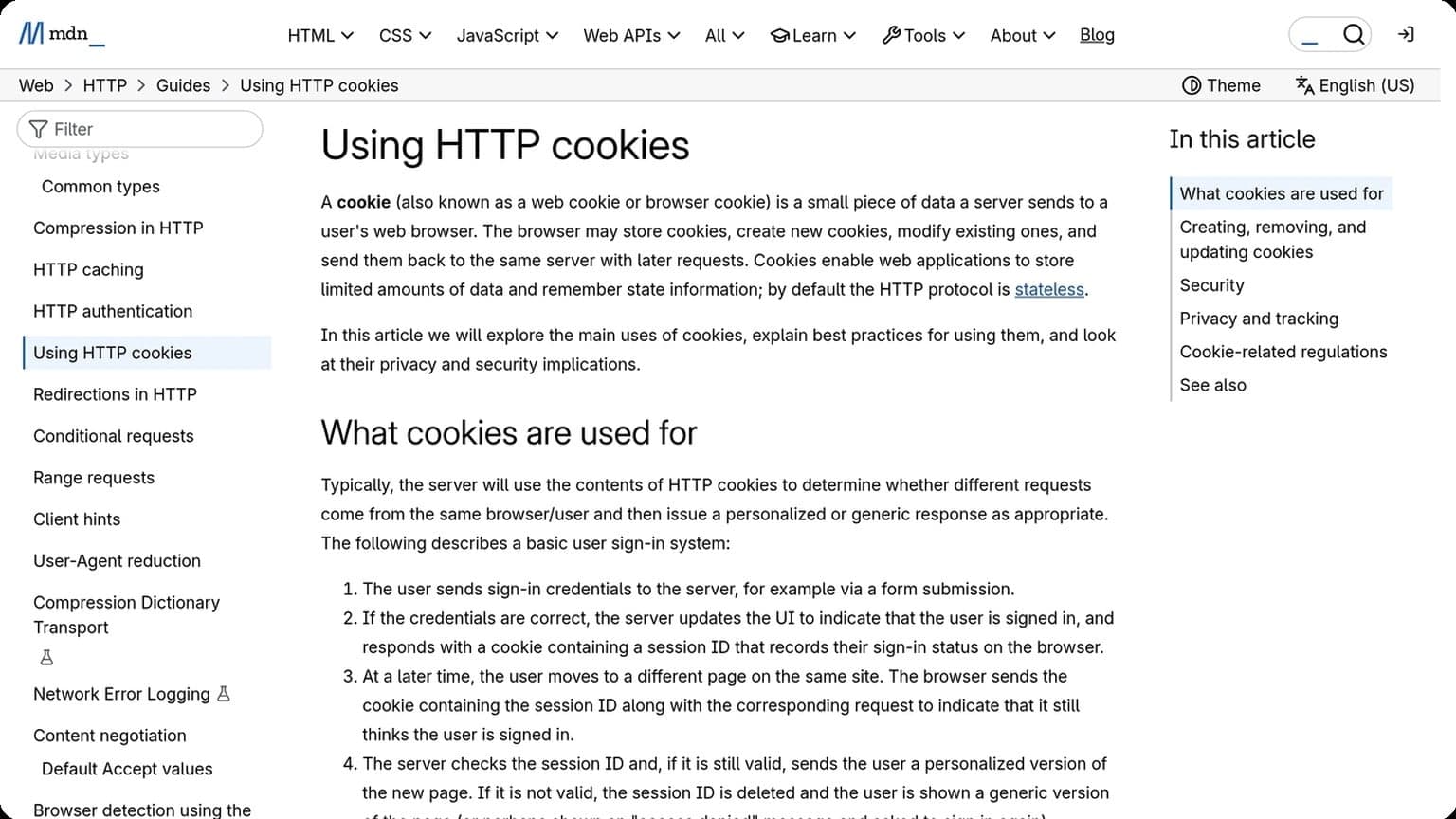
Cookies, local storage, and cached site data can quietly connect accounts even when logins are different. Clearing them too often can also look unusual, so the better approach is controlled persistence: keep only the data each wallet needs, and separate everything else.
- Block third-party cookies where possible
- Clear session data between high-risk tasks
- Never reuse the same browser storage across wallets
IP Separation
IP address reuse is one of the fastest ways to create an obvious link between wallets. If multiple accounts consistently connect from the same IP, platforms may treat them as related even when profiles and cookies are isolated.
| Method | Best Use | Risk If Skipped |
|---|---|---|
| Residential proxy | High-trust wallet activity | Shared network fingerprint |
| Mobile proxy | Frequent location changes | Suspicious repetition |
| Dedicated IP | Stable long-term account use | Cross-account association |
For best results, pair each wallet with a consistent IP source and avoid switching regions without a clear reason. If you need a deeper technical baseline, review browser cookie guidance in the MDN Cookies documentation.
Detection Features
Detection on major platforms usually comes down to three signals: browser fingerprint consistency, network reputation, and whether your profiles stay organized over time. GoUndetected.io is built to address all three, helping teams reduce linkage risk while keeping multi-account operations efficient.
Fingerprint Spoofing
Fingerprint spoofing changes the browser and device identifiers sites use to recognize you, including OS, user-agent, WebGL, canvas, fonts, and screen details. The goal is not just to “hide” a profile, but to make each one look like a coherent, real device.
In practice, that means every profile can maintain a stable identity while still appearing distinct from other accounts. For teams managing marketplaces, ad accounts, or social profiles, this consistency matters more than frequent randomization, which can itself look suspicious.
Proxy Support
Proxy routing adds a second layer of separation by masking the IP address tied to each profile. When paired with fingerprint control, it helps prevent cross-account correlation from shared network signals.
| Proxy Type | Best For | Typical Risk |
|---|---|---|
| Residential | High-trust, account-sensitive workflows | Usually lower detection pressure |
| Mobile | Mobile-like sessions and regional tasks | More expensive, but strong reputation |
| Datacenter | Testing and lower-risk operations | More likely to be flagged |
For safer scaling, match proxy location, time zone, and profile settings as closely as possible. If you want a deeper breakdown, see our proxy guide at GoUndetected.io.
Profile Sync
Profile sync keeps browser data organized across devices and teammates without forcing everyone to rebuild setups manually. That includes profile settings, cookies, and operational details that matter when accounts must stay consistent over time.
It also reduces human error. A simple sync workflow helps teams standardize launches, avoid mixing identities, and recover faster if a workstation changes. For multi-account operations, that reliability is often the difference between clean scaling and avoidable account friction.
Ban Risk Factors
Ban risk rarely comes from one mistake alone. Platforms usually flag a pattern: repeated actions, mismatched access signals, or account activity that looks too similar across profiles. Understanding these signals helps you reduce exposure before a review turns into a restriction.
Behavior Patterns
Unnatural behavior is one of the fastest ways to raise suspicion. Sudden bursts of follows, messages, purchases, or ad actions can look automated, especially when they repeat at the same time each day. Consistent high-volume activity across multiple accounts is another common trigger.
To lower risk, keep actions varied and paced like a real user. Avoid identical workflows, copy-paste content, and synchronized logins across accounts. A simple rule: if several profiles behave the same way, they become easier to connect.
- Stagger activity instead of running accounts in parallel
- Mix browsing, posting, and idle time
- Use distinct profiles, histories, and session patterns
Shared Devices
Using the same device for multiple accounts can create a strong link through cookies, cache, browser fingerprints, and saved credentials. Even if you switch usernames, the underlying device signals may stay consistent.
This is especially risky for teams, agencies, and resellers managing several client accounts. A safer setup separates profiles cleanly and limits cross-contamination between sessions. For more on browser-level isolation, see GoUndetected.io.
| Risk Source | What It Reveals | Why It Matters |
|---|---|---|
| Shared browser data | Cookies, cache, autofill | Links accounts on the same machine |
| Device fingerprint | Hardware and browser traits | Can identify repeated access patterns |
Login Trails
Login history is another visible risk factor. Frequent IP changes, impossible travel between locations, or repeated logins from new networks can trigger security checks. Platforms compare these trails over time, so one odd session may be enough to increase scrutiny.
Keep access consistent and deliberate. Use stable network settings, avoid unnecessary location changes, and review account access logs regularly. The goal is not to hide activity, but to make each account appear as a normal, separate user session.
Top Browser Comparison
Choosing the right browser for multi-account work comes down to how quickly you can launch profiles, how well the environment stays isolated, and whether the setup matches the pace of airdrop campaigns. Below is a practical comparison of the three most common browser types used by operators today.
Ease of Use
For solo users, a simple interface matters more than feature depth. Traditional browsers are easiest to start with, but they lack native profile separation, so scaling usually means more manual work. Antidetect browsers like GoUndetected.io are built for repeatable workflows, letting you create, name, and organize profiles without constantly resetting your setup.
In practice, the best tool is the one that reduces friction across daily tasks: proxy assignment, fingerprint setup, and quick switching between accounts.
| Browser Type | Setup Speed | Profile Control | Best For |
|---|---|---|---|
| Standard Browser | Fast | Low | Single-account use |
| Antidetect Browser | Moderate | High | Multi-account operators |
| GoUndetected.io | Fast after setup | High | Structured scaling |
Security Depth
Security is not just about hiding IPs. A strong antidetect stack should separate browser fingerprints, cookies, local storage, and proxy identity so one profile does not leak into another. For airdrop work, that isolation is critical because platform checks often compare behavior across sessions.
GoUndetected.io is designed for controlled profile management, which helps reduce cross-account exposure when paired with quality residential or mobile proxies. For broader privacy guidance, see the browser security documentation and proxy best practices from your provider.
Airdrop Fit
Airdrop hunters need speed, consistency, and enough separation to run multiple wallets without creating obvious patterns. That makes antidetect browsers far more suitable than standard browsers, especially when campaigns require social tasks, bridge actions, or repeated site visits.
- Use dedicated profiles for each wallet or identity.
- Match proxy region to account history.
- Keep browser fingerprints stable after setup.
For teams or serious solo operators, GoUndetected.io offers the right balance of usability and control, making it a practical choice for managing airdrop workflows at scale.
Best Practices
Strong multi-account management starts with a clean, repeatable process. The goal is not just to avoid mistakes, but to reduce fingerprint drift, keep sessions organized, and make recovery straightforward if something changes.
Safe Setup
Begin with a separate profile for each account and keep browser, proxy, and login purpose aligned. Mixing use cases inside one profile creates noisy behavior that is harder to troubleshoot and easier for platforms to flag.
Use a reliable proxy strategy, set consistent time zones and locales, and avoid unnecessary extension installs. If you need a reference for browser-level privacy controls, review the Chrome Help Center and keep your own setup notes for each profile.
- One profile per account cluster
- Dedicated proxy per region or market
- Minimal extensions and stable settings
- Clear naming for teams and workflows
Routine Checks
Run quick audits on a fixed schedule. Check whether proxies are still healthy, sessions are loading normally, and profile fingerprints remain unchanged after updates. Small issues caught early are far easier to fix than account blocks later.
A simple weekly review is usually enough for active operators. Track login success, captcha frequency, and any sudden behavior changes in a shared log so patterns are visible across the team.
| Check | Frequency | Why it matters |
|---|---|---|
| Proxy health | Daily | Prevents location mismatch |
| Profile settings | Weekly | Limits fingerprint drift |
| Login history | Weekly | Flags unusual access |
Recovery Plan
Have a documented fallback before anything goes wrong. If an account is challenged, pause activity, verify the proxy and device path, and restore from your last known-good profile instead of experimenting live.
Keep backup credentials, recovery emails, and team ownership rules in one secure place. For teams managing multiple identities, a tool like GoUndetected can make this process much easier by keeping profiles isolated and recoverable when you need them most.
Need more hands-on playbooks? Read TikTok view bot, How to Compare Anti-Detection Tools for Team Collaboration, Profile Sharing, and Access Control, and Cloud phone for TikTok ads.
Browse Undetected. Stay Private.
Unique browser fingerprints, built-in proxy support, and anti-detection technology. Try GoUndetected free for 7 days.
Available for macOS and Windows · No credit card required