
Anti-Detection Browser vs Anti-Detection Tool: Which One Fits Your Workflow?
Compare anti-detection browsers and tools to find the best fit for marketers, affiliates, e-commerce teams, and agencies. Learn workflow, privacy, automation, and collaboration differences.

GoLogin’s April 2026 pricing bump to $24 per month for base plans landed the same week AdsPower release 336 locked ClientRects control behind its paid tiers (GoLogin pricing, AdsPower release 336). Those back-to-back changes exposed how brittle single-point tools can be when policy or pricing shifts, so operators now have to decide whether a purpose-built anti-detection browser or a broader automation toolset will keep fingerprints, proxies, and billing signals stable across campaigns.
An anti-detection browser is typically built to isolate browser fingerprints, cookies, profiles, and sessions so each account behaves like a separate device. An anti-detection tool, on the other hand, is a broader category that may include browser automation, proxy management, cookie handling, account warming, or workflow-specific utilities. In practice, the best choice comes down to whether you need a stable environment for manual multi-account work or a more specialized stack for a particular channel, platform, or operational process.
In this guide, we’ll break down the differences in plain English, show where each option fits best, and help you map the right setup to your workflow. We’ll also look at how solutions like GoUndetected.io fit into real-world use cases, especially for teams that need reliable profile isolation, efficient account management, and a setup that can scale without becoming overly complex.
Anti-Detection Basics
Anti-detection starts with understanding what a browser actually reveals. Every session leaves a fingerprint made up of device, network, and behavior signals that platforms can combine to identify repeat visits, link accounts, or trigger extra verification. For multi-account workflows, the goal is not to “hide” activity, but to keep each profile looking like a separate, consistent user environment.
Browser Definition
A browser is the software people use to access the web, but it is also a data source. Standard browsers expose details such as user agent, screen size, timezone, language, cookies, and WebRTC signals. On their own, these values may seem harmless; together, they create a recognizable profile.
Modern anti-fraud systems compare these signals over time. If one account suddenly changes device traits, IP patterns, or session behavior, the platform may flag it for review. For a deeper technical overview, see the MDN Navigator documentation.
Tool Definition
An anti-detect browser is a specialized tool built to isolate profiles and control the fingerprint data each profile presents. Instead of sharing one browser environment across all accounts, it creates separate, persistent identities that can be paired with proxies and team access.
In practice, this helps operators manage marketplaces, ad accounts, affiliate profiles, and client assets with less cross-contamination. A strong setup usually includes:
- Separate browser profiles with unique fingerprints
- Proxy support for IP alignment
- Cookie and storage isolation
- Profile sharing for teams
Core Differences
| Standard Browser | Anti-Detect Browser |
|---|---|
| One environment, shared signals | Multiple isolated environments |
| Limited fingerprint control | Configurable fingerprint masking |
| Higher risk of account linkage | Designed for separation and consistency |
The main difference is operational control. A regular browser is optimized for convenience; an anti-detect browser is optimized for identity management. That distinction matters when account stability, team workflows, and platform compliance all depend on keeping each profile distinct and believable.
Workflow Fit
The best antidetect browser setup is the one that matches how your team actually works. Workflow fit matters because solo researchers, collaborative operators, and automation-heavy teams each need different levels of profile control, access management, and repeatability.
Solo research
For one-person workflows, the priority is speed without cross-contamination. A clean profile structure helps you test platforms, compare ad libraries, or validate account behavior without exposing your main browser fingerprint across sessions.
Look for a setup that keeps research organized and easy to revisit:
- Separate profiles for each project or platform
- Quick switching between identities and proxies
- Clear notes or naming conventions for session tracking
Team operations
When multiple people handle accounts, the browser becomes an operations layer, not just a privacy tool. Shared access, role separation, and consistent profile handling reduce mistakes that can trigger account flags or duplicate logins.
A practical team workflow usually includes permission control, centralized profile sharing, and a clear handoff process. If your team manages client accounts or regional storefronts, a structured system is easier to audit and scale than ad hoc logins.
| Workflow | Best fit | What matters most |
|---|---|---|
| Solo research | Independent analysts, testers | Fast profile creation, clean separation |
| Team operations | Agencies, support teams | Permissions, collaboration, consistency |
| Automation needs | Growth, QA, data workflows | Repeatable sessions, API-friendly control |
Automation needs
If your workflow depends on repeatable actions, manual browsing becomes the bottleneck. Automation-ready teams need stable fingerprints, predictable session behavior, and a browser that can support scripted workflows without breaking identity consistency.
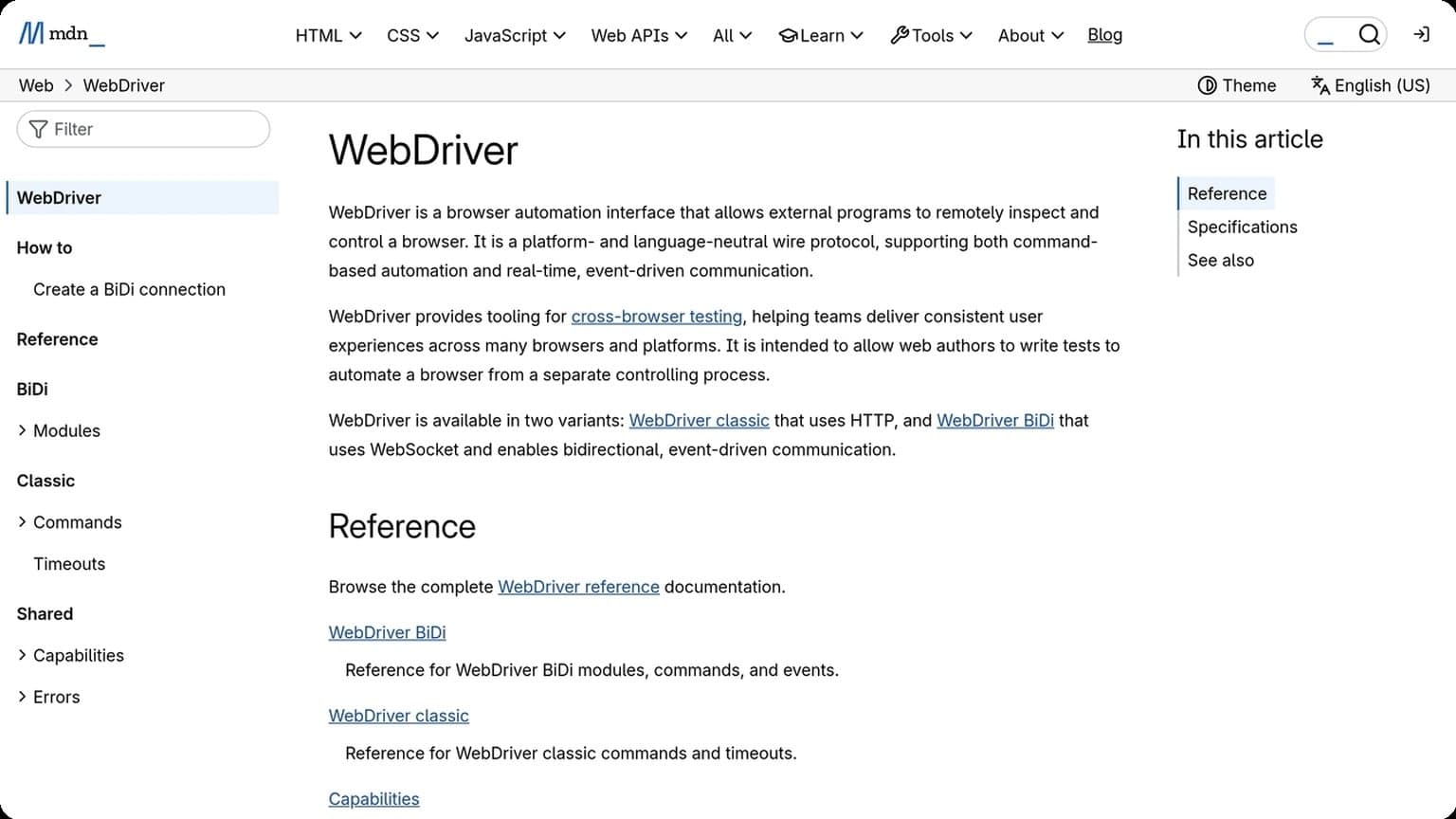
For technical teams, it helps to validate compatibility with your stack before rollout. Review the platform’s automation guidance, then test against your own scripts, schedulers, or QA flows. For official browser automation standards, see the WebDriver documentation and the Playwright docs.
Privacy Features
Strong privacy controls are the foundation of reliable multi-account workflows. For teams and solo operators alike, the goal is simple: reduce linkability between sessions, keep network signals consistent, and make every profile behave like a separate real user environment.
Fingerprint masking
Browser fingerprinting combines dozens of signals, including user agent, canvas, WebGL, fonts, timezone, and device settings. GoUndetected.io helps mask these identifiers so each profile presents a coherent, low-risk fingerprint instead of a patchwork of conflicting data that can trigger checks.
In practice, that means you can align the visible browser environment with the account’s target region and usage pattern. For a deeper technical overview of common fingerprinting vectors, see MDN’s browser API documentation.
Proxy support
Proxy integration is essential because IP reputation and location data are often analyzed alongside browser fingerprints. GoUndetected.io supports proxy-based routing so each profile can appear to connect from a distinct network identity, helping reduce cross-account correlation.
The most effective setup depends on your use case, but the general rule is to keep the proxy type aligned with the account’s expected behavior. Residential proxies are often preferred for natural browsing patterns, while datacenter proxies may be suitable for controlled testing. A simple comparison:
| Proxy type | Best for | Typical risk profile |
|---|---|---|
| Residential | High-trust account activity | Lower detection risk |
| Datacenter | Testing and automation | Moderate to higher scrutiny |
| Mobile | Location-sensitive workflows | Very strong trust signals |
Profile isolation
Profile isolation keeps cookies, storage, cache, and session data separated so one account’s activity cannot bleed into another. This is critical for preventing accidental overlaps, especially when managing marketplaces, ad accounts, or social profiles at scale.
Good isolation also improves operational control. A clean profile structure makes it easier to assign one proxy, one fingerprint, and one workflow per account. For best results, keep these rules in mind:
- Use one profile per account, with no shared sessions.
- Match each profile to a dedicated proxy and timezone.
- Keep naming and tagging consistent for easier audits.
- Separate testing profiles from live production accounts.
Automation Use Cases
Automation can save hours in multi-account operations, but only when it is built around realistic browser behavior and clean identity separation. For teams using GoUndetected.io, the most effective workflows are the ones that reduce repetitive work without triggering platform risk signals.
Bot tasks
Bot tasks usually cover low-friction actions such as logging in, collecting data, posting scheduled updates, or filling forms at scale. The challenge is not the task itself, but making each session look consistent enough that platforms do not connect the accounts.
Common bot workflows include:
- Lead capture and form submission
- Content posting and queue management
- Price monitoring and scraping
- Routine QA checks across multiple profiles
Account farming
Account farming depends on gradual, believable activity. New profiles often need warm-up periods, staggered logins, and separate browser fingerprints so they do not look like a bulk-created cluster. This is where an antidetect browser becomes especially valuable: it helps keep sessions isolated while automation handles the repetitive cadence.
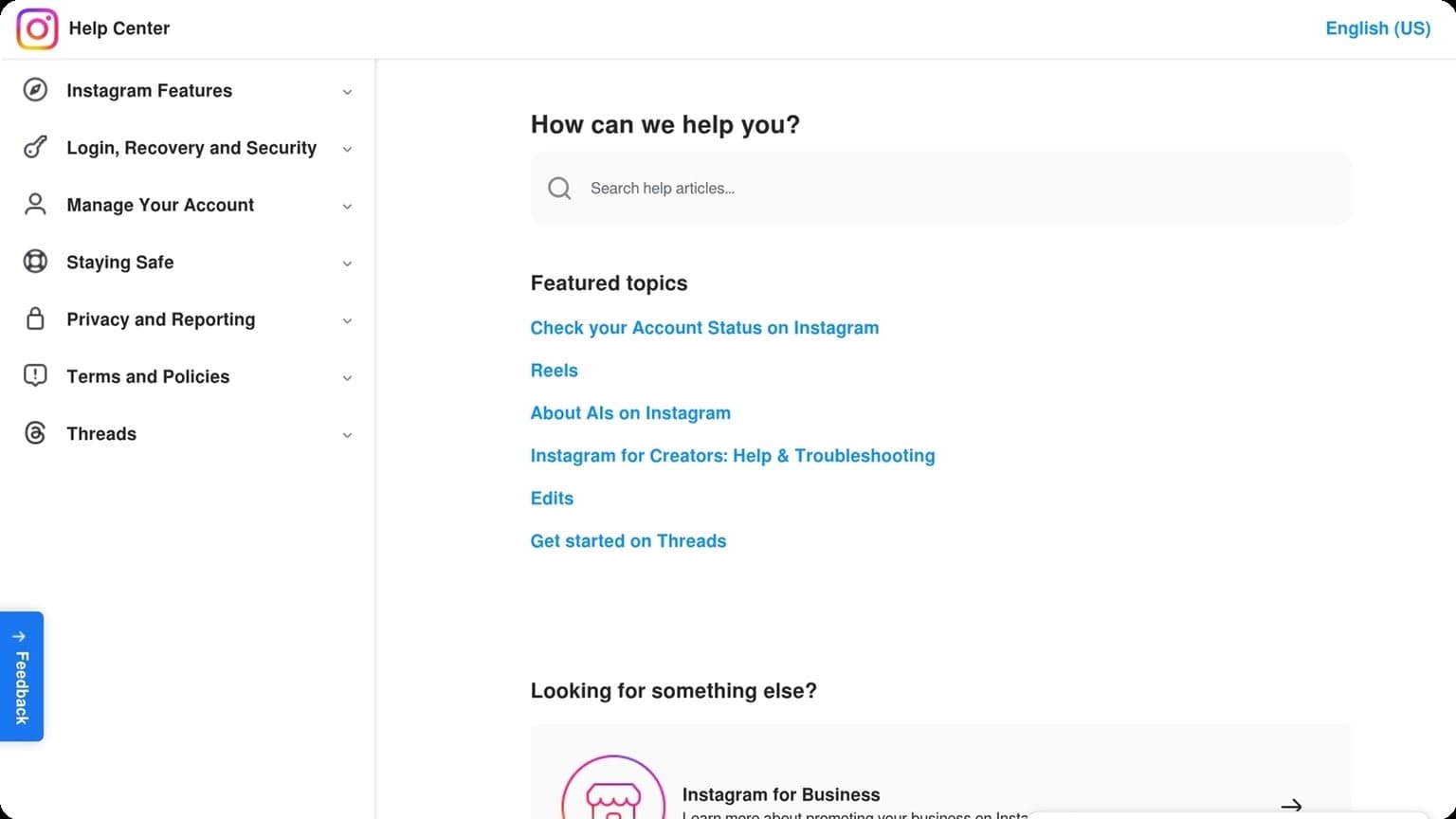
A practical farming setup usually combines browser profiles, rotating residential proxies, and scripted delays. The goal is to build trust over time, not maximize speed. For platform-specific rules, always review the official help center, such as Instagram Help Center or Google Support, before scaling.
Ad testing
Ad testing is another strong automation use case because it requires repetition across many environments. Marketers may need to validate creatives, landing pages, geos, or device combinations, and manual checking quickly becomes inefficient. Automated profiles make it easier to compare performance without cross-contaminating cookies or sessions.
Use a simple testing matrix to keep results readable:
| Test variable | Why it matters | Automation benefit |
|---|---|---|
| Browser profile | Separates sessions | Cleaner comparisons |
| Geo/IP | Changes ad delivery | Accurate regional checks |
| Device fingerprint | Affects creative rendering | More realistic QA |
Team Collaboration
When multiple people manage the same channels, team collaboration can either speed up operations or create account risk. A well-structured antidetect workflow keeps everyone aligned while reducing accidental overlaps, login conflicts, and fingerprint mismatches.
Shared profiles
Shared profiles let teammates work inside the same browser environment without rebuilding settings for every task. Instead of passing passwords or reconfiguring fingerprints, teams can open a pre-set profile with the right cookies, proxy, and device parameters already in place.
This is especially useful for agencies, e-commerce teams, and support departments that need continuity across shifts. A shared profile preserves context, so one operator can pause a task and another can continue with minimal disruption.
Access control
Not everyone needs the same level of access. Role-based permissions help you decide who can view, edit, launch, or delete profiles, which reduces the chance of mistakes and limits exposure if a teammate leaves the company.
- Admins: manage settings, permissions, and infrastructure.
- Operators: use assigned profiles without changing core configuration.
- View-only users: monitor activity and status without editing rights.
For teams handling sensitive accounts, access control should be paired with clear SOPs and a documented onboarding flow. If you want a practical setup reference, see the GoUndetected.io workflow approach for multi-account teams.
Audit logs
Audit logs make collaboration measurable. They show who accessed a profile, when changes were made, and what actions were taken, which is critical for troubleshooting and accountability.
| Log detail | Why it matters |
|---|---|
| User action | Identifies who changed or opened a profile |
| Timestamp | Helps trace issues across shifts and time zones |
| Configuration change | Shows what was modified and whether it was intentional |
With logs in place, managers can spot unusual behavior early, resolve disputes faster, and maintain cleaner operational records across the team.
Choosing the Right Option
Choosing the right antidetect browser comes down to matching the tool to your budget, workflow, and growth plans. A cheap option can look attractive at first, but hidden limits on profiles, automation, or support often make it more expensive over time.
Budget check
Start by comparing the total cost of ownership, not just the monthly fee. For solo operators, a lightweight plan may be enough; for agencies or teams, the real cost includes extra seats, profile limits, proxy usage, and time spent on manual work.
Before you commit, review what each plan actually includes and whether upgrades are predictable as you scale.
| Cost factor | What to verify | Why it matters |
|---|---|---|
| Subscription price | Monthly vs annual billing | Affects cash flow and long-term spend |
| Profile limits | How many browser profiles are included | Determines how many accounts you can manage |
| Team access | Seats, permissions, and collaboration tools | Prevents workflow bottlenecks |
Skill level
If you are new to multi-account management, prioritize a clean interface, guided setup, and reliable documentation. A powerful tool is only useful if your team can configure fingerprints, proxies, and profiles correctly without constant troubleshooting.
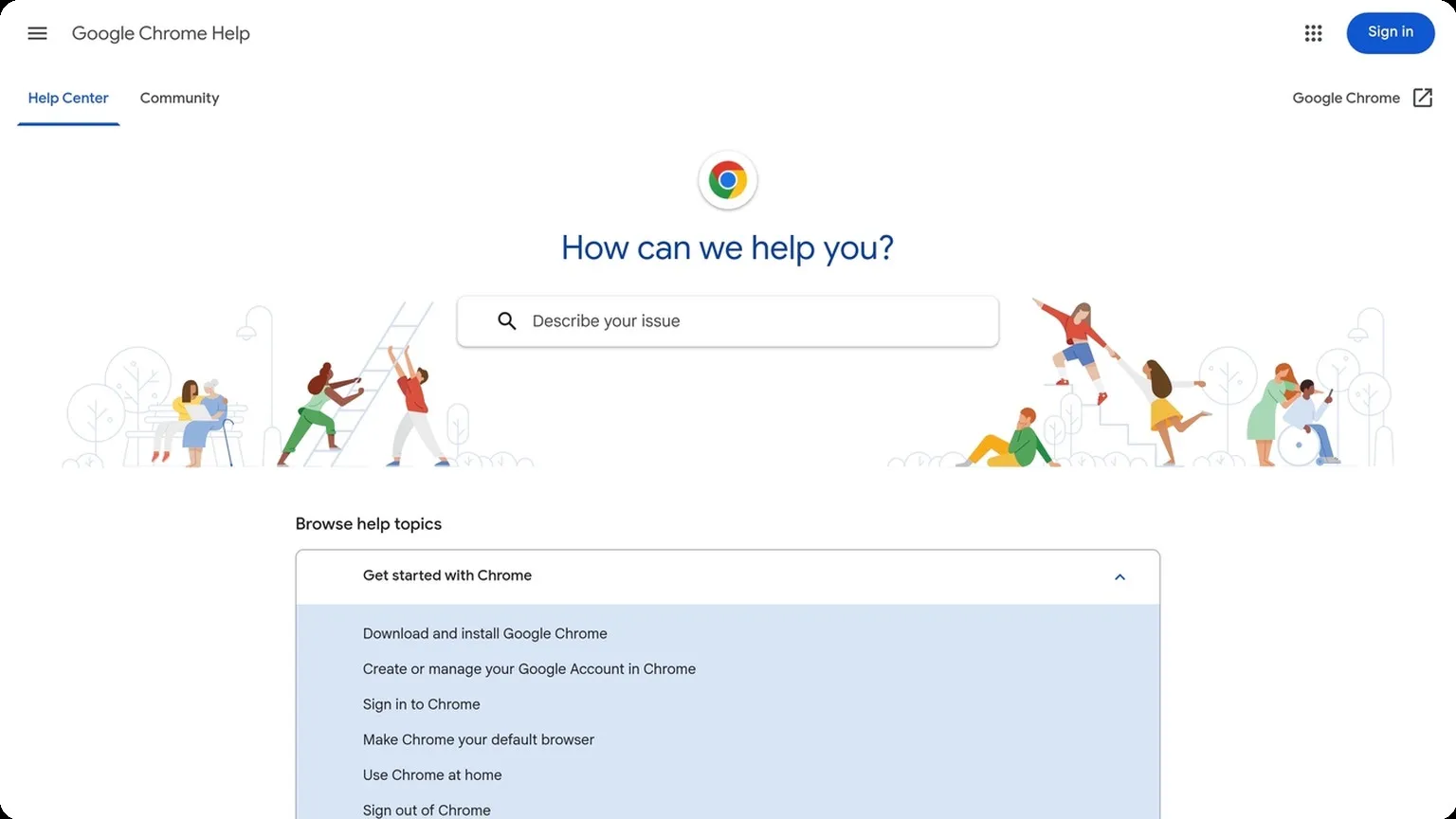
More advanced users may prefer deeper control, automation support, and API access. For setup guidance, look for clear vendor docs and practical tutorials such as the Chrome Help Center or proxy best-practice resources from reputable providers.
Scalability
Think beyond today’s account count. The best choice should let you add profiles, users, and workflows without rebuilding your process every few months. This matters most if you plan to expand into new markets, manage multiple brands, or delegate work to a team.
A scalable solution typically supports:
- Flexible profile creation and organization
- Role-based access for teams
- Automation and API-ready workflows
- Consistent performance as volume grows
If you want a practical balance of control and growth readiness, GoUndetected is worth a look for teams that need to scale without making the browser stack harder to manage.
Need more hands-on playbooks? Read How to create a Facebook business page, Anti-detection browser pricing models explained: when to choose free, subscription, or team plans, and Cookie robot for TikTok.
Browse Undetected. Stay Private.
Unique browser fingerprints, built-in proxy support, and anti-detection technology. Try GoUndetected free for 7 days.
Available for macOS and Windows · No credit card required