
Anti-Detection Browser vs VPS: Which Setup Is Better for Remote Workflows and Account Isolation?
Compare anti-detection browsers and VPS setups for remote workflows, account isolation, security, cost, and performance to find the best option for marketers, affiliates, e-commerce teams, and agencies.

When teams compare Anti-Detection Browser vs VPS: Which Setup Is Better for Remote Workflows and Account Isolation?, the answer usually depends on how much control, isolation, and operational flexibility they actually need. For marketers, affiliates, e-commerce operators, and agencies managing multiple identities, the wrong setup can lead to wasted spend, account flags, and avoidable workflow friction.
At a high level, a VPS gives you a remote machine environment, while an anti-detection browser is built to separate browser fingerprints, profiles, cookies, and session data in a way that looks consistent across accounts. That difference matters when you’re running ad accounts, social profiles, marketplaces, or client work at scale, because “remote access” is not the same thing as “account isolation.”
The best choice often comes down to risk tolerance, team structure, and the platforms you work with. If you need fast profile switching, cleaner collaboration, and more precise browser-level separation, an anti-detection browser can be the more practical option. If your workflow requires full desktop control or specialized software outside the browser, a VPS may still have a place in the stack.
In this article, we’ll break down the real-world tradeoffs, where each setup performs best, and how tools like GoUndetected.io fit into a modern multi-account workflow without adding unnecessary complexity.
Anti-Detection Basics
Anti-detection works best when you treat each account like a separate device, not just a separate login. The goal is to reduce the signals that platforms use to link sessions, from browser identity to cookie history and network patterns. With the right setup, you can manage multiple accounts with less overlap and fewer verification triggers.
Browser Masking
Browser masking changes the outward signals a site sees: user agent, OS, time zone, language, screen size, and other environment details. When these values conflict with each other or with your proxy location, the profile looks suspicious. A strong browser setup keeps those signals consistent so each profile appears like a normal, distinct user.
Practical masking starts with profile-level control. Use one browser profile per account, align the time zone and language with the proxy region, and avoid switching core settings mid-session. For reference on how browsers expose environment data, see MDN’s Navigator documentation.
Fingerprint Control
Fingerprinting goes beyond cookies. Websites can combine canvas, WebGL, fonts, audio, and hardware hints to create a stable identifier. If even one signal is inconsistent, the fingerprint becomes easier to flag. The objective is not to “hide everything,” but to make the profile look coherent and repeatable.
- Keep fingerprint values stable for each account.
- Match device, browser, and proxy geography.
- Avoid frequent profile resets unless needed.
Session Isolation
Session isolation prevents one account’s cookies, cache, and local storage from leaking into another. That separation matters because shared session data is one of the fastest ways platforms connect accounts. Clean isolation also makes troubleshooting easier when one profile is challenged and the others remain unaffected.
A simple operating rule is to separate login environments by account type and workflow. A compact comparison:
| Setup | Risk | Best use |
|---|---|---|
| Shared browser | High | Single-account use |
| Incognito only | Medium | Short tests |
| Isolated profiles | Lower | Multi-account management |
VPS Workflow Setup
A VPS workflow gives you a stable base for multi-account operations: one environment for setup, one for access, and one for network identity. The goal is not just uptime, but repeatable sessions that reduce friction when teams log in from different places or manage many profiles at once.
Cloud desktop
A cloud desktop acts like a persistent workstation you can standardize across accounts. Instead of relying on local devices that vary in OS, browser state, and extensions, you keep the core workflow in one controlled environment.
For practical setup, prioritize a clean image, limited admin access, and a documented launch routine. That makes it easier to replicate settings, onboard teammates, and recover quickly if a profile needs to be rebuilt.
Remote access
Remote access should be fast enough for daily use and strict enough to protect session integrity. Use a single access method for the team, enforce strong authentication, and avoid sharing credentials across unrelated operators.
To keep operations smooth, define who can connect, from where, and under what conditions. A simple policy can prevent accidental overlap and reduce the chance of session conflicts.
- Enable MFA for every operator account.
- Restrict logins by IP or device where possible.
- Log access times for troubleshooting and audits.
Dedicated IPs
Dedicated IPs help keep traffic consistent, which is especially useful when accounts need stable network fingerprints. Compared with shared exits, they reduce cross-user contamination and make it easier to map one identity to one connection path.
For teams comparing options, the tradeoff is usually cost versus control. Shared IPs are cheaper, but dedicated IPs are easier to manage when account reputation and session continuity matter.
| Option | Best for | Main benefit |
|---|---|---|
| Cloud desktop | Standardized browser workflows | Consistent environment |
| Remote access | Distributed teams | Secure collaboration |
| Dedicated IPs | High-value accounts | Stable network identity |
For teams building this stack, pairing a VPS with an antidetect browser like GoUndetected.io helps keep browser fingerprints and access patterns aligned.
Account Isolation Needs
When you manage multiple accounts, isolation is the difference between a scalable workflow and a risky one. Platforms look for shared signals across sessions, so each profile should behave like a separate, consistent user environment.
Separate profiles
Each account should live in its own browser profile with unique fingerprints, storage, and session history. That means no shared extensions, no reused local data, and no accidental cross-login that can tie accounts together.
In practice, a clean profile structure helps you keep workflows organized and reduces the chance of one mistake affecting every account. For teams, it also makes handoffs easier because each profile has a clear purpose and owner.
Cookie separation
Cookies are one of the easiest ways for platforms to connect activity across accounts. If cookies are mixed, a login, checkout, or ad action in one profile can expose patterns that should stay isolated.
- Keep cookies tied to a single profile only.
- Avoid copying sessions between accounts.
- Clear or reset data when a profile’s purpose changes.
For a deeper technical look at browser storage and tracking, see Mozilla’s overview of cookies and site data in the Firefox Help Center.
Login safety
Safe logins are not just about passwords; they are about reducing signals that trigger verification or link analysis. Stable access patterns, consistent IP use, and isolated credentials all help prevent avoidable flags during sign-in.
| Risk | What to do |
|---|---|
| Shared sessions | Use one profile per account |
| Cookie leakage | Keep storage fully separated |
| Suspicious logins | Maintain consistent access settings |
For platforms that publish security guidance, review their official login and account protection docs before scaling. If you want a cleaner way to keep all of this under control, GoUndetected.io is a practical option to manage isolated profiles without turning every login into a manual process.
Performance and Cost
Choosing an antidetect browser is not just about stealth features. In day-to-day multi-account work, the real question is whether the tool stays fast enough, affordable enough, and light enough to manage at scale.
Speed tradeoffs
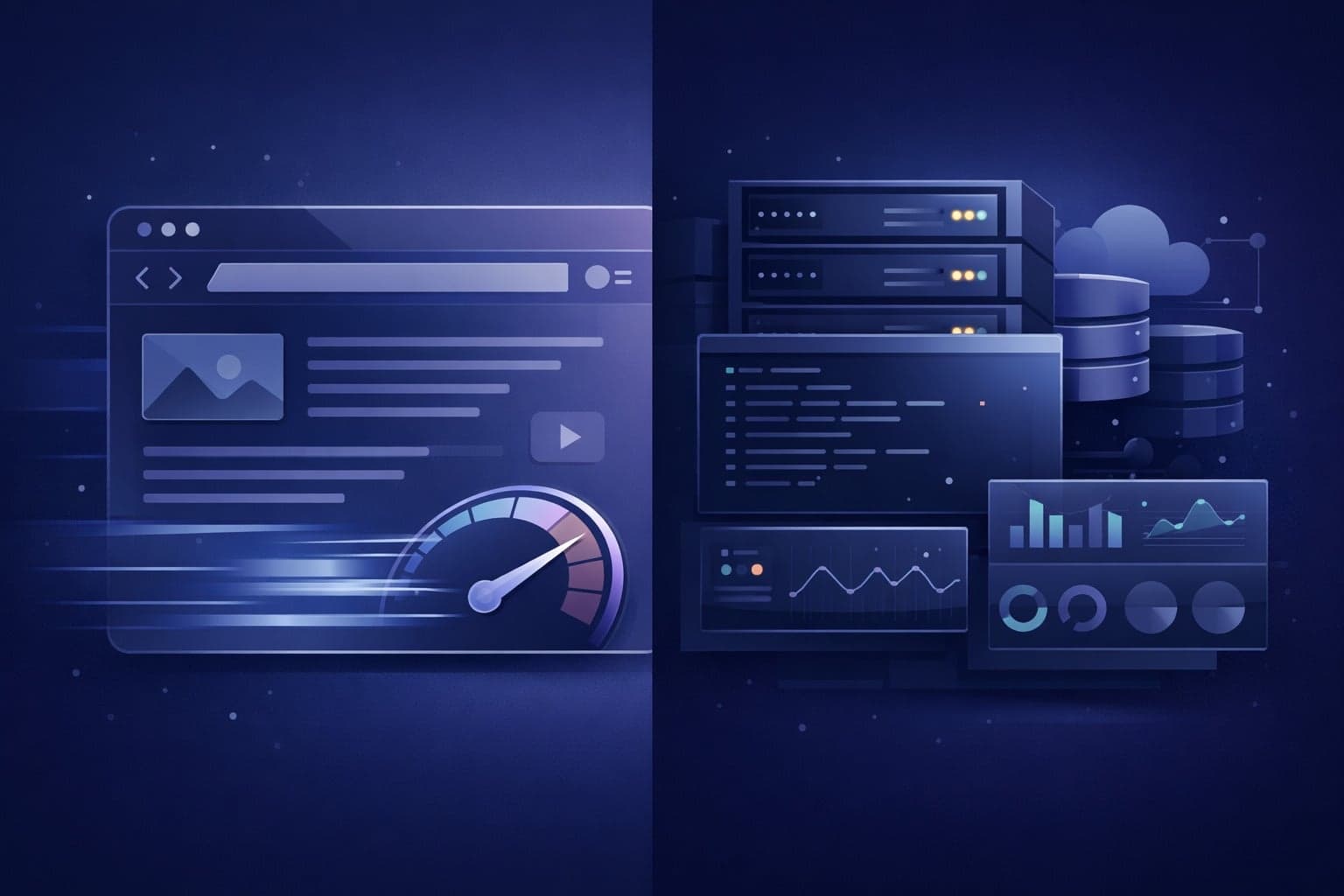
Antidetect browsers usually add overhead because each profile loads its own fingerprint, storage, and session isolation. That means startup can be slower than a standard browser, especially when you open many profiles at once or attach heavy proxy routing.
For most teams, the practical benchmark is consistency, not raw speed. A slightly slower launch is acceptable if it reduces crashes, profile leaks, and account flags. The best setups keep common actions responsive while avoiding unnecessary extensions, oversized caches, and unstable proxy chains.
Monthly fees
Pricing typically scales with profile limits, team seats, and automation access. Lower-cost plans can work for solo operators, but agencies and e-commerce teams usually pay more because they need collaboration, larger profile volumes, and better support.
| Plan factor | Lower tier | Higher tier |
|---|---|---|
| Profiles | Limited | Higher or unlimited |
| Seats | 1 user | Team access |
| Automation | Basic | API / advanced control |
Before comparing vendors, review the total stack cost: browser subscription, proxies, and any workflow tools. A cheaper browser can become expensive if it requires more manual fixes or causes account resets.
Maintenance load
Maintenance is where many teams lose time. Profiles need naming rules, proxy checks, cookie hygiene, and periodic updates to avoid fingerprint drift. If you manage dozens of accounts, even small inconsistencies can create support overhead.
A good operating routine keeps the workload predictable:
- Use one proxy per account or workflow cluster
- Audit profile settings before scaling
- Update browser versions on a schedule
- Document access and recovery steps
If you want a setup that balances control with low friction, GoUndetected is worth evaluating. It is built for teams that need multi-account stability without turning maintenance into a full-time job.
Security and Risk
Security and risk in multi-account operations come down to one question: how visible is your setup to the platforms you use? GoUndetected.io helps reduce exposure, but smart users still need to manage signals, permissions, and recovery paths carefully.
Detection signals
Platforms usually flag accounts by correlating browser fingerprints, IP patterns, cookies, and behavior. A stable antidetect profile lowers noise, but inconsistent time zones, repeated login routes, or shared devices can still create a recognizable pattern.
Use a simple risk check before every session:
- Unique browser profile per account
- Clean proxy or residential IP matching the profile region
- Consistent timezone, language, and device parameters
- Avoiding sudden bulk actions that look automated
Access control
Strong access control limits damage if one profile, credential set, or team member is compromised. For agencies and operators, the safest setup is role-based access with the minimum permissions needed for each user.
Keep admin access separate from daily operations, rotate credentials regularly, and review who can export data or change profile settings. If you use shared workflows, document them clearly so teammates do not reuse the same login, proxy, or recovery email by mistake.
| Control | Why it matters | Best practice |
|---|---|---|
| Profile permissions | Limits accidental changes | Grant only task-specific access |
| 2FA | Protects against credential theft | Enable on every critical account |
| Audit logs | Shows who changed what | Review weekly for anomalies |
Recovery options
Recovery planning is often overlooked until an account is locked. Before scaling, store backup emails, 2FA recovery codes, and trusted device notes in a secure vault. If a profile is flagged, fast verification depends on having clean records and consistent ownership details.
For platform-specific requirements, check official help pages such as Google Account Help or Instagram Help Center. A documented recovery process reduces downtime and helps you restore access without exposing your broader account network.
Best Choice Guide
Choosing the right antidetect setup depends on how many accounts you manage, how much collaboration you need, and how tightly you need to control fingerprints, proxies, and access. Here’s a practical guide to the best fit for common operating models.
Solo operators
If you run one-person campaigns, prioritize speed, low overhead, and clean profile separation. A lightweight workflow is usually enough: stable browser profiles, reliable proxy rotation, and simple session reuse so you can work fast without mixing identities.
Best fit: freelancers, affiliate marketers, marketplace sellers, and researchers who need to manage multiple accounts without a team layer.
- Use one profile per account to reduce cross-contamination.
- Match proxy location to the account’s market.
- Keep naming conventions simple for quick switching.
Teams
Teams need more than isolation; they need process control. Look for role-based access, profile sharing, audit trails, and the ability to standardize browser fingerprints across operators. This reduces mistakes and makes account handoffs safer.
For agencies and growth teams, the biggest risk is inconsistent setup. A shared system should make it easy to assign work, limit permissions, and keep every account environment reproducible.
| Need | Solo | Team |
|---|---|---|
| Profile isolation | Essential | Essential |
| Access control | Basic | Critical |
| Auditability | Optional | Important |
Hybrid setups
Hybrid setups work best when a central admin manages infrastructure while individual operators handle execution. This model is ideal if you have a small core team plus contractors, or if you want to scale gradually without rebuilding your workflow.
Choose a platform that supports both solo efficiency and team governance. GoUndetected is a strong fit here because it helps you keep account environments separated while still making collaboration practical. For implementation details, see the documentation and build your workflow around the most restrictive account first.
Need more hands-on playbooks? Read Best browser for privacy, How to Evaluate Anti-Detection Tools for Ad Verification Workflows: A Practical Feature and Risk Comparison, and Growing your LinkedIn page.
Browse Undetected. Stay Private.
Unique browser fingerprints, built-in proxy support, and anti-detection technology. Try GoUndetected free for 7 days.
Available for macOS and Windows · No credit card required