
Best browser for privacy
Discover what makes the best browser for privacy, from fingerprint protection to isolation and speed. Compare key features and choose the right privacy browser.

Choosing the best browser for privacy in 2026 is no longer just about blocking ads or clearing cookies. Modern tracking relies on digital fingerprinting, browser fingerprinting, and cross-site correlation that can identify you even when you use incognito mode, a VPN, or standard tracking protection. That means the real question is not simply which privacy browser hides your history, but which one gives you the right balance of anonymity, convenience, and operational separation.
In this guide, we compare the leading options for online privacy, including Tor Browser, Brave Browser, Mullvad Browser, LibreWolf, and hardened Firefox. We also look at the tradeoffs between fingerprint blocking and fingerprint spoofing, how WebRTC protection and DNS-over-HTTPS affect leak prevention, and which browsers are best for anonymous browsing versus multi-account management.
Unlike typical rankings that lean heavily on product hype, this article uses a practical decision framework: threat model, usability, compatibility, performance, and setup complexity. That matters because the best browser for a journalist, a privacy-conscious consumer, and a growth team managing multiple accounts are not always the same tool.
If you need privacy plus profile isolation for work, research, or account separation, tools like GoUndetected can be a strong fit alongside browser hardening. For a deeper comparison of operational use cases, see our anti-detection tools guide for ad verification workflows and our team onboarding and audit trails comparison.
Best Browser Criteria
Choosing the best browser for multi-account work comes down to three practical factors: how well it protects identity, how quickly it loads real tasks, and how reliably it runs day after day. A browser that wins on one metric but fails on the others will slow teams down and raise account risk.
Privacy
Privacy is the baseline. The browser should reduce fingerprint overlap, isolate profiles, and make each session look consistent enough to avoid easy linking. For account operators, that means stronger separation than standard incognito mode and fewer shared signals across cookies, canvas, WebGL, and fonts.
Look for controls that support disciplined account separation:
- Unique browser fingerprints per profile
- Proxy support for location consistency
- Cookie and storage isolation
- Team access without exposing sensitive logins
Speed
Speed matters because multi-account workflows are usually repetitive: login, verify, post, monitor, repeat. A good browser should launch profiles quickly, handle tabs without lag, and keep proxy-heavy sessions responsive. Slow startup times or heavy resource use become expensive when you manage dozens of accounts at once.
In practice, speed is not just about raw rendering. It also depends on profile switching, automation compatibility, and how efficiently the browser handles multiple sessions on the same machine. If your workflow includes frequent testing, compare browsers on startup time and memory usage before committing.
Stability
Stability is what keeps accounts usable over time. Frequent crashes, profile corruption, or sync issues can interrupt campaigns and create avoidable risk. The best browser should preserve session state, recover cleanly after restarts, and stay dependable under long-running workloads.
Use this simple checklist when evaluating options:
| Criterion | What to check |
|---|---|
| Privacy | Fingerprint separation and proxy consistency |
| Speed | Profile launch time and memory efficiency |
| Stability | Crash rate, session recovery, and profile integrity |
Top Privacy Features
For multi-account workflows, privacy is not just about hiding—it’s about making each browser profile look consistent, isolated, and low-risk. GoUndetected.io focuses on the three controls that matter most: fingerprint control, proxy support, and cookie handling.
Fingerprint control
Browser fingerprinting combines dozens of signals, from WebGL and canvas output to timezone, language, and hardware details. GoUndetected lets you standardize or vary these values per profile, helping each account present a stable identity instead of a mismatched one.
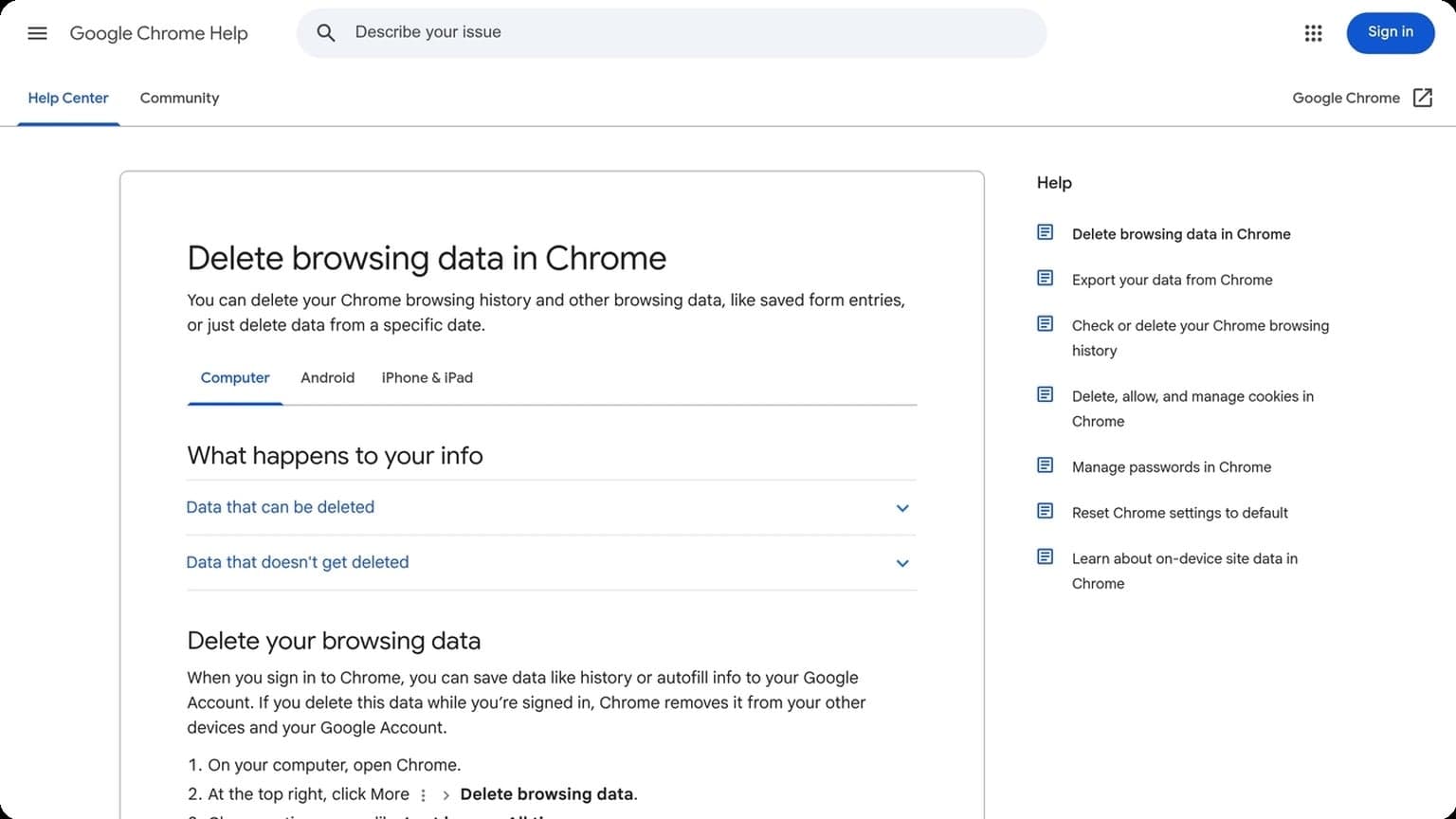
This matters because inconsistencies are often what trigger checks. A profile that says one location, one device type, and one browser setup should behave that way across sessions. For a practical overview of browser fingerprinting, see Chrome Help and the broader privacy context in the EFF’s online identification primer.
Proxy support
Proxies add the network layer of isolation. With GoUndetected, you can assign a dedicated proxy to each profile so IP address, geolocation, and browser fingerprint align. That reduces cross-account linkage and makes account operations more predictable.
- HTTP/HTTPS proxies for general browsing and account management
- SOCKS5 proxies for broader application support and flexible routing
- Per-profile assignment to keep accounts separated
| Proxy type | Best for | Privacy value |
|---|---|---|
| HTTP/HTTPS | Standard web tasks | Good |
| SOCKS5 | Mixed traffic and advanced use | High |
Cookie handling
Cookies are the memory of a browser session, which makes them useful—and risky—when you manage multiple accounts. GoUndetected isolates cookies by profile, so login states, preferences, and tracking data do not bleed between identities.
That separation helps you avoid accidental cross-login signals and keeps each workspace clean. In practice, it means you can reopen a profile and continue from the same state without exposing other accounts to the same session trail.
Performance Matters
Performance is not just a convenience in multi-account work; it directly affects how many profiles you can manage, how quickly you can switch tasks, and how reliably your setup runs during busy sessions. A browser that feels light and responsive helps teams stay focused on operations instead of waiting on loading screens or troubleshooting freezes.
Fast startup
Fast startup matters when you open dozens of profiles a day. Every extra second adds up, especially for agencies, e-commerce teams, and operators who need to move between campaigns quickly. GoUndetected.io is built to reduce that friction so profiles launch with less delay and you can get to work sooner.
That speed also supports better workflow discipline. When a browser starts cleanly and consistently, it is easier to batch tasks, test accounts, and keep momentum across sessions without breaking concentration.
Low memory
Memory usage becomes a real bottleneck once you scale beyond a few tabs. Heavy browsers can slow the entire machine, force unnecessary reloads, and make even simple actions feel sluggish. A lower-footprint antidetect browser helps preserve system resources for proxies, tools, and the work itself.
In practical terms, that means fewer interruptions and more stable performance over long sessions. If you manage multiple profiles on one device, low memory use is one of the clearest indicators that the browser is designed for operational efficiency.
Smooth tabs
Smooth tab handling is essential when you jump between stores, ad accounts, marketplaces, or support dashboards. You want tabs to open, switch, and refresh without lag, because delays can disrupt timing and increase the chance of mistakes.
For teams comparing browsers, these three performance traits usually matter most:
- Startup speed for rapid profile access
- Memory efficiency for stable multitasking
- Tab responsiveness for clean workflow switching
That combination is what makes a browser feel dependable in real-world use. If you want a deeper look at how performance supports safer multi-account management, see the GoUndetected blog.
Security and Isolation
Strong multi-account operations depend on more than separate logins—they require separation at the browser level. GoUndetected.io is built to reduce cross-account exposure by keeping profiles, storage, and network signals isolated, so one session does not contaminate another.
Profile separation
Each profile should behave like its own device identity. That means distinct cookies, local storage, cache, timezone, language, and hardware fingerprints. When these elements are mixed, platforms can correlate accounts even if the usernames and emails differ.
In practice, clean profile separation helps teams manage marketplaces, ad accounts, and client assets with less overlap. A good workflow is to assign one profile per account, then keep naming, proxy use, and login habits consistent. For deeper guidance on browser fingerprinting, see browser privacy resources and platform-specific help centers.
Sandboxing
Sandboxing limits how far a session can reach beyond its own container. If a tab crashes, a script misbehaves, or an extension leaks data, the damage should stay inside that profile instead of spreading across the browser environment.
For multi-account teams, this matters most when several users share a machine or when workflows involve automation, extensions, or repeated logins. A practical sandboxing setup should include:
- isolated profile storage
- restricted extension access
- separate proxy bindings per account
- controlled session persistence
Leak prevention
Most account linkages happen through leaks, not obvious mistakes. Common risks include DNS exposure, WebRTC IP disclosure, shared cookies, and accidental copy-paste between profiles. Preventing these leaks is often the difference between stable scaling and repeated verification checks.
Use a setup that blocks or routes outbound signals consistently, and verify it before logging into sensitive accounts. The checklist below covers the essentials:
| Leak source | What to control |
|---|---|
| IP / DNS | Use a dedicated proxy and confirm DNS stays aligned |
| WebRTC | Disable direct address exposure |
| Storage | Keep cookies and cache profile-bound |
When these layers work together, GoUndetected.io helps create a cleaner separation model that is easier to operate and harder to link.

Ease of Use
GoUndetected.io is built to make multi-account work feel straightforward, even when your workflows involve separate profiles, proxies, and team access. The goal is less time spent configuring and more time actually managing accounts safely and efficiently.
Simple setup
Getting started should not require a technical background. With GoUndetected, you can create a profile, assign the right fingerprint settings, and connect a proxy in a few clear steps. That makes it practical for solo operators and teams that need to scale quickly without a long onboarding curve.
For users comparing tools, simplicity often comes down to how fast the first usable profile is ready. A clean setup flow reduces mistakes and helps teams standardize their process from day one.
- Create a browser profile in minutes
- Attach proxies without complicated configuration
- Save reusable profile settings for repeat tasks
Team sharing
Multi-account operations rarely stay with one person, so sharing access matters. GoUndetected supports team-oriented workflows by letting you organize profiles and distribute work without exposing unnecessary details. That is especially useful for agencies, affiliate teams, and e-commerce operators.
Instead of passing logins around, teams can keep browser environments organized and separated. This improves accountability and makes it easier to assign accounts by project, client, or channel.
| Team need | Practical benefit |
|---|---|
| Profile access | Share only the environments a teammate needs |
| Workflow organization | Keep accounts grouped by client or campaign |
| Operational control | Reduce overlap and confusion across users |
Clear UI
A strong antidetect browser should feel usable on the first login, and GoUndetected’s interface is designed with that in mind. Clear labels, logical navigation, and visible profile status help users move faster and make fewer errors.
That matters in day-to-day work, where small friction points add up. When the UI is easy to scan, your team can focus on account performance instead of hunting through menus.
Best Choice Guide
Choosing the right antidetect browser depends on how many accounts you manage, how often you switch profiles, and how much automation you need. The best option is not always the most feature-heavy one; it is the one that keeps workflows stable, repeatable, and easy to scale.
Use Cases
GoUndetected.io fits teams and solo operators who need clean browser isolation for ad accounts, marketplaces, affiliate workflows, and social media management. It is especially useful when each profile must stay consistent with its own fingerprint, cookies, and proxy setup.
- Agency teams: Separate client work without profile overlap.
- E-commerce operators: Manage storefronts, supplier accounts, and ad assets.
- Affiliate marketers: Test offers and funnels across multiple identities.
- Freelancers and resellers: Keep personal and business activity fully separated.
Pricing Value
Value should be measured by account safety, team collaboration, and time saved on profile management. A lower monthly price can become expensive if it lacks reliable fingerprint control, proxy support, or sharing features that reduce manual work.
| Factor | What to Look For | Why It Matters |
|---|---|---|
| Profile limits | Enough seats for current and future accounts | Prevents constant upgrades |
| Team access | Shared folders and permissions | Supports collaboration |
| Proxy handling | Easy integration and testing | Reduces setup errors |
Final Verdict
If your priority is dependable multi-account management with a practical learning curve, GoUndetected is an easy recommendation. It balances isolation, usability, and scalability in a way that suits both beginners and advanced operators.
For most users, the smartest move is to start with a tool that can grow with your stack rather than one you will outgrow in a month. If you want a straightforward, professional setup, GoUndetected is the friend I’d point you to first.
Need more hands-on playbooks? Read Growing your LinkedIn page.

Browse Undetected. Stay Private.
Unique browser fingerprints, built-in proxy support, and anti-detection technology. Try GoUndetected free for 7 days.
Available for macOS and Windows · No credit card required