
Best social media automation tools
Discover the best social media automation tools and how to pair them with the right proxies for safer scheduling, account stability, and better performance across platforms.

If you’re researching the best social media automation tools, the real question is not which platform can schedule posts fastest — it’s which stack can help you scale content, engagement, and reporting without creating account risk or operational chaos.
In 2026, social media automation goes far beyond queueing posts. Teams now use AI content creation, engagement automation, workflow automation, content recycling, and analytics automation to manage dozens of channels efficiently. But for agencies, affiliate marketers, and growth teams, the biggest failure point is usually not the software itself — it’s multi-account management, identity separation, and platform safety.
This guide breaks down the leading tools on equal footing, including Buffer, ManyChat, Zapier, SocialBee, Metricool, and n8n, while also showing where cloud phones, proxies, and anti-detection browsers fit into a safe operating model. You’ll get practical decision criteria, implementation notes, and real-world workflows for account warmup, publishing, approvals, and reporting.
If your goal is to automate social media without triggering bans, review bottlenecks, or brand-safety issues, the right answer is rarely a single tool. It’s a system — and that system starts with clean account infrastructure. For that layer, GoUndetected.io is worth a look.
Social Media Proxy Basics
Social media proxies are the network layer between your account activity and the platform. Instead of every login, post, or scrape request coming from one visible IP address, a proxy routes traffic through a different IP, helping separate identities, locations, and workflows.
In practical terms, proxies are most useful when you need repeatable access across many accounts. They help teams keep sessions segmented, reduce the chance of one account’s behavior affecting another, and make regional testing more accurate. That matters whether you’re publishing content, reviewing ads, or checking how a profile appears in a specific market.
What They Are
A proxy acts as an intermediary server that forwards requests on your behalf. For social media, that means each account can appear to connect from a distinct IP, which is especially useful when you manage multiple profiles or run campaigns across regions.
Not all proxies behave the same. Residential and mobile proxies usually look more like real user traffic, while datacenter proxies are faster but easier for platforms to flag. For platform-specific rules, review the relevant help center, such as Instagram Help Center or X Help Center.
| Proxy Type | Best For | Risk Profile |
|---|---|---|
| Residential | Account management, realistic browsing | Lower |
| Mobile | High-trust sessions, tougher platforms | Lowest |
| Datacenter | Speed, bulk tasks | Higher |
Why They Matter
Platforms analyze IP reputation, login patterns, and location consistency to detect unusual behavior. A stable proxy setup reduces cross-account contamination, lowers verification triggers, and helps keep sessions cleaner when teams operate at scale.
They also support operational consistency. If your ads, content, or moderation work depends on predictable access, proxies help maintain the same network identity for each account instead of switching between mixed IPs and geographies. That consistency is especially important during account warmup, when even small changes can create unnecessary friction.
Common Uses
- Managing multiple brand or client accounts
- Localizing content and checking region-specific feeds
- Running automation, scheduling, or scraping workflows
- Testing ads, creatives, and landing pages from different locations
In practice, proxies work best when paired with disciplined browser separation. Tools like GoUndetected.io help keep profiles organized so each account stays tied to its own environment, making multi-account operations more reliable.
Choosing the Right Proxy
The right proxy setup can make the difference between stable multi-account workflows and constant verification loops. For GoUndetected users, the goal is simple: match the proxy type to the account risk, traffic pattern, and platform sensitivity.
A good selection process starts with the task, not the price tag. If the account is customer-facing or tied to revenue, reliability and reputation matter more than raw speed. If the workflow is internal testing or bulk validation, you can usually accept more risk in exchange for lower cost and faster throughput.
Residential vs Datacenter
Residential proxies route traffic through real ISP-assigned IPs, so they usually blend in better on social platforms, marketplaces, and ad tools. Datacenter proxies are faster and cheaper, but they’re easier for platforms to flag when used at scale or with repetitive login behavior.
| Proxy Type | Best For | Main Tradeoff |
|---|---|---|
| Residential | High-trust accounts, sensitive actions | Higher cost, slightly slower |
| Datacenter | Low-risk tasks, testing, bulk checks | Higher detection risk |
If your workflow involves account warming, ad management, or region-specific browsing, residential is usually the safer default. Datacenter proxies can still work well for internal QA, scraping, or non-sensitive automation where speed matters more than authenticity.
Static vs Rotating
Static proxies keep the same IP for longer sessions, which is useful when a platform expects consistency. Rotating proxies change IPs automatically, helping reduce pattern reuse, but they can also look unnatural if the IP shifts too often during a login or checkout flow.
- Static: best for long sessions, account consistency, and fewer re-verification prompts.
- Rotating: best for large-scale data collection, testing, and distributed requests.
- Rule of thumb: use one IP per account when trust is critical.
Speed vs Safety
Fast proxies improve page load times and reduce friction, but raw speed should not override reliability. A slightly slower proxy with cleaner reputation often performs better over time because it triggers fewer challenges and keeps sessions intact.
When in doubt, prioritize the proxy that matches the platform’s expectations, then test it in a controlled workflow. For deeper setup guidance, see our GoUndetected.io resources and choose the option that balances performance with account safety.
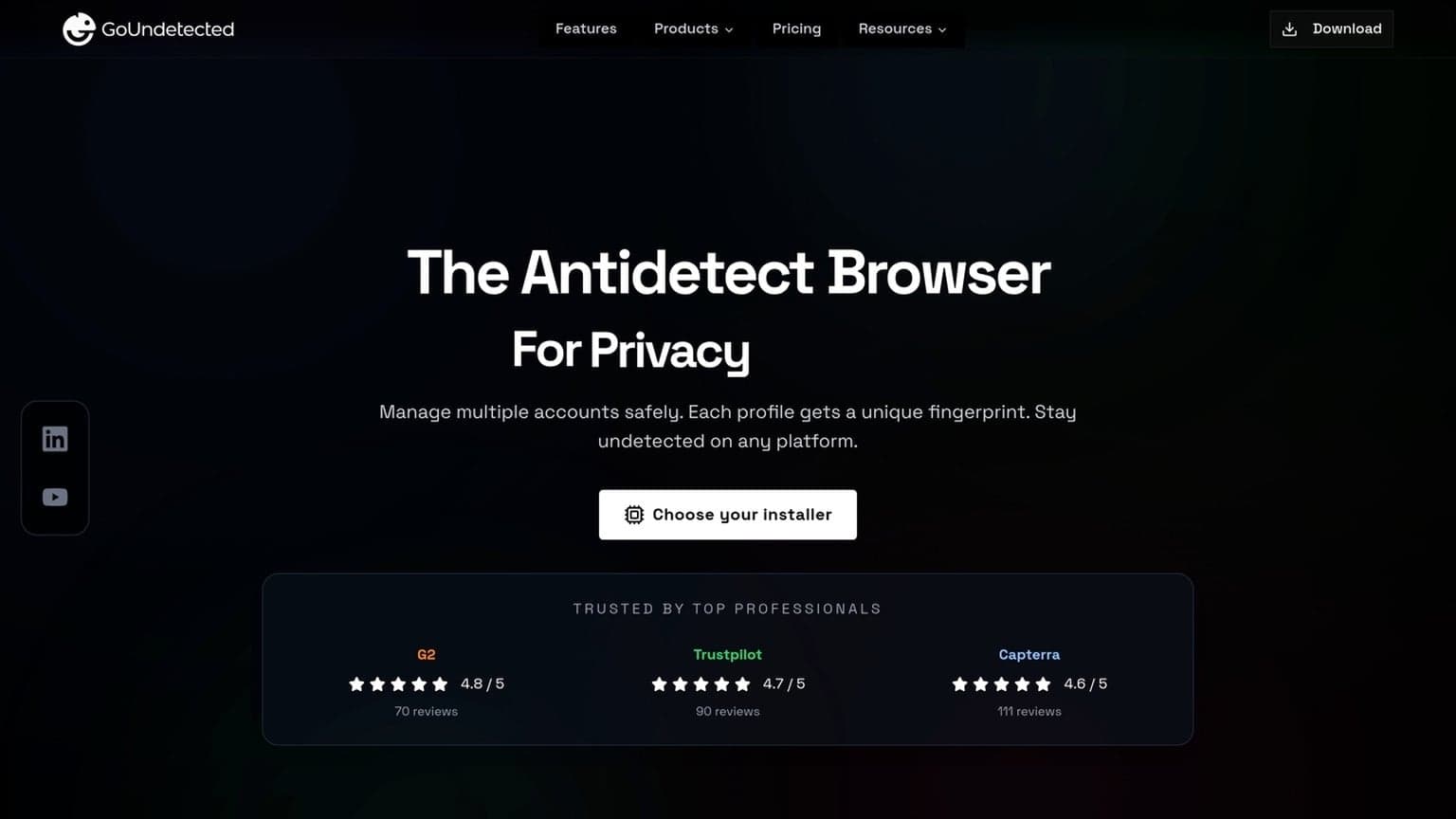
Account Safety Signals
Platforms rarely flag accounts for one event alone. They look for patterns that line up over time: where you log in from, what your device looks like, and how your sessions behave. When these signals stay consistent, the account appears normal; when they shift too often, risk scores rise quickly.
That is why multi-account teams should think in terms of signal management, not just access management. The safest workflows are the ones that reduce surprises: stable IPs, predictable devices, realistic session timing, and a clear separation between profiles. The more repeatable the environment, the easier it is to scale without constant interruptions.
IP Consistency
IP changes are one of the fastest ways to trigger scrutiny, especially when the same account jumps across countries, cities, or datacenter ranges in a short window. A stable residential or mobile connection usually looks far more natural than a rotating stream of proxies.
For teams managing multiple profiles, the goal is not just “a proxy,” but a believable network story. Keep the same account tied to the same region, avoid sudden geo-hops, and review whether your proxy provider supports clean, low-risk routes.
Device Fingerprints
Websites combine browser and device attributes to build a fingerprint: user agent, screen size, fonts, WebGL, time zone, language, and more. If these details conflict with each other, the account can stand out even when the IP looks fine.
Good hygiene means keeping each profile internally consistent. A browser environment should match the operating system, locale, and typical hardware profile you expect for that account. For a deeper breakdown, see the GoUndetected.io approach to isolated profiles and fingerprint control.
Login Patterns
Behavioral signals matter just as much as technical ones. Repeated logins at unusual hours, rapid switching between accounts, or logging in from many devices in a short period can all look automated or compromised.
- Use regular login times when possible
- Avoid bouncing between accounts in one session
- Keep session length and activity pace realistic
- Re-authenticate only when needed, not constantly
Platform-Specific Needs
Each platform enforces its own trust signals, so a safe multi-account setup has to match the network’s behavior, not just hide your IP. The practical difference is simple: Instagram is sensitive to repetitive actions, Facebook watches identity and session consistency, and TikTok heavily checks device fingerprints plus content patterns.
That means the same automation stack can behave very differently depending on where it is deployed. A workflow that is acceptable for one network may be too aggressive for another, so teams should tune limits, profile separation, and login habits per platform rather than using a one-size-fits-all approach.
Instagram Rules
Instagram limits are mostly about activity pacing. Rapid follows, mass likes, duplicate comments, and frequent logins from changing environments can trigger checkpoints or temporary blocks. For account managers, the goal is to keep each profile looking like a real, stable user.
- Warm up new accounts gradually.
- Keep posting, messaging, and following volumes conservative.
- Use one browser profile per account to preserve cookies and local storage.
Facebook Limits
Facebook is stricter on identity and business actions, especially for ad accounts, Page admins, and Marketplace use. It often compares device history, login location, and payment behavior, so even small inconsistencies can lead to verification prompts.
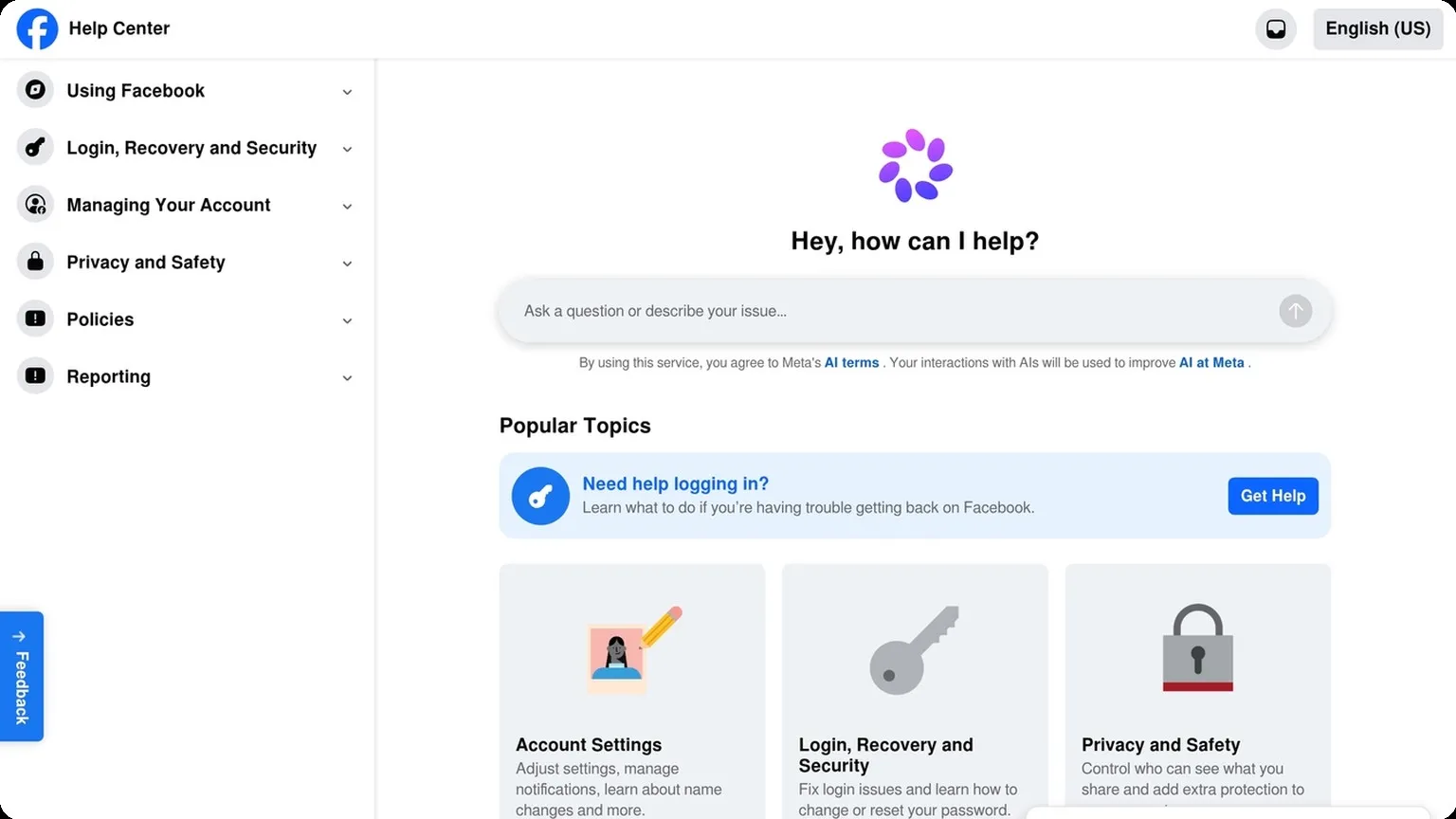
For teams, consistency matters more than speed. Meta’s own Help Center emphasizes account authenticity, and that means keeping profiles, proxies, and browser fingerprints aligned across sessions.
| Platform | Main Risk | Best Practice |
|---|---|---|
| Action spikes | Slow ramp-up | |
| Identity mismatch | Stable session data | |
| TikTok | Fingerprint checks | Unique browser profile |
TikTok Checks
TikTok is fast at flagging cloned environments, repeated uploads, and proxy patterns that look shared. It also pays attention to engagement timing, so a new account that behaves like a mature creator can look suspicious.
Use distinct profiles, keep device signals consistent, and avoid copying the same content cadence across accounts. For a deeper look at browser-level isolation, see GoUndetected.io.
Setup and Configuration
Before you launch any account workflow, a clean setup is what keeps your fingerprint consistent and your sessions stable. In GoUndetected, configuration should be treated as a repeatable process: define the browser profile, connect the right app tools, and align location signals so every account looks like it belongs to the same environment.
The best setups are documented and repeatable. If a teammate needs to recreate a profile later, they should be able to follow the same settings, proxy assignment, and naming convention without guessing. That reduces mistakes, speeds up onboarding, and makes troubleshooting much easier when something changes.
Browser Settings
Start with a dedicated profile for each account cluster. Keep core signals aligned across sessions: user agent, timezone, language, WebRTC, and hardware values. Small mismatches create noisy fingerprints, especially when you switch devices or proxy locations too often.
Use a simple rule set for consistency:
- One profile per account or per account group
- Stable browser version and canvas settings
- Cookie and cache isolation between profiles
- Proxy assigned before first login
App Integration
Connect the tools your team already uses, but only after the browser profile is finalized. Integrations work best when they support your workflow without changing the fingerprint surface. For example, sync tools, automation scripts, and team access controls should be mapped to specific profiles rather than shared globally.
| Integration type | Best use | Setup priority |
|---|---|---|
| Automation | Repeatable actions and scaling | High |
| Team sync | Shared access and handoffs | Medium |
| API tools | Workflow control and reporting | High |
Geo Matching
Geo matching is the final check that ties your browser profile to the proxy region and account history. If the IP says one country while the browser language and timezone suggest another, platforms may flag the session as unusual. For practical guidance on proxy behavior, see GoUndetected.io.
Match these signals before going live:
- Proxy country and city
- Timezone and locale
- Payment or shipping region, when relevant
Monitoring and Optimization
Once your multi-account setup is live, monitoring and optimization keep it stable. The goal is simple: catch failures early, spot patterns before they become outages, and tune each browser profile so it stays fast, consistent, and low-risk.
Monitoring should be routine, not reactive. A short daily review of login health, proxy quality, and account behavior is often enough to catch issues before they spread across a whole team. Over time, that discipline creates cleaner data and fewer emergency resets.
Uptime Checks
Run scheduled checks on login pages, proxy endpoints, and critical workflows such as checkout or account switching. A basic uptime monitor should test from multiple regions and alert you when response time spikes, CAPTCHA frequency rises, or a profile stops loading correctly.
For practical coverage, track the same signals across every account group:
- Page load success rate
- Average response time
- Proxy connection stability
- Login completion rate
Error Logs
Error logs show where automation breaks, but only if you review them consistently. Filter by timestamp, profile, proxy, and browser version so you can separate a one-off issue from a repeatable fingerprinting or network problem.
Keep a short response playbook for the most common failures:
- Confirm whether the proxy is healthy.
- Check if the profile was updated recently.
- Review blocked requests, timeouts, and auth errors.
- Retest the same action in a clean session.
Performance Tuning
Optimization is about reducing friction without changing the profile’s identity signals. Trim unnecessary extensions, limit background tabs, and align browser settings with the task. If you need a refresher on stable multi-account workflows, see GoUndetected.io for practical setup guidance.
A simple tuning matrix helps prioritize fixes:
| Signal | What to Watch | Best Action |
|---|---|---|
| Load speed | Slow profile startup | Reduce extensions and cached clutter |
| Stability | Frequent crashes | Update browser core and isolate heavy tasks |
| Consistency | Fingerprint drift | Standardize profile templates |
In the end, the best social media automation tools only perform well when the surrounding infrastructure is disciplined. If you combine the right software with clean proxies, consistent browser profiles, and regular monitoring, you can scale content and engagement with far less operational risk. That is the practical advantage of building a system instead of relying on a single app.
Need more hands-on playbooks? Read Browser.lol review, Anti-Detection Browser vs Residential Proxy Setup for Account Warm-Up: Which Matters More for Fingerprint Stability and Ban Reduction?, and How to use a proxy.

Browse Undetected. Stay Private.
Unique browser fingerprints, built-in proxy support, and anti-detection technology. Try GoUndetected free for 7 days.
Available for macOS and Windows · No credit card required