
Camoufox alternatives
Discover the best Camoufox alternatives for anti-fingerprinting and multi-profile browsing. Compare top anti-detect browsers and choose the right tool for safer, scalable workflows.

Multilogin’s January 18, 2026 fingerprinting guide warned that stateless trackers now identify users with over 99% accuracy even when they run VPNs or incognito sessions (Multilogin), which is why Camoufox-class browsers live or die by how well they control fingerprints, proxies, and automation. If you’re comparing Camoufox alternatives, you’re probably trying to solve one of three problems: browser fingerprinting, multi-accounting, or the need for cleaner session control across multiple browser profiles. Camoufox is interesting because it sits at the intersection of privacy browser tooling and anti-detect workflows, but the real decision usually comes down to reliability, proxy management, automation support, and whether the tool is actually ready for day-to-day production use.
In this guide, we’ll look at the strongest options side by side—including dedicated anti-fingerprinting browser platforms like Multilogin, GoLogin, Kameleo, and DICloak, plus privacy-first browsers such as Brave, Tor Browser, LibreWolf, and Waterfox. We’ll also explain where Camoufox fits, where it falls short, and how to evaluate features like cookie import export, team collaboration, residential proxies, and browser profile isolation without relying on marketing claims alone.
To keep this comparison practical, we’ll focus on real-world workflows for solo operators, agencies, e-commerce teams, and developers. If you want a broader framework for choosing the right tool, you may also find our guides on anti-detection browser vs anti-detection tool, anti-detection browser pricing models explained, and how to detect and fix browser fingerprint mismatches before they trigger a ban useful as you compare options.
What Is Camoufox
Camoufox is a lightweight antidetect browser built for users who need to manage multiple online identities without constantly triggering platform checks. It focuses on browser fingerprint control, profile isolation, and operational consistency, making it useful for teams and solo operators who work across marketplaces, social platforms, ad accounts, or web apps that monitor device signals closely.
Overview
At its core, Camoufox aims to make each browser profile look and behave like a separate real device. Instead of relying on a single shared browser environment, it lets users split activity into isolated sessions with different fingerprints, cookies, and network settings. That structure reduces cross-account contamination and helps avoid the common mistakes that lead to bans, verification loops, or trust issues.
For users comparing antidetect tools, the practical value comes down to control and repeatability. If you need stable multi-account workflows, Camoufox is positioned as a privacy and identity management layer rather than a general-purpose browser. For broader context on browser fingerprinting, see EFF’s Cover Your Tracks.
Core Features
Camoufox typically centers on the features that matter most in multi-account operations: profile separation, fingerprint customization, and proxy compatibility. These functions are designed to keep sessions distinct while preserving a realistic browsing environment.
- Dedicated browser profiles with isolated cookies and storage
- Fingerprint masking or customization for device-level signals
- Proxy support for location and network separation
- Session persistence for recurring logins and workflows
| Feature | Why it matters |
|---|---|
| Profile isolation | Prevents data leaks between accounts |
| Fingerprint control | Helps each profile appear unique |
| Proxy integration | Supports geo-specific or account-specific routing |
Use Cases
Camoufox is most useful anywhere one person or team must operate multiple accounts safely and consistently. That includes e-commerce storefronts, affiliate marketing, social media management, ad verification, and QA testing across different user environments.
It can also help with routine operational tasks that depend on stable identity separation, such as managing client logins or testing region-specific site behavior. If your workflow depends on keeping accounts independent, pairing an antidetect browser with a reliable proxy stack is usually the difference between smooth scaling and repeated friction.
Why Seek Alternatives
Choosing an antidetect browser is rarely about features alone. For teams running multiple profiles, the real question is whether the tool keeps costs predictable, performs consistently under load, and offers help fast enough to avoid downtime.
Pricing
Many alternatives look affordable at first glance, but the effective cost rises once you add seats, profiles, automation, or team access. That makes pricing structure more important than the headline monthly fee. A low entry plan can become expensive if it limits workflows or forces frequent upgrades.
Before committing, compare the full cost picture, including hidden constraints and scaling pressure. A quick checklist helps:
- Profile and team-seat limits
- Automation or API access restrictions
- Proxy and fingerprint management overhead
- Annual discounts versus monthly flexibility
Stability
Even a feature-rich browser loses value if sessions crash, profiles fail to load, or fingerprints behave inconsistently across devices. For multi-account operations, stability directly affects account safety and staff productivity. One failed login loop can waste hours across a distributed team.
Reliable tools should maintain clean profile separation, sync settings without corruption, and handle repeated launches without performance drops. If you are comparing options, look for clear uptime claims, changelogs, and user feedback from active operators rather than marketing copy alone.
| Stability signal | What to check |
|---|---|
| Session persistence | Profiles reopen without resets or fingerprint drift |
| Update quality | New releases fix issues without breaking workflows |
| Load handling | Performance stays consistent with many active accounts |
Support
Support quality becomes critical when something breaks during a campaign, migration, or account handoff. Fast, knowledgeable responses can be the difference between a minor delay and a costly interruption. For business users, the best support is proactive, not just reactive.
Look for clear documentation, responsive live channels, and a support team that understands antidetect use cases. If a vendor also provides practical onboarding guidance and troubleshooting resources, that usually signals a more mature product. For a deeper reference point, review the vendor’s help center or knowledge base before you buy.
Top Camoufox Alternatives
If you’re evaluating Camoufox alternatives, the best choice depends on whether you need stronger team workflows, easier scaling, or a more flexible setup for multi-account operations. Below are three practical options that cover different use cases, from enterprise-grade profile management to a leaner, more accessible antidetect workflow.
GoUndetected
GoUndetected is built for users who want a practical antidetect browser for managing multiple accounts without adding unnecessary complexity. It focuses on stable browser fingerprint control, isolated profiles, and a workflow that supports day-to-day operations across platforms like ads, e-commerce, and social media.
For teams and solo operators alike, the main advantage is simplicity paired with scale. You can organize profiles, reduce cross-account contamination, and keep operations moving with less manual overhead than heavier enterprise tools. If you want a straightforward option that still covers the essentials well, GoUndetected is a strong fit.
Multilogin
Multilogin is one of the most established names in the antidetect space, especially for users who need advanced profile management and collaboration features. It is often chosen by agencies and larger teams that prioritize structured workflows, granular control, and mature ecosystem support.
Its strength is depth, but that can also mean a steeper learning curve and higher cost than lighter alternatives. For businesses managing sensitive account operations, the platform’s reliability and team-oriented features can justify the investment.
AdsPower
AdsPower is popular with performance marketers and operators who want a balance between functionality and affordability. It offers browser profile isolation, automation support, and a relatively approachable interface, making it a common entry point for multi-account management.
It is especially useful when you need to manage a larger number of accounts with repeatable processes. Compared with more premium platforms, AdsPower can feel more accessible for smaller teams, though advanced users may still compare it against higher-control tools.
| Tool | Best for | Strength |
|---|---|---|
| GoUndetected | Solo users and teams | Simple, scalable multi-account workflow |
| Multilogin | Agencies and enterprises | Advanced profile management |
| AdsPower | Marketers and growing teams | Affordable automation-friendly setup |
GoUndetected Benefits
GoUndetected is built for operators who need reliable multi-account management without sacrificing speed or control. The main advantage is simple: you can separate identities, coordinate work across a team, and keep repetitive tasks organized in one browser environment.
Fingerprint Control
Modern platforms correlate dozens of signals, from canvas and WebGL to timezone, language, and device memory. GoUndetected helps you create distinct browser profiles so each account behaves more like a separate real user session, reducing overlap that can trigger checks or restrictions.
That matters most when you manage accounts at scale. Instead of manually resetting settings or worrying about cross-contamination, you can keep profiles consistent and easier to audit.
- Distinct browser fingerprints per profile
- Separated cookies, cache, and local storage
- Cleaner session isolation for each account
Team Workflows
Multi-account work is rarely a solo job. GoUndetected makes it easier for teams to assign profiles, standardize access, and reduce mistakes when multiple people handle the same workflow.
That structure is especially useful for agencies, e-commerce teams, and support operations that need clear ownership. A shared process also makes onboarding faster and reporting more consistent.
| Workflow Need | GoUndetected Benefit |
|---|---|
| Account ownership | Profile-level separation |
| Team coordination | Cleaner handoffs and access control |
| Process consistency | Repeatable setup across users |
Automation Ready
When workflows repeat, automation becomes a practical advantage. GoUndetected is designed to support structured operations where tasks like logins, account setup, or routine checks need to run with minimal friction.
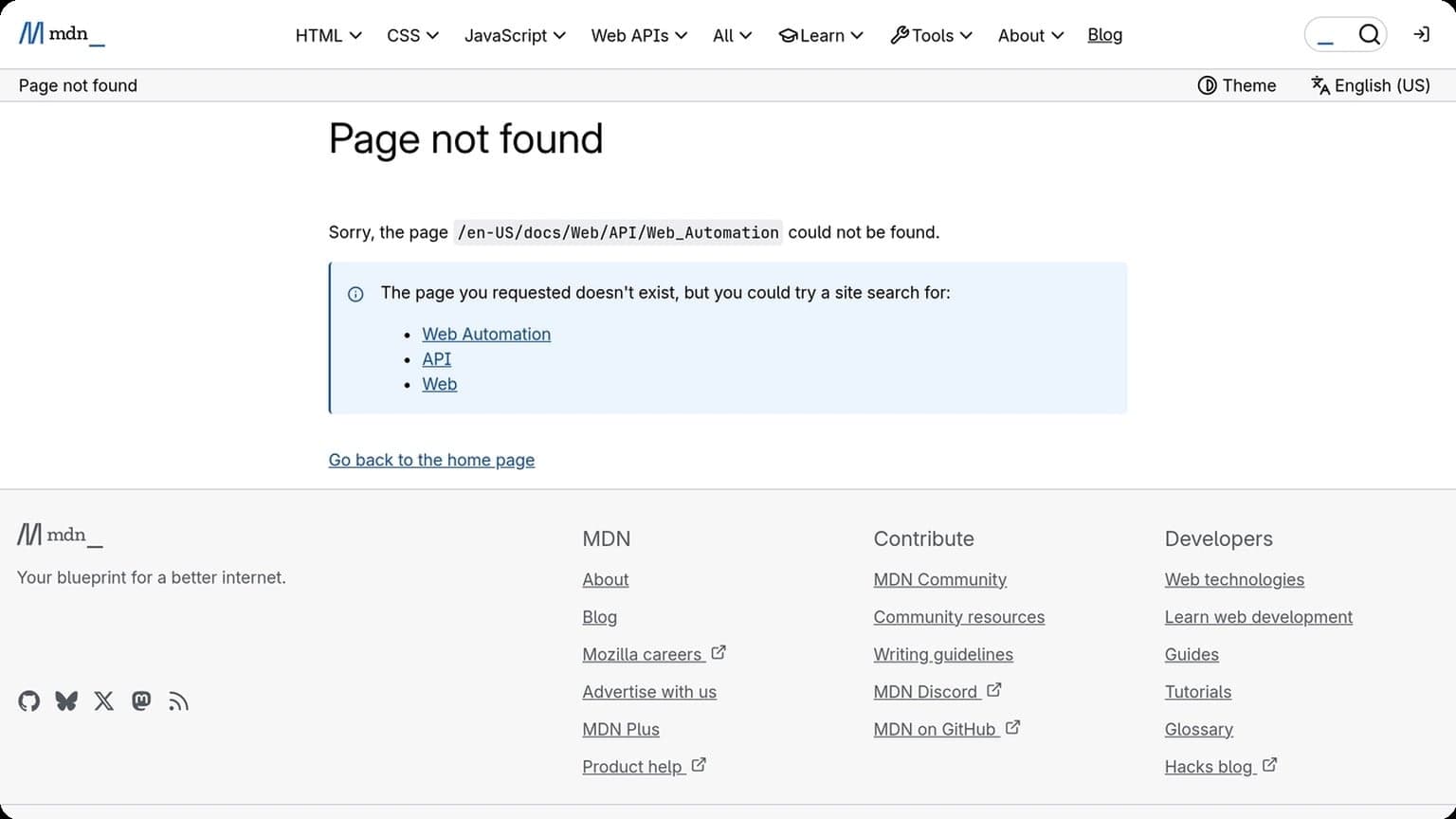
For teams comparing browser-based workflows with external tooling, the key is compatibility and stability. If you want to understand the broader automation landscape, the MDN Web Automation overview is a useful reference point.
How to Choose
Choosing an antidetect browser comes down to matching the tool to your workflow, not just picking the cheapest plan. The right option should support your account volume, fit your proxy stack, and stay stable across the sites you use every day.
Budget
Start by comparing total cost, not just subscription price. Some tools look affordable until you add seats, profiles, cloud sync, or team access. If you manage a small number of accounts, a lean plan may be enough; if you run campaigns at scale, a higher tier can be cheaper than dealing with account flags and manual recovery.
Use a simple checklist to judge value:
- Number of browser profiles included
- Team collaboration and access controls
- Storage, sync, and automation limits
- Proxy support and integration costs
Scale
Think about where you will be in 3 to 6 months, not just today. A browser that handles 10 profiles smoothly may slow down when you need 100, especially if your team shares workflows or rotates devices often. Look for fast profile creation, clean organization, and stable fingerprint management under load.
For larger operations, compare how each tool handles growth:
| Need | Best fit |
|---|---|
| Solo or small team | Simple profile management and low monthly cost |
| Growing agency | Shared workspaces, role permissions, and bulk actions |
| High-volume operations | Automation support, API access, and strong performance |
Compatibility
Compatibility is where many setups break. Check whether the browser works well with your operating system, proxy providers, automation tools, and the platforms you manage most often. If you rely on scripts or third-party tools, review the vendor’s documentation before committing; official help centers such as Google Help and Instagram Help Center can also help you understand platform-specific behavior.
Make sure the tool supports your real workflow, including:
- Windows, macOS, or Linux requirements
- Proxy types you already use
- Automation and API compatibility
- Profile portability for team handoffs
Final Recommendation
If you need a practical way to manage multiple accounts without turning every login into a risk event, the safest recommendation is to match the tool to your workflow first, then optimize for scale. GoUndetected.io is a strong fit for operators who want cleaner browser isolation, easier profile management, and a more controlled setup for daily multi-account work.
Best Fit
GoUndetected is best for marketers, affiliate teams, e-commerce operators, and agencies that regularly work across separate identities or client environments. It is especially useful when account separation, proxy consistency, and repeatable browser fingerprints matter more than convenience alone.
In practice, the best fit looks like this:
- Managing multiple ad, marketplace, or social accounts
- Keeping client profiles isolated for team workflows
- Reducing cross-account contamination from shared browser data
- Standardizing setup across operators and devices
| Use Case | Why GoUndetected Fits | Priority |
|---|---|---|
| Multi-account marketing | Profile separation and consistent browser behavior | High |
| Agency client management | Cleaner handoffs and reduced overlap | High |
| Solo operators | Simple structure without overcomplicating setup | Medium |
Next Steps
Before rolling it out broadly, define your account structure, proxy plan, and naming convention. That small amount of upfront organization usually saves the most time later, especially when you are scaling profiles or onboarding teammates.
If you want a quick reference, start with the official GoUndetected.io product details, then build one test profile and validate your workflow end to end. If the setup feels stable, expand gradually rather than importing everything at once.
Try Now
For most teams, the smartest move is to test GoUndetected on one real use case and measure how much easier account separation becomes. That gives you a clearer answer than feature lists alone.
If your current process depends on manual cleanup, inconsistent profiles, or repeated login issues, GoUndetected is worth trying now as a practical next step. It is the kind of tool I’d recommend to a friend who needs multi-account work to feel organized, repeatable, and less exposed.
Need more hands-on playbooks? Read How to Detect and Fix Browser Fingerprint Mismatches Before They Trigger a Ban, OpenClaw for TikTok, and Anti-Detection Browser vs Anti-Detection Tool: Which One Fits Your Workflow?.
Browse Undetected. Stay Private.
Unique browser fingerprints, built-in proxy support, and anti-detection technology. Try GoUndetected free for 7 days.
Available for macOS and Windows · No credit card required