
Hidemyacc vs AdsPower
Compare Hidemyacc vs AdsPower across features, performance, privacy, pricing, and multiaccount management to find the best antidetect browser for your workflow.

If you’re comparing Hidemyacc vs AdsPower, you’re probably trying to solve the same problem: how to run multiple accounts safely without triggering platform checks, browser fingerprinting, or workflow bottlenecks. Both tools are popular antidetect browser options, but they serve different types of users—and neither is automatically the best fit for every multiaccount management setup.
In this guide, we’ll compare them using practical criteria that actually affect outcomes: fingerprint stability, proxy handling, automation tools, team collaboration, and mobile account management. We’ll also look at where each browser can be enough, where it falls short, and what those gaps mean for real use cases like Facebook bans, TikTok bans, and Instagram account management.
Unlike a sales-first anti detect browser comparison, this article takes an evidence-led approach. That means transparent testing logic, pricing context, and a closer look at total cost of ownership—not just the sticker price. If you want a broader framework for choosing the right tool, you may also find our guides on anti-detect browser for e-commerce and best cloud phones for Facebook multi-accounting useful.
By the end, you’ll know whether Hidemyacc, AdsPower, or a more advanced solution like GoUndetected makes the most sense for your stack, your risk tolerance, and the platforms you manage.
Introduction
Managing multiple accounts has become a routine part of modern marketing, e-commerce, affiliate operations, and platform testing. The challenge is not just scale, but keeping each profile isolated, consistent, and low-risk across devices, sessions, and logins.
Overview
An antidetect browser helps create separate browser identities so each account behaves like it is coming from a different, stable environment. For teams handling ad accounts, marketplaces, social profiles, or QA workflows, that separation can reduce collisions caused by shared fingerprints, cookies, and IP overlap.
In practice, the best setups combine browser isolation with disciplined proxy usage and clear account workflows. For platform-specific guidance, it is also worth reviewing the official help centers of the services you use, such as Google Support or Meta Business Help.
Intent
This article is designed to help you understand when an antidetect browser is useful, what problems it solves, and how to choose a setup that fits your operation. The goal is practical decision-making, not theory.
We will focus on the core questions that matter most:
- How browser fingerprints affect account separation
- Where proxies, profiles, and cookies fit into the workflow
- Which use cases benefit most from multi-account management
Scope
We will keep the discussion centered on real-world usage: account isolation, profile management, team collaboration, and operational risk reduction. That means looking at both benefits and limitations, so you can avoid overcomplicating your stack or relying on the wrong tool for the job.
To make comparisons easier, the article will distinguish between common setup options:
| Option | Best for | Main limitation |
|---|---|---|
| Standard browser | Single-account work | Weak isolation |
| Antidetect browser | Multi-account operations | Requires proper setup |
| Browser + proxy stack | Higher separation needs | More moving parts |
Feature Comparison
When you compare antidetect browsers, the real differences show up in how well they separate identities, scale account work, and support repeatable workflows. Below is a practical feature-by-feature view of what matters most for multi-account teams.
Fingerprints
Fingerprint quality is the first test. A strong browser should let you control core signals such as user agent, WebGL, canvas, timezone, language, and hardware parameters without creating obvious mismatches. The goal is consistency: each profile should look like a believable, stable device instead of a patched-together configuration.
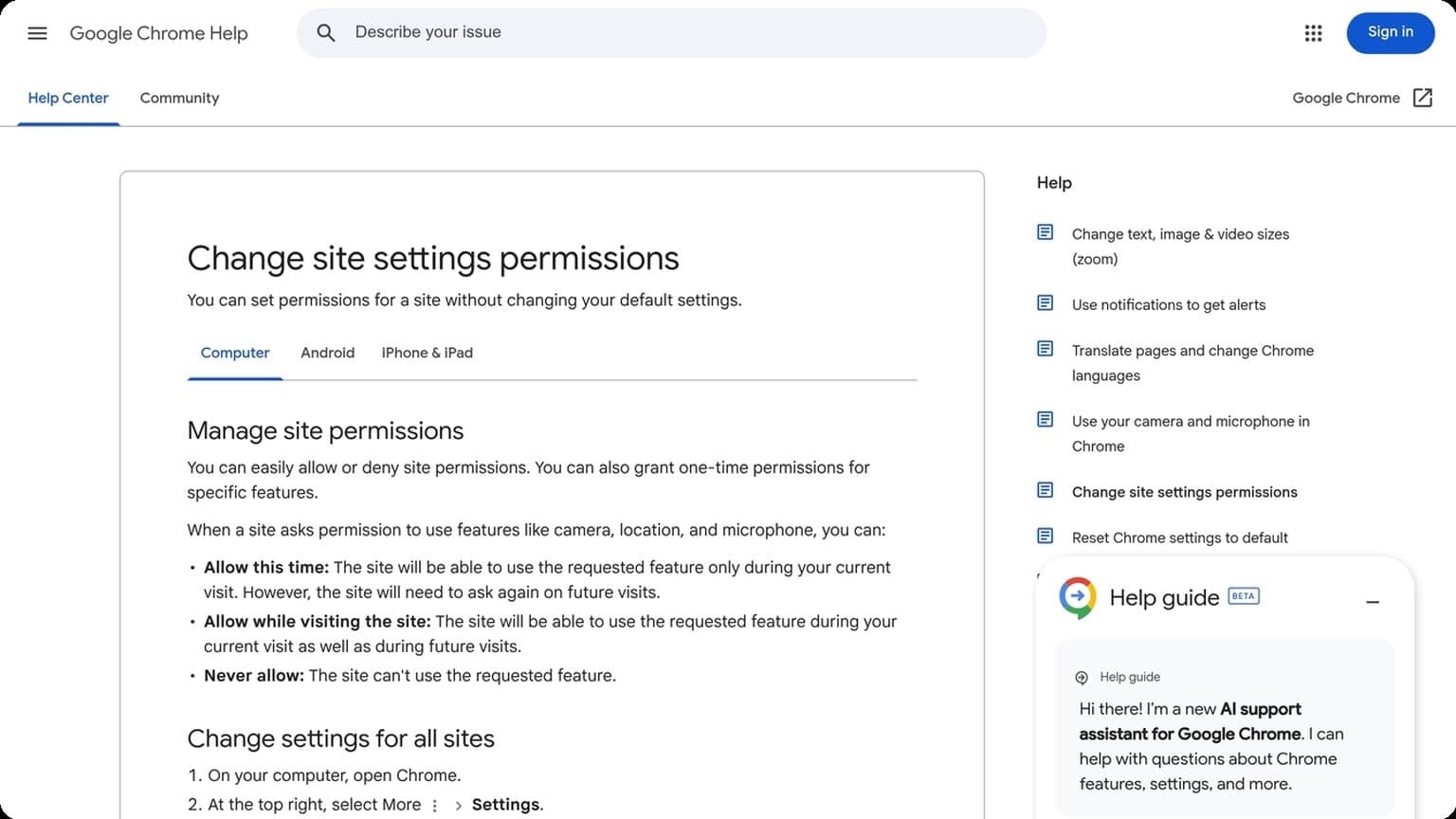
GoUndetected.io focuses on realistic fingerprint generation and profile-level isolation, which helps reduce cross-account linking. For teams that want to understand the basics of browser fingerprinting, the Chrome help center is a useful reference for how browsers expose environment data.
Profiles
Profiles are where day-to-day operations either stay organized or become chaotic. The best tools make it easy to create, label, group, and reuse profiles while keeping cookies, local storage, and sessions separated. That matters when you manage multiple marketplaces, ad accounts, or client logins at once.
Look for profile controls that support shared access, quick duplication, and clean import/export flows. In practice, this reduces setup time and helps teams standardize workflows across operators.
| Feature | Why it matters | Best practice |
|---|---|---|
| Isolated storage | Prevents session overlap | Use one profile per identity |
| Profile notes/tags | Improves team coordination | Tag by platform, client, or region |
| Export/import | Simplifies migration | Back up critical profiles regularly |
Automation
Automation is the multiplier. A capable antidetect browser should support repeatable actions, API-driven workflows, and integration with external tools so routine tasks do not depend on manual clicks. That is especially important for onboarding, QA, and account maintenance.
For teams comparing options, prioritize:
- API access for profile control
- Script-friendly session handling
- Team permissions for safer delegation
GoUndetected.io combines these essentials in a workflow built for practical multi-account management, making it easier to keep operations fast, organized, and harder to link.
Performance Review
Performance matters most when your browser is handling dozens of identities at once. In practice, GoUndetected.io is designed to keep everyday multi-account workflows responsive without creating obvious bottlenecks, so the real test is how it behaves under real switching, syncing, and proxy-heavy use.
Speed
Launch time and profile switching are the first speed signals users notice. GoUndetected.io keeps the interface lean, which helps reduce friction when opening multiple browser profiles or jumping between workspaces. For teams running repetitive tasks, that translates into less waiting and fewer interruptions.
Actual browsing speed still depends on your proxy quality, extensions, and profile size, but the browser itself should not be the thing slowing you down. If you want to compare local network impact, test the same profile set across different proxy routes and note page-start latency, tab response, and login completion time.
Stability
Stability is where antidetect browsers earn trust. A solid setup should avoid crashes during long sessions, keep fingerprints consistent, and preserve cookies and session states even after restarts. That is especially important for e-commerce, affiliate, and ad operations where a single session drop can force re-verification.
From a workflow perspective, the best indicator is how often profiles reopen cleanly after a full shutdown. A practical review checklist looks like this:
- Profiles reopen with the same fingerprint settings
- Saved cookies and local storage remain intact
- Tabs and extensions load without errors
- Proxy changes do not trigger repeated logins
Load
Load performance is about how many profiles you can run before the system starts lagging. On lighter machines, memory pressure usually appears before CPU becomes the main issue, so watch RAM usage as you scale. A browser that stays usable under load helps teams manage more accounts without fragmenting the workflow.
For a quick benchmark, compare profile counts at the same settings and record where responsiveness drops below acceptable levels. If you need a reference point for setup hygiene, see the Chrome Help Center for extension and browser behavior basics, then apply those lessons to your isolated profiles.
Privacy and Security
Privacy and security are the foundation of any multi-account workflow. When you manage multiple profiles, the goal is not just to stay organized—it is to reduce exposure, prevent cross-account leakage, and keep sensitive session data under control.
Encryption
Strong encryption protects browser data both in transit and at rest. That matters when you are handling logins, cookies, fingerprints, and proxy credentials across many accounts. A secure antidetect browser should minimize the risk of interception and make stored data harder to access if a device is compromised.
Look for practical protections such as:
- Encrypted local profile storage
- Secure session handling
- Protected sync or transfer of profile data
Isolation
Isolation is what prevents one account from affecting another. Each browser profile should behave like a separate environment, with its own cookies, cache, local storage, and fingerprint settings. That separation reduces the chance of cross-contamination, which is a common trigger for platform checks.
For teams, isolation also improves operational clarity. If one profile is flagged or logged out, the issue stays contained instead of spreading across the rest of your accounts. In practice, that means fewer support headaches and less time spent recovering sessions.
Control
Security is strongest when you can actively manage it. Good control features let you decide who can access profiles, how they are shared, and what gets tracked. This is especially important for agencies and e-commerce operators that need accountability without sacrificing speed.
| Control Area | Why It Matters |
|---|---|
| Permissions | Limits access to sensitive profiles |
| Audit logs | Tracks changes and team actions |
| Backup options | Helps recover profiles after device loss |
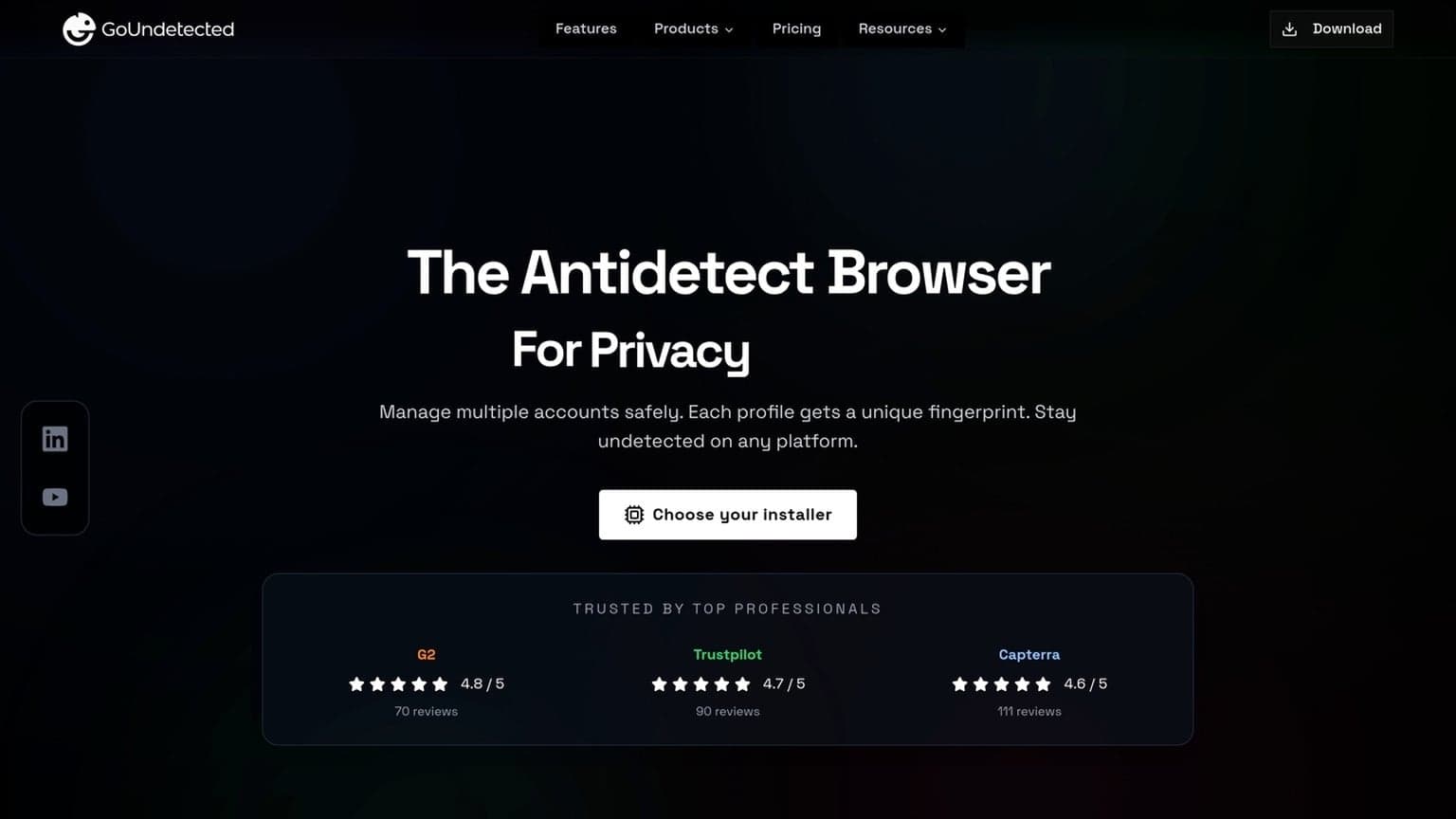
For a deeper look at secure browser practices, see the GoUndetected.io platform and related documentation. The right setup gives you privacy by design, not privacy by accident.
Pricing Breakdown
GoUndetected.io pricing is built around the practical needs of multi-account teams: enough browser profiles to separate identities, enough automation-friendly controls to keep workflows moving, and enough flexibility to scale without paying for unused capacity. The best plan depends on how many accounts you manage, how often you rotate profiles, and whether you need collaboration features.
Plans
Most users should compare plans by profile count, team access, and workflow limits rather than headline price alone. If you are running a small operation, a lower tier can cover daily account separation. Growing teams usually get better efficiency from higher tiers because shared access and larger profile pools reduce admin overhead.
| Plan factor | Best for | What to check |
|---|---|---|
| Entry | Solo users | Profile count, basic fingerprinting tools |
| Mid-tier | Small teams | Shared workspaces, more concurrent sessions |
| Advanced | Agencies and operators | Scale, permissions, automation support |
Limits
Limits matter because antidetect browsers are only useful when they stay stable under real workload. Check profile quotas, session concurrency, and any restrictions on imports, exports, or team seats before you buy. If your process depends on frequent switching, a plan with tighter caps can create hidden friction.
- Number of browser profiles you can create
- Active sessions you can run at once
- Team members and permission controls
- API or automation usage limits
Value
The real value of GoUndetected comes from reducing account risk and manual cleanup. Even a modest plan can pay off if it prevents bans, fingerprint conflicts, or repeated setup work across profiles. For a deeper look at how the browser is structured, see the official GoUndetected site.
In practice, the best pricing decision is the one that matches your operating model, not the lowest monthly number. If you manage multiple accounts daily, paying for stronger limits and smoother collaboration is usually cheaper than dealing with account loss or workflow bottlenecks later.
Final Verdict
Final verdict: if you need stable, repeatable multi-account workflows without constant fingerprint resets, GoUndetected.io is the strongest fit. It is especially useful when account separation, session consistency, and team-scale browser management matter more than a “lightweight” browsing setup.
Best fit
GoUndetected works best for operators who manage multiple identities across ad platforms, marketplaces, social accounts, or affiliate campaigns. The main advantage is practical control: you can keep profiles organized, reduce cross-account contamination, and standardize how each browser identity behaves.
It is a better match for teams and serious solo users than for casual privacy browsing. If your work depends on keeping accounts clean and predictable, this is the type of tool that saves time and lowers operational risk.
| User type | Best outcome | Fit |
|---|---|---|
| Solo operator | Cleaner account separation | Strong |
| Agency/team | Shared profile workflows | Very strong |
| Casual browser | Basic privacy only | Limited |
Use cases
The most common use cases are ad account management, e-commerce store operations, affiliate testing, and managing multiple social profiles. In each case, the goal is the same: isolate browser environments so one account issue does not spill into another.
- Running multiple marketplace or seller accounts
- Testing ads, funnels, and landing pages across profiles
- Managing client accounts in one workspace
- Reducing browser fingerprint overlap during routine operations
Decision
If your priority is reliability over convenience, GoUndetected is an easy recommendation. It is not the cheapest way to browse, but it is the more disciplined choice when account survival and workflow consistency are on the line.
For teams comparing options, the decision usually comes down to this: choose a standard browser for casual use, and choose GoUndetected.io when multi-account management is part of the job. That is the practical line where the tool starts paying for itself.
Need more hands-on playbooks? Read Anti-detect browser for e-commerce, How to Compare Anti-Detection Browsers for Crypto Airdrop Farming: Wallet Separation, Fingerprint Stability, and Recovery Workflows, and Best Instagram growth tools.

Browse Undetected. Stay Private.
Unique browser fingerprints, built-in proxy support, and anti-detection technology. Try GoUndetected free for 7 days.
Available for macOS and Windows · No credit card required