
How to Choose the Right Anti-Detection Browser for E-commerce Marketplaces: Amazon, eBay, and Shopify Use Cases
Learn how to choose the right anti-detection browser for Amazon, eBay, and Shopify workflows. Compare key features, risks, and use cases for safer multi-account operations.

How to Choose the Right Anti-Detection Browser for E-commerce Marketplaces: Amazon, eBay, and Shopify Use Cases is no longer a niche question—it’s a practical decision for marketers, affiliates, e-commerce operators, and agencies that manage multiple storefronts, seller accounts, ad accounts, or client profiles at scale. On platforms where login consistency, device fingerprints, IP reputation, and behavioral patterns can trigger checks, the wrong browser setup can quickly turn into account friction, verification loops, or even access restrictions.
If you’re running marketplace operations across Amazon, eBay, and Shopify, the browser you choose should do more than just “hide” activity. It should help you isolate identities, reduce cross-account leaks, support proxy workflows, and keep day-to-day operations efficient for your team. In practice, that means evaluating fingerprint quality, profile management, collaboration controls, proxy compatibility, and how well the tool fits your specific marketplace workflow—not just its marketing claims.
In this guide, we’ll break down what actually matters when selecting an anti-detection browser for e-commerce use cases, how the requirements differ between Amazon, eBay, and Shopify, and what to look for if you’re managing multiple brands or client accounts. We’ll also show where GoUndetected.io fits naturally into that workflow, especially if you want a browser built for practical multi-account management rather than a generic privacy tool.
Marketplace Basics
Each marketplace sets its own trust signals, verification checks, and account behavior thresholds. If you manage multiple stores or seller profiles, the real challenge is not just staying active—it is keeping every login, device, and session consistent enough to avoid reviews, limits, or suspension.
Amazon rules
Amazon is the strictest of the three when it comes to account linking and performance. Seller accounts are expected to maintain consistent identity details, payment methods, and operational patterns. Even small mismatches in login location, browser fingerprints, or account activity can trigger verification requests or a deeper review.
Key areas to watch include:
- Single-account integrity and clean separation between brands
- Stable billing, tax, and business information
- Low defect rates, on-time shipping, and policy compliance
eBay rules
eBay is more flexible than Amazon, but it still monitors behavior patterns closely. New sellers often face selling limits, and sudden changes in listings, traffic, or login behavior can prompt checks. The platform also pays attention to account age, feedback quality, and consistency across sessions.
For multi-account workflows, the main risk is overlap. If accounts share the same device signals, payment data, or operational rhythm, eBay may connect them. Review the eBay selling limits guidance to understand how growth and trust thresholds work.
Shopify rules
Shopify is not a marketplace in the same sense, but its risk controls still matter because payment processors, apps, and fraud tools can flag unusual behavior. Store owners must manage domain reputation, checkout integrity, and customer data carefully, especially when running multiple storefronts under one operation.
Compared with Amazon and eBay, Shopify gives you more control, but that also means more responsibility. A clean setup should keep store identities distinct, avoid shared risky assets, and maintain predictable admin access. For official guidance, see the Shopify Help Center.
| Platform | Primary risk trigger | Best practice |
|---|---|---|
| Amazon | Identity and performance anomalies | Keep every account isolated and compliant |
| eBay | Behavior overlap and selling limits | Maintain clean sessions and gradual account growth |
| Shopify | Fraud signals and shared assets | Separate stores, domains, and admin environments |
Detection Risks
Even strong multi-account workflows can be flagged if the browser, network, or session behavior looks inconsistent. Platforms typically don’t rely on one signal; they correlate several at once, which is why understanding the main detection layers is essential before scaling accounts.
Fingerprints
Browser fingerprints combine device and software signals such as user agent, screen size, WebGL, fonts, time zone, and canvas output. If two accounts share the same fingerprint pattern too often, the platform can link them even when logins happen from different profiles.
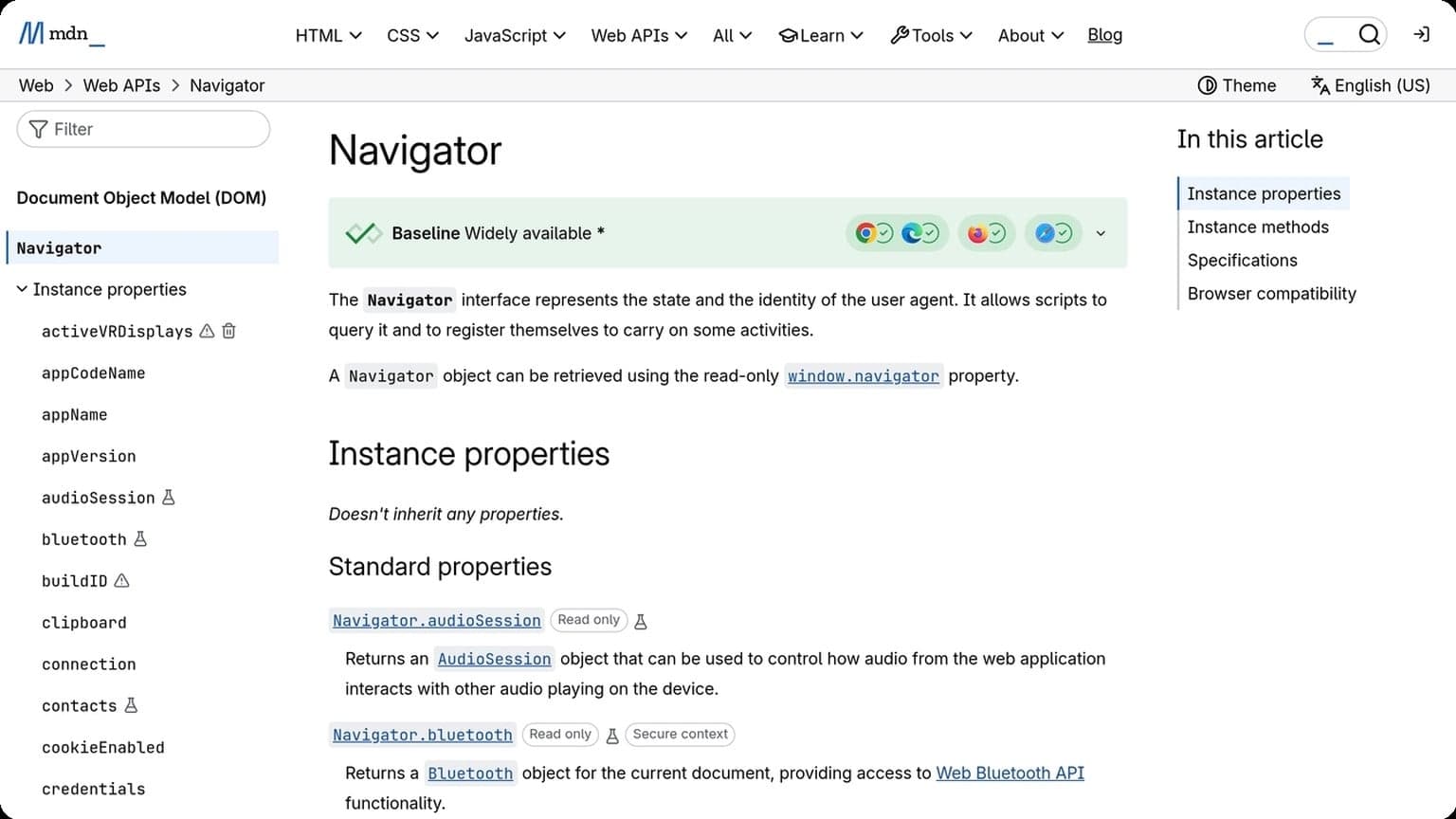
That’s why stable, realistic fingerprint isolation matters. A good setup should keep each profile internally consistent and avoid obvious mismatches, like a mobile user agent paired with a desktop resolution. For reference on common browser signals, see MDN’s navigator documentation.
IPs
Your IP address is one of the fastest ways to connect accounts. Shared datacenter ranges, repeated logins from the same proxy subnet, or sudden country changes can all trigger trust checks, CAPTCHA, or verification prompts.
Use IPs that match the account’s intended region and activity pattern. Residential or mobile proxies are often better for continuity, while rotating too aggressively can look unnatural. A simple comparison:
| IP Type | Best For | Main Risk |
|---|---|---|
| Datacenter | Speed and testing | Higher block rate |
| Residential | Account stability | Higher cost |
| Mobile | Strong trust signals | Variable performance |
Cookies
Cookies store session history, preferences, and authentication tokens. If profiles share cookies, or if one account is repeatedly opened in a browser that still contains traces of another, the platform can infer a relationship between them.
To reduce that risk, keep cookies isolated per profile and avoid mixing logins across environments. In practice, the safest workflow is simple:
- Use one profile per account
- Never reuse sessions across identities
- Clear or separate storage after testing
Key Features
GoUndetected.io is built for operators who need clean separation between identities, stable browsing sessions, and practical control over day-to-day multi-account work. The core features focus on reducing friction while keeping each profile consistent, isolated, and easy to manage.
Profiles
Profiles are the foundation of multi-account management in GoUndetected. Each browser profile can be configured with its own fingerprint, cookies, cache, and local storage, helping reduce cross-account contamination and making each session look and behave like a separate device.
This is especially useful for teams managing marketplaces, ad accounts, affiliate workflows, or client logins. Instead of juggling tabs in one browser, you can keep accounts organized by project, assign clear naming conventions, and return to the same environment later without rebuilding it from scratch.
Proxy support
Proxy support gives each profile a distinct network identity, which is essential when accounts need to appear from different locations or when you want to reduce correlation between sessions. GoUndetected works with common proxy formats, making it easier to match the right IP to the right profile.
For practical use, this means you can separate traffic by region, client, or account type while keeping setup simple. A good proxy strategy usually combines the right proxy with the right profile settings, so the browser fingerprint and IP location tell the same story.
| Setup element | Why it matters | Best use case |
|---|---|---|
| Profile | Isolates cookies and browser data | Separate accounts |
| Proxy | Changes network identity | Geo-specific access |
| Combined setup | Aligns browser and IP signals | Higher account stability |
Team access
Team access is designed for workflows where multiple people need to work inside the same browser environment without losing control. You can share profiles, standardize access, and reduce the risk of duplicated work or accidental overlap across operators.
That makes collaboration more efficient for agencies and internal growth teams. If you want a broader overview of how the platform supports operational security, see the GoUndetected.io site for product details and workflow context.
Amazon Focus
Amazon is one of the most sensitive marketplaces for multi-account operations, so the real challenge is not just access, but staying consistent under Amazon’s risk signals. For sellers, VA teams, and agencies, the goal is to reduce friction across logins, devices, and workflows without creating patterns that look automated or shared.
Account safety
Amazon account safety starts with isolation: each seller account should have its own browser profile, clean cookies, and a stable proxy footprint. Shared sessions, repeated IP changes, and overlapping logins are common triggers for verification checks, especially when accounts are managed by different people or from different locations.
Best practice is to keep identity, network, and operating behavior aligned. That means using one profile per account, avoiding cross-login shortcuts, and documenting who accesses each workspace. For teams, a controlled browser setup helps maintain separation while still allowing secure collaboration.
Session stability
Session stability matters because Amazon monitors continuity as much as intent. If a seller dashboard is opened from multiple devices, browsers, or geographies in a short period, Amazon may flag the session for review. A stable browser fingerprint and consistent proxy reduce those interruptions and keep workflows moving.
Use a repeatable setup for each account and avoid unnecessary environment changes. The most reliable operations usually follow the same pattern every time:
- one dedicated profile per Amazon account
- one consistent residential or mobile proxy
- minimal browser updates during active campaigns
- no shared clipboard or synced logins across accounts
Automation limits
Amazon automation is useful, but only within practical limits. Aggressive scripts, rapid page refreshes, and bulk actions that ignore normal user timing can create unusual behavior patterns. That is why many operators keep automation focused on low-risk tasks like reporting, alerts, and routine checks.
A safer approach is to automate support work, not decision-making. Review Amazon’s own seller guidance in the Seller Central Help, then keep high-impact actions manual when possible. In multi-account setups, GoUndetected.io helps keep profiles separated and sessions more predictable, which makes controlled automation easier to manage.

eBay and Shopify
When you run eBay and Shopify side by side, the goal is simple: keep operations clean, separate, and testable. Antidetect browsing helps reduce accidental overlap between accounts, while still letting you manage listings, storefronts, and checkout flows without constant profile switching.
Listing control
On eBay, listing performance depends on consistency: title structure, item specifics, pricing, and seller behavior all affect visibility. Using isolated browser profiles lets you manage different niches or seller accounts without cross-contaminating cookies, sessions, or saved logins that can trigger review flags.
For practical workflow control, keep each catalog segment in its own profile and track changes in a simple matrix:
| Task | Best practice | Why it matters |
|---|---|---|
| Drafting listings | One profile per store/account | Prevents session overlap |
| Price updates | Batch by account | Reduces mistakes and duplicate edits |
| Performance checks | Use saved workspace notes | Keeps changes auditable |
Store separation
Shopify makes separation even more important because each store can have its own theme, apps, staff access, and payment settings. If you manage multiple brands, isolate them with dedicated browser profiles so admin sessions, pixels, and testing tools stay tied to the correct store.
This is especially useful when working with agencies or virtual assistants. A clean separation workflow should include:
- One browser profile per Shopify store
- Distinct logins for staff and contractors
- Separate ad accounts and analytics properties
- Independent proxy/IP routing for each environment
Checkout testing
Checkout testing is where separation pays off fast. You can safely verify shipping rules, discount codes, tax logic, and payment flows without mixing test activity into live admin sessions. Shopify’s own guidance on testing checkout and payments is a useful reference: Shopify Help Center.
For eBay-to-Shopify sellers, a controlled test setup helps catch conversion blockers before they cost sales. A good routine is:
- Open the correct store profile.
- Run a test order or sandbox payment.
- Check confirmation emails, inventory sync, and order tags.
- Document the result before moving to the next store.
Choosing Wisely
Choosing the right antidetect browser is less about chasing the longest feature list and more about matching the tool to your workflow, team size, and risk tolerance. A platform that looks affordable on paper can become expensive if it slows your operations, lacks responsive support, or caps your growth at the wrong moment.
Budget fit
Start with the real cost of ownership, not just the monthly subscription. For solo operators, a lean plan may be enough; for agencies or e-commerce teams, profile limits, automation access, and team seats often matter more than headline price. According to Google Ads account management guidance, account structure and access control become increasingly important as volume grows, which is exactly where budget decisions should be made.
Compare pricing against the features you actually use. If a cheaper browser forces you to upgrade for basic profile management or proxy integration, the “discount” disappears quickly.
| Budget factor | What to check | Why it matters |
|---|---|---|
| Profile limits | How many environments are included | Determines how many accounts you can run efficiently |
| Team access | Seats, permissions, shared workspaces | Reduces operational bottlenecks |
| Automation | API, scripts, or bulk actions | Saves time as account volume increases |
Support quality
Good support is a productivity feature. When browser fingerprints, session stability, or profile sync issues interrupt work, fast answers can prevent lost time and account disruption. Look for vendors with clear documentation, live support channels, and a track record of resolving technical issues without vague replies.
Before committing, test how support handles practical questions. Ask about onboarding, proxy setup, and profile recovery so you can judge whether the team understands multi-account workflows, not just billing requests.
- Response speed during business hours
- Depth of help center documentation
- Quality of onboarding guidance
- Availability of technical troubleshooting
Scalability
Your browser should grow with your operation, not hold it back. A setup that works for five accounts may fail at fifty if it lacks profile organization, team collaboration, or stable automation support. Scalability is about preserving consistency as volume increases.
Choose a tool that can handle expansion in stages: more profiles, more users, more workflows, and more regions. If you want a practical benchmark, review browser architecture and team features in the vendor docs, then map them to your next 6–12 months of growth. That approach keeps you from switching tools right when performance matters most.
Need more hands-on playbooks? Read Manage multiple Google accounts, How to Choose an Anti-Detection Browser for Client Account Handoffs: A Practical Evaluation Framework, and How to recover a flagged profile after a browser fingerprint mismatch.
Browse Undetected. Stay Private.
Unique browser fingerprints, built-in proxy support, and anti-detection technology. Try GoUndetected free for 7 days.
Available for macOS and Windows · No credit card required