
How to Compare Anti-Detection Tools for QA, Web Testing, and Cross-Browser Simulation
Learn how to compare anti-detection tools for QA, web testing, and cross-browser simulation with a focus on accuracy, workflow fit, security, and scalable use cases.

If you’re evaluating How to Compare Anti-Detection Tools for QA, Web Testing, and Cross-Browser Simulation, the first thing to understand is that these tools are not all built for the same job. Some are designed for multi-account workflows, others for testing login flows, geo-targeted experiences, or ad previews across isolated browser profiles. For marketers, affiliates, e-commerce operators, and agencies, the real challenge is finding a setup that balances realism, stability, and operational efficiency.
In practice, the best tool is the one that lets you simulate real users without creating noise in your workflows. That means comparing fingerprint quality, profile isolation, proxy support, team collaboration, automation options, and how well the browser performs under repeated testing. If you’re validating campaigns, checking storefront behavior, or reviewing how platforms respond in different environments, a lightweight feature list is not enough—you need measurable consistency.
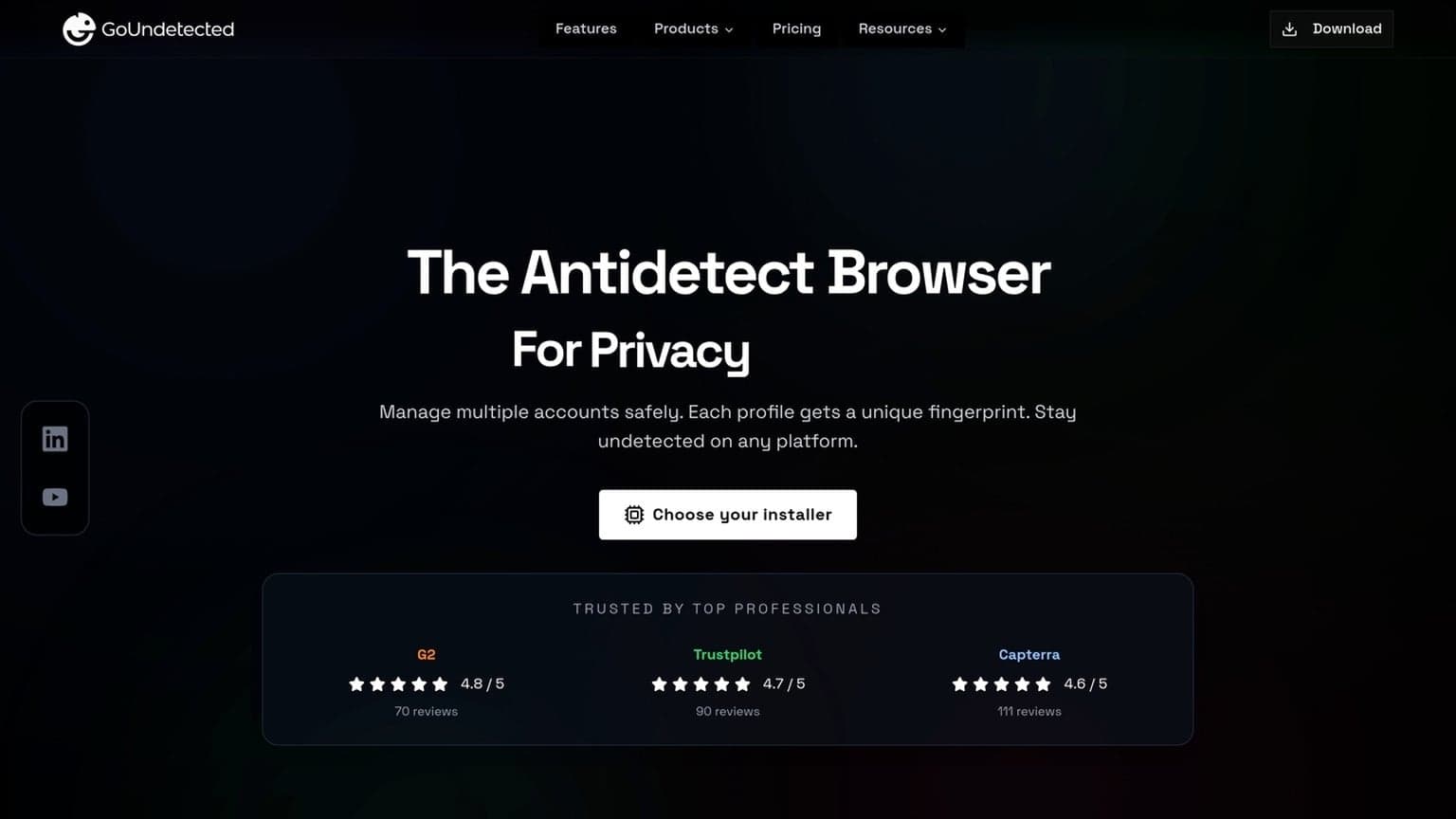
This is also where many teams overpay. A tool may look impressive on paper, but if it breaks sessions, leaks identifiers, or makes collaboration painful, it slows down QA rather than improving it. For teams that need a practical balance of control and usability, GoUndetected.io is worth looking at as part of the comparison process, especially if multi-account management and testing at scale are part of your daily workflow.
In this guide, we’ll break down the criteria that matter most, the trade-offs to watch for, and how to choose a solution that supports real-world testing without adding unnecessary complexity.
Tool Selection
Choosing the right tool depends on what you need to verify: account safety, rendering accuracy, or how a site behaves across different browser fingerprints. For teams using GoUndetected.io, the goal is to match the tool to the testing job so you get reliable results without creating noisy, unrealistic sessions.
QA Needs
For QA workflows, prioritize repeatability. You want a browser setup that can recreate the same environment across test runs, isolate profiles cleanly, and keep cookies, local storage, and extensions from leaking between accounts. That makes bug reports easier to reproduce and reduces false positives caused by environment drift.
Use a tool that supports profile separation, proxy assignment, and consistent fingerprint control so testers can validate login flows, permissions, and session persistence under stable conditions. If your QA process includes multiple teams or client environments, compare tools on these basics:
| Need | Why it matters | Tool capability |
|---|---|---|
| Profile isolation | Prevents cross-test contamination | Separate browser profiles |
| Fingerprint consistency | Improves reproducibility | Locked or saved device profiles |
| Proxy support | Matches geo-specific tests | Per-profile proxy assignment |
Web testing
For web testing, the best tool is the one that helps you see what real users see. That includes handling scripts, cookies, geolocation cues, and browser-specific rendering differences without exposing your test automation or shared infrastructure. Browser testing guidance from MDN and W3C consistently emphasizes validating behavior across environments, not just one default setup.
In practice, a strong antidetect browser helps you simulate distinct user sessions for checkout flows, ad verification, and access-control testing. Look for fast profile switching, stable session storage, and clean proxy rotation so your tests stay close to real-world conditions.
Cross-browser simulation
Cross-browser simulation is essential when a site behaves differently in Chromium-based browsers, Firefox, or mobile-like environments. The right tool should let you compare fingerprints, rendering, and network behavior side by side so you can spot issues before users do.
A practical selection checklist looks like this:
- Support for multiple browser engines or realistic browser emulation
- Customizable fingerprints for hardware, canvas, WebGL, and fonts
- Reliable proxy pairing for each simulated profile
- Easy export, reuse, and sharing of test environments
Core Features
Core features determine whether multi-account operations stay stable, scalable, and low-friction. GoUndetected.io is built around three essentials: controlling the browser fingerprint, pairing accounts with reliable proxies, and keeping each profile fully separated so activity does not bleed across identities.
Fingerprint control
Every site reads a mix of signals, from canvas and WebGL data to time zone, language, and device specs. GoUndetected.io lets you tune these variables so each profile presents a consistent, realistic browser identity instead of a generic or conflicting one. That consistency matters more than “hiding” alone, because mismatched signals are what usually trigger suspicion.
In practice, fingerprint control helps teams keep accounts aligned with their intended market, device type, and workflow. It reduces the risk of cross-account correlation and makes testing, ad operations, and marketplace management far more predictable.
Proxy support
Proxies are the network layer that completes the identity stack. By assigning a dedicated proxy to each profile, you can match location, IP reputation, and browsing behavior to the account’s role. GoUndetected.io supports the proxy setup needed for clean separation across regions and use cases.
Choose the proxy type based on the job, not just the price. Residential proxies often work better for human-like sessions, while datacenter proxies can be useful for speed-sensitive tasks. A simple comparison:
| Proxy type | Best for | Tradeoff |
|---|---|---|
| Residential | High-trust accounts | Higher cost |
| Datacenter | Fast, repeatable tasks | Lower trust |
Profile isolation
Profile isolation keeps cookies, cache, local storage, extensions, and login sessions from overlapping. That separation is critical when one operator manages multiple accounts across marketplaces, social platforms, or ad networks.
With isolated profiles, you can assign one workflow per account and reduce accidental cross-login issues. For teams, it also improves accountability and makes scaling easier because every profile behaves like its own independent browser environment.

Testing Accuracy
Testing accuracy is what separates a promising antidetect setup from a reliable one. For multi-account teams, the goal is not just to “look different,” but to stay consistent under real platform checks, repeated logins, and changing network conditions.
Detection Rates
Measure how often a browser profile is flagged, challenged, or forced into extra verification across your target platforms. Track results by account type, proxy quality, and fingerprint settings so you can spot patterns instead of guessing.
- Login success rate
- Challenge or CAPTCHA frequency
- Account restriction or checkpoint rate
For a practical benchmark, compare your results against platform guidance like Google Account Help or Instagram Help Center, then test the same workflow across multiple profiles.
Rendering Consistency
Fingerprint checks often start with how a page renders. Fonts, canvas output, WebGL, timezone, language, and screen metrics should remain stable within each profile and match the proxy region. If the visual environment shifts between sessions, detection risk rises quickly.
| Test Area | What to Verify |
|---|---|
| Canvas/WebGL | Outputs stay identical for the same profile |
| Locale | Language, timezone, and region align |
| Display | Resolution and scaling do not drift |
Session Stability
A strong profile should survive restarts without changing identity. Reopen the same account, confirm cookies persist, and check whether active sessions remain valid after browser updates, proxy swaps, or short idle periods.
- Save the profile and relaunch it.
- Verify cookies, local storage, and logins.
- Repeat the test on the same proxy and device.
If stability drops after a few cycles, the setup is not production-ready. That is why teams often test GoUndetected-style workflows before scaling, so each profile behaves predictably instead of failing at the worst moment.
Workflow Fit
Workflow fit is where an antidetect browser either saves time or adds friction. For multi-account teams, the best setup is the one that matches how people actually work: shared access, repeatable automation, and clear reporting that shows what is happening across profiles without constant manual checks.
Team access
Look for role-based access that lets admins separate ownership, collaboration, and review. That matters when operators, media buyers, and account managers need different levels of control over the same workspace.
A practical team setup should make it easy to assign profiles, audit changes, and reduce overlap between users. If you need a broader overview of browser-based account separation, see GoUndetected.io for workflow-oriented details.
- Profile sharing with permission controls
- Activity logs for accountability
- Workspace organization by client, brand, or channel
Automation support
Automation should remove repetitive steps, not create a maintenance burden. The strongest tools support browser actions that can be standardized across accounts, so teams can launch, log in, and switch profiles with less manual handling.
In practice, that means stable APIs, script-friendly workflows, and compatibility with common automation stacks. When evaluating fit, ask whether the browser supports your existing process rather than forcing a rebuild.
| Automation need | What to check |
|---|---|
| Routine profile tasks | Bulk start, stop, and session reuse |
| Programmatic control | API or script integration |
| Team scale | Consistent behavior across users |
Reporting tools
Reporting should answer two questions fast: which accounts are active, and where the workflow is slowing down. Good dashboards surface profile status, usage patterns, and exceptions without making managers dig through logs.
For teams running multiple clients or campaigns, reporting also helps with forecasting and compliance. The more visible the workflow, the easier it is to spot duplicated effort, inactive profiles, or unusual access patterns before they become operational issues.
Security Checks
Security checks should be part of every multi-account workflow, not an afterthought. Before you scale, verify how the browser handles data, who can access sensitive profiles, and whether activity can be reviewed later. These three controls reduce the risk of leaks, account takeovers, and hard-to-trace mistakes.
Data handling
Start by checking what is stored locally, what is synced, and how long it remains on disk. For multi-account teams, the safest setup is one that minimizes persistent identifiers and keeps profile data separated by default. Review whether cookies, cache, and session files are isolated per profile and whether exports are encrypted.
Use a simple checklist:
- Confirm profile data is compartmentalized.
- Check whether backups are encrypted at rest.
- Verify deletion really removes local traces.
Access controls
Access control is where most operational risk is prevented. Limit who can create, edit, or launch profiles, and use role-based permissions for assistants, media buyers, and admins. If your team shares devices, require separate logins and avoid shared master credentials wherever possible.
For larger teams, compare permission depth before rollout:
| Control | Why it matters |
|---|---|
| Role-based access | Prevents unnecessary profile exposure |
| 2FA | Blocks account access after password theft |
| Device restrictions | Reduces unauthorized logins from unknown machines |
Audit logs
Audit logs turn security from guesswork into evidence. They should show who opened a profile, changed settings, exported data, or created a new session. In practice, this helps teams spot unusual behavior early and resolve incidents faster.
Look for logs that are timestamped, searchable, and easy to export for review. If your workflow involves multiple operators, pair logs with a clear approval process so high-risk actions can be traced end to end. For more on secure browser operations, see the GoUndetected.io platform.
Final Comparison
Choosing the right antidetect browser comes down to how you work, what you manage, and how fast you need to scale. The best option is rarely the one with the longest feature list; it is the one that keeps workflows stable while staying efficient on time and budget.
Use Cases
For solo operators, the priority is usually simple profile separation, reliable fingerprint control, and quick setup. Teams and agencies need more: role-based access, consistent profile syncing, and a workflow that reduces mistakes across multiple accounts.
In practice, the right tool should match the operating model below:
| Use case | Best fit | Why it matters |
|---|---|---|
| Freelancers | Lightweight profile management | Fast switching without unnecessary overhead |
| E-commerce teams | Shared access and stable fingerprints | Reduces account linking risk |
| Agencies | Scalable collaboration tools | Keeps multiple clients organized |
Cost Balance
Price should be measured against account safety, labor saved, and the cost of avoidable bans. A cheaper tool can become expensive if it causes frequent resets, manual fixes, or profile failures that interrupt campaigns.
Look for a balance between monthly spend and operational value. If you want a practical reference point, compare plan limits, profile capacity, and team features on the GoUndetected.io site before committing.
Scalability
Scalability is where many tools separate themselves. As account volume grows, you need cleaner profile organization, faster creation, and support for repeatable workflows that do not break under load.
A scalable setup should help you:
- add new profiles without rebuilding your process
- keep fingerprints consistent across sessions
- manage proxies, users, and permissions efficiently
For most teams, GoUndetected is the kind of tool I’d recommend to a colleague who needs a practical balance of control, cost, and room to grow.
Need more hands-on playbooks? Read Best cloud phones for Facebook multi-accounting, 0Detect review, and What is Threads on Instagram.

Browse Undetected. Stay Private.
Unique browser fingerprints, built-in proxy support, and anti-detection technology. Try GoUndetected free for 7 days.
Available for macOS and Windows · No credit card required