
How to use LinkedIn
Learn how to use LinkedIn for business, social media management, and lead generation with safe automation, outreach sequences, and tracking tips that help you grow faster.

If you’re trying to figure out how to use LinkedIn for client growth, B2B outreach, content distribution, or agency operations, the answer is no longer “just post more.” In 2026, LinkedIn for social media managers is a systems game: profile positioning, content formats, outreach discipline, client LinkedIn pages, and account security all have to work together if you want predictable results.
That matters even more when you’re managing multiple LinkedIn accounts across different clients, brands, or team members. A strong LinkedIn strategy is not only about LinkedIn marketing or LinkedIn lead generation; it’s also about keeping workflows clean, separating identities properly, and avoiding the operational mistakes that cause logins, sessions, and reputations to collide. For agencies, the difference between a smooth process and a broken one often comes down to whether you rely on native workflows alone or pair them with controlled browser separation and clear SOPs.
In this guide, we’ll cover how to use LinkedIn for business, LinkedIn Sales Navigator, LinkedIn hiring, and LinkedIn Campaign Manager with practical steps you can actually implement. We’ll also compare native management vs anti-detect/browser-based workflows, explain where account separation matters, and show how tools like anti-detection browser workflows can support safer multi-accounting when your team needs to manage LinkedIn at scale.
LinkedIn Automation Basics
LinkedIn automation works best when it starts with a clean account, a credible profile, and conservative activity limits. The goal is not to “look automated,” but to build a workflow that behaves like a real professional using LinkedIn consistently and responsibly.
Account setup
Begin with a dedicated LinkedIn account for your outreach or lead-gen workflow, and complete all verification steps before automation begins. Use a real business email, enable two-factor authentication, and make sure the account is fully warmed up with normal browsing and a few manual actions first.
If you manage multiple accounts, isolate each identity with a separate browser profile, fingerprint, and proxy. That separation reduces cross-account signals and helps keep sessions stable. For a practical overview of account separation, see GoUndetected.
Profile prep
Your profile should answer one question fast: “Why should this person accept or reply?” Use a clear headshot, a relevant headline, a complete About section, and a job history that matches the outreach niche. Empty or inconsistent profiles tend to underperform because they create trust friction.
Before automation, make sure the profile has a natural baseline of activity. A few posts, endorsements, and manual connection requests help the account look established. Keep the profile aligned with the campaign message so the outreach feels coherent rather than generic.
Safe limits
Automation should stay well below aggressive platform thresholds. LinkedIn does not publish exact safe limits, so the practical rule is to ramp slowly, monitor response quality, and stop when rejection, captcha, or restriction signals appear.
| Action | Safer approach | Risk if pushed too hard |
|---|---|---|
| Connection requests | Low daily volume, gradual increase | Spam flags, temporary limits |
| Messages | Targeted follow-ups only | Low reply rates, account scrutiny |
| Profile visits/searches | Mixed with normal manual usage | Pattern detection |
- Warm up new accounts before scaling.
- Keep outreach personalized and relevant.
- Track restrictions, bounces, and reply quality weekly.
Choose the Right Tool
The right antidetect browser should do more than mask fingerprints. It should make account work repeatable, secure, and easy to scale without creating extra operational friction.
Browser Profiles
Start with profile isolation. Each browser profile should store its own cookies, cache, local storage, and fingerprint settings so one account’s activity does not spill into another. That separation is the foundation of safe multi-account management, especially when you handle marketplaces, ad accounts, or social profiles at volume.
Look for tools that let you create, name, organize, and restore profiles quickly. A practical setup usually includes:
- Persistent cookies and session storage
- Custom fingerprints per profile
- Fast profile launch and switching
- Export/import for backup or migration
Proxy Support
Proxies are only useful when they fit your workflow. The best option supports residential, mobile, and datacenter proxies, while letting you assign a unique proxy to each profile. That pairing helps reduce correlation between accounts and keeps location signals consistent over time.
Before you choose a browser, check whether it supports proxy testing, rotation, and easy credential management. For proxy best practices, the Google Search Central documentation is a useful reference point for understanding how network behavior can affect trust and access patterns.
| Need | Best proxy type | Why it matters |
|---|---|---|
| High trust | Residential | Looks closer to real user traffic |
| Mobile workflows | Mobile | Useful for app-like or geo-sensitive accounts |
| Cost control | Datacenter | Lower cost for lower-risk tasks |
Team Access
If more than one person touches accounts, team access becomes a core requirement. Role-based permissions, shared profile folders, and activity logs help prevent accidental overlap and make it easier to audit who changed what and when.
Go for a tool that supports collaboration without exposing everything to everyone. In practice, that means:
- Assigning permissions by role
- Keeping profile ownership clear
- Tracking actions in logs
- Sharing only the profiles a teammate needs
That structure reduces mistakes, speeds up handoffs, and keeps your multi-account setup manageable as the team grows.

Set Up Safely
Once your environment is ready, the next priority is to launch accounts in a way that looks consistent and low-risk. The goal is not speed; it is building a believable pattern of behavior that matches a real user profile.
Warmup Steps
Start with the basics: complete the profile, verify email or phone if required, and keep the first session short. Avoid jumping straight into high-volume actions such as bulk follows, mass messaging, or rapid posting. A gradual start helps the account establish normal usage signals before you increase activity.
- Log in from the same browser profile and proxy location.
- Fill in profile details in one or two sessions, not all at once.
- Browse, scroll, and interact lightly before publishing content.
- Wait between actions so the activity pattern stays human.
Activity Pacing
Pacing matters because platforms often flag accounts that move faster than a typical user. Keep actions spaced out across the day and avoid repeating the exact same workflow across multiple accounts. If you manage several profiles, stagger their activity windows so they do not mirror each other.
A practical rule is to increase volume only after the account has shown stable behavior for several days. For example, move from passive browsing to light engagement, then to posting, and only later to higher-frequency tasks. If you need a reference point for safe browser handling and profile isolation, review the GoUndetected.io setup guidance alongside your platform’s own rules.
Alert Checks
Monitor for early warning signs every time you log in. A sudden checkpoint, login challenge, or unusual verification prompt can indicate that the account fingerprint, proxy, or usage pattern needs adjustment. Catching these signals early is far easier than recovering after a restriction.
| Check | What to watch | Action |
|---|---|---|
| Login alerts | New device or location warnings | Confirm profile and proxy consistency |
| Engagement limits | Actions fail or slow down | Reduce pace for 24–48 hours |
| Verification prompts | Email, SMS, or CAPTCHA requests | Pause activity and reassess setup |
Build Outreach Sequences
Once your target list is ready, the next step is to turn interest into replies with a structured outreach sequence. The best-performing campaigns are rarely one-message attempts; they use a measured mix of connection requests, timely follow-ups, and concise messaging that feels relevant at each touchpoint.
Connect Requests
Your first message should be low-friction and specific. Personalize the request with a shared context, recent post, mutual connection, or a clear reason for reaching out. Generic “let’s connect” requests tend to be ignored, while a short note that shows intent usually improves acceptance rates.
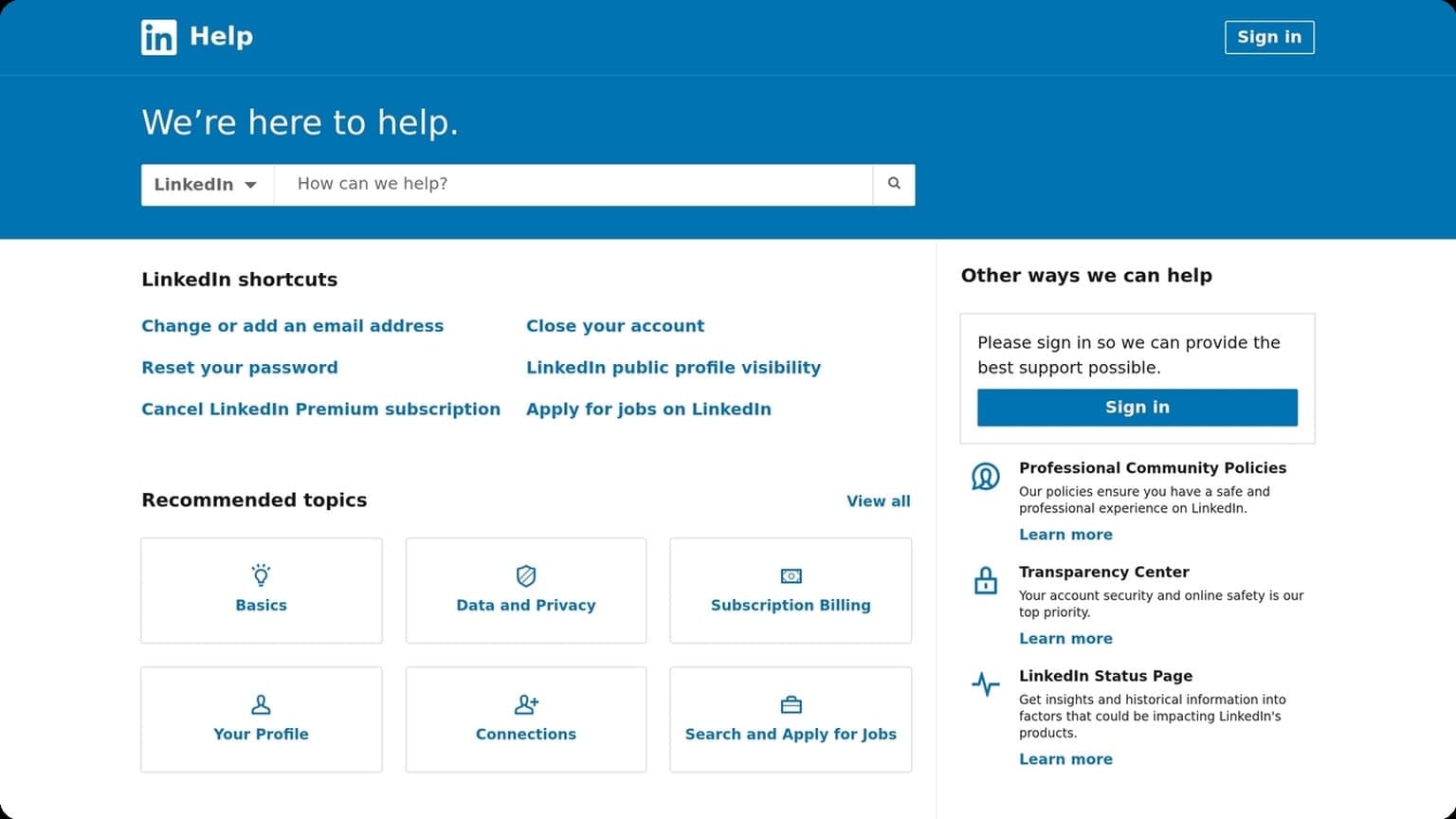
Keep the goal simple: earn the connection, not close the deal. On platforms like LinkedIn, a clean request with one clear value cue is often enough. For platform rules and messaging limits, check the official LinkedIn Help Center before scaling outreach.
Follow-Up Timing
Timing matters as much as copy. A follow-up sent too soon can feel pushy; one sent too late can get buried. A practical sequence is usually spaced to match the prospect’s attention cycle and the channel’s norms.
- Day 0: send the connection request
- Day 2–4: send a short value-based follow-up
- Day 6–8: add a new angle, proof point, or resource
- Day 12+: close the loop politely if there’s no response
Message Templates
Templates work best when they are modular, not robotic. Build them around a repeatable structure: opener, relevance, value, and a soft call to action. This makes it easier to personalize at scale without rewriting every message from scratch.
| Stage | Goal | Example Angle |
|---|---|---|
| Connect request | Earn acceptance | Shared audience, post, or role |
| First follow-up | Start a conversation | Relevant insight or quick win |
| Second follow-up | Increase response odds | Case study, stat, or resource |
Keep each message short, human, and easy to answer. If you manage multiple outreach accounts, GoUndetected can help you keep sequences organized while reducing fingerprint overlap across profiles.
Track Performance
Tracking performance turns outreach from guesswork into a repeatable system. Instead of judging campaigns by volume alone, measure what happens after each send so you can identify which accounts, messages, and workflows are actually moving prospects forward.
Open Rates
Open rates are a useful first signal, especially when you’re testing subject lines, sender names, and timing. They help you spot deliverability issues early: if opens are weak across multiple accounts, the problem may be your inbox setup, not the message itself.
Use open data as a directional metric, not the final verdict. Modern privacy features can suppress tracking, so pair opens with other indicators such as clicks and replies. For reference on how email clients affect tracking, see Google Workspace Help and Microsoft Outlook support.
Reply Rates
Reply rate is often the clearest measure of message-market fit. A strong reply rate usually means your targeting, offer, and copy are aligned; a weak one suggests the audience is too broad, the value proposition is unclear, or the follow-up cadence needs work.
Track replies by campaign and by account to see patterns over time. A simple review framework looks like this:
- Which subject lines earned the most responses?
- Which audience segments replied fastest?
- Which sender accounts consistently underperformed?
Conversion Goals
Conversions connect outreach to revenue. Define one primary goal per campaign, such as booked calls, demo requests, trial signups, or completed purchases, then measure how many replies turn into that outcome. This keeps optimization focused on business impact rather than vanity metrics.
A practical way to review performance is to compare outcomes across campaigns:
| Metric | What it shows | Best use |
|---|---|---|
| Open rate | Subject line and deliverability signal | Early testing |
| Reply rate | Message relevance | Copy and targeting optimization |
| Conversion rate | Revenue impact | Campaign ROI decisions |
For multi-account teams, GoUndetected.io makes it easier to keep testing clean and performance data separated, so you can scale what works without mixing signals between profiles.
Avoid Detection
To avoid detection, your goal is to look consistent, low-risk, and predictable in the same way a real user would. Platforms flag accounts when behavior, device signals, and account history don’t line up, so the safest approach is to reduce “automation noise” and keep every profile clean from day one.
Human Behavior
Human-like activity matters because platforms don’t just inspect login data; they also evaluate interaction patterns. If an account opens too many pages too quickly, posts on a rigid schedule, or repeats the same actions across profiles, it creates a clear fingerprint. Keep navigation natural, vary session length, and avoid copying the exact same workflow across every account.
In practice, that means building small behavioral differences into each profile. Use different interaction rhythms, stagger logins, and avoid mass actions that look scripted. A useful rule is to make each account feel like it belongs to a separate person with its own routine.
Random Delays
Random delays help break timing patterns that detection systems can learn. Instead of sending actions at fixed intervals, add irregular pauses between clicks, edits, messages, and page transitions. Even a small amount of variation can make activity look far more organic.
- Vary wait times between actions
- Mix short and long sessions
- Avoid exact repetition in daily routines
- Slow down after logins, edits, or bulk tasks
Account Hygiene
Good account hygiene reduces risk before behavior ever becomes an issue. Keep each account tied to its own credentials, recovery details, payment method, and browser profile. If one identity leaks into another, platforms can connect the dots quickly.
Use a simple maintenance process to stay organized:
- Separate logins, emails, and recovery options
- Keep profile data consistent across sessions
- Rotate only when needed, not constantly
- Review accounts regularly for unusual flags or warnings
Need more hands-on playbooks? Read How to Test an Anti-Detection Browser Before You Buy: A Practical Evaluation Workflow, YouTube proxy, and How to get Facebook Marketplace.
Browse Undetected. Stay Private.
Unique browser fingerprints, built-in proxy support, and anti-detection technology. Try GoUndetected free for 7 days.
Available for macOS and Windows · No credit card required