
manage multiple social media accounts
Learn how to manage multiple social media accounts securely with the right workflows, privacy tools, and setup tips to reduce bans, save time, and scale your presence.

If you need to manage multiple social media accounts in 2026, the real challenge is no longer just posting consistently—it’s keeping each account organized, compliant, and safe from platform flags. Whether you’re handling brand pages, client accounts, regional profiles, or creator accounts, the workflow has to account for social media management, social media scheduling, team collaboration, and account safety at the same time.
That matters because modern platforms don’t just look at what you post; they also evaluate browser fingerprinting, device patterns, login behavior, IP consistency, and other signals that can create account restrictions or trigger review. If you’re scaling across multiple social media accounts, you need a system that separates digital identity cleanly without crossing policy boundaries. That usually means combining native social media tools, a disciplined content calendar, an approval workflow, and—when appropriate—an antidetect browser to isolate sessions and reduce operational risk.
This guide breaks down the practical side of managing multiple social media accounts across Instagram, TikTok, LinkedIn, X, Facebook, and YouTube. You’ll see where native tools are enough, when browser profiles and device isolation make sense, how to avoid bans without relying on risky shortcuts, and how solutions like GoUndetected.io fit into a compliant, scalable workflow for teams that need to move fast without sacrificing control.
Multi-Account Management
Managing multiple accounts is no longer a niche workflow. For e-commerce teams, media buyers, affiliate marketers, and agencies, it is often the difference between scalable operations and constant account interruptions. The challenge is not just keeping logins organized—it is maintaining separation, consistency, and platform compliance across every profile.
Why It Matters
When accounts are properly isolated, teams can run parallel campaigns, test creatives, and segment clients without cross-contamination. That reduces operational friction and makes it easier to attribute performance accurately. It also helps prevent one account issue from cascading into others, which is critical when revenue depends on uninterrupted access.
Platforms increasingly use device fingerprinting, session behavior, and network signals to detect suspicious activity. According to platform help centers like Meta Business Help Center and Google Ads Help, consistency and policy compliance are essential for account stability. A structured multi-account setup supports both.
Common Risks
The biggest risks usually come from overlap: shared browser fingerprints, reused cookies, identical login patterns, and proxy mistakes. Even small inconsistencies can create a signal that multiple accounts are controlled from the same environment.
- Account linkage through shared device or IP data
- Session conflicts from switching profiles in one browser
- Proxy mismatches that trigger verification checks
- Human errors, such as mixing assets or credentials
Best Practices
The safest approach is to treat each account like a separate workspace. That means using isolated browser profiles, dedicated proxies, clear naming conventions, and a repeatable login routine. Consistency matters more than speed when long-term account health is the goal.
It also helps to standardize your setup across teams. A simple operating model reduces mistakes and makes troubleshooting faster when something changes.
| Practice | Why It Helps |
|---|---|
| Separate browser profiles | Keeps cookies, sessions, and fingerprints isolated |
| Dedicated proxies | Reduces location and network overlap |
| Documented workflows | Prevents accidental account mixing |
Platform Features
Effective multi-account operations depend on a browser environment that keeps identities, network paths, and collaboration workflows separated. GoUndetected.io is built around that principle, giving teams a practical way to reduce overlap, streamline setup, and manage accounts with less manual risk.
Profile Isolation
Each browser profile is designed to behave like a distinct environment, helping prevent cookies, cache, local storage, and other session data from bleeding across accounts. That separation matters when you need consistent access to marketplaces, ad platforms, or social accounts without triggering unnecessary verification checks.
In practice, profile isolation supports cleaner testing and more reliable scaling. Instead of sharing a single browser footprint, operators can assign one profile per account or workflow, which makes troubleshooting easier and reduces the chance of cross-contamination.
Proxy Support
Proxy control is a core part of any antidetect setup, and GoUndetected.io makes it easier to pair each profile with the right IP context. Whether you are using residential, mobile, or datacenter proxies, the goal is the same: align browser behavior with the location and identity expected by the platform.
A simple proxy strategy often works best when it is mapped by use case. For example, high-value accounts may warrant more stable residential endpoints, while lower-risk testing can use faster infrastructure. For proxy basics and best practices, see the official proxy documentation from major providers.
| Proxy Type | Best For | Tradeoff |
|---|---|---|
| Residential | Account safety and geo-specific access | Usually higher cost |
| Mobile | High-trust, hard-to-detect sessions | Can be slower or limited |
| Datacenter | Fast testing and lower-cost workflows | Often easier to flag |
Team Access
For agencies and in-house teams, shared access is just as important as browser isolation. GoUndetected.io supports collaborative workflows so multiple users can manage profiles without handing over raw credentials or rebuilding environments from scratch.
That structure helps teams standardize operations. Common benefits include role-based access, cleaner handoffs, and better auditability across campaigns. When account management becomes a team sport, a controlled browser workspace is usually the difference between repeatable execution and avoidable confusion.
Social Media Workflows
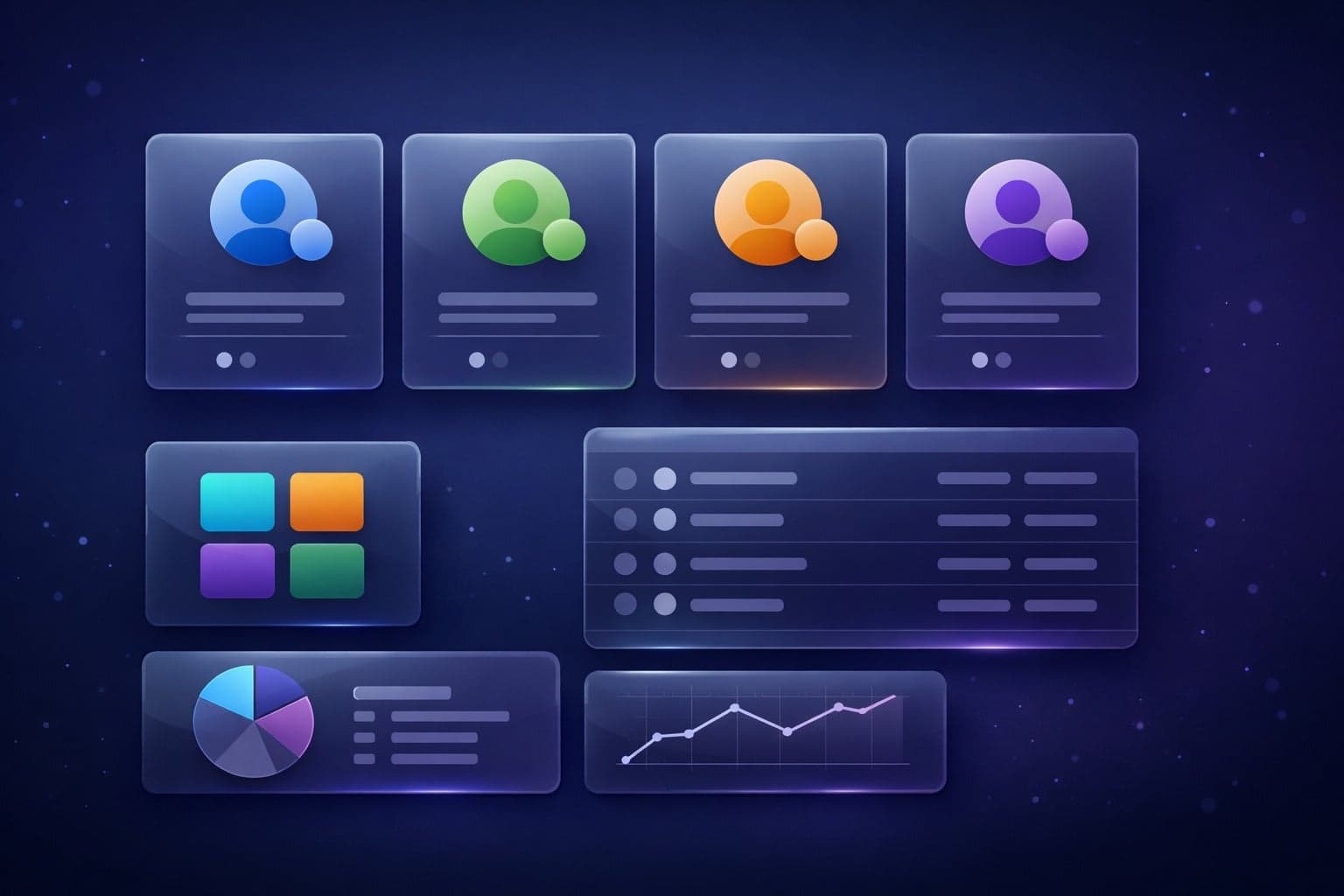
Social media teams need workflows that are fast, repeatable, and low-risk. Whether you’re managing client brands, creator profiles, or regional pages, the goal is the same: publish on time, move between accounts cleanly, and keep every login pattern looking normal to the platform.
Scheduling Posts
Scheduling is the backbone of efficient social media operations. It lets teams batch content, review posts before they go live, and keep publishing consistent across time zones without constant manual logins. For high-volume workflows, this also reduces the number of browser sessions you open in a day, which helps limit unnecessary exposure.
A practical scheduling process usually follows a simple sequence:
- Prepare content in batches by campaign or client.
- Assign publish windows based on audience activity.
- Review captions, links, and media in a final QA pass.
- Use platform-native schedulers or approved publishing tools for execution.
Switching Accounts
Switching between multiple social accounts is where many teams create avoidable risk. Logging in and out repeatedly from the same browser profile can trigger verification checks, especially when account types, device fingerprints, or IPs change too often. A cleaner approach is to separate identities so each account behaves like a stable, independent user.
For teams comparing setup options, the difference is usually about isolation and consistency:
| Workflow | Best For | Main Limitation |
|---|---|---|
| Shared browser profile | Very small teams | Higher cross-account detection risk |
| Separate browser profiles | Agencies and operators | More setup overhead |
| Antidetect browser + proxy separation | Multi-account scale | Requires disciplined profile management |
Avoiding Flags
Most flags come from inconsistency: rapid account switching, repeated login failures, mismatched locations, or sudden changes in device signals. Platforms like Instagram Help Center and X Help regularly note that unusual activity can prompt security checks, so the safest workflow is to look predictable, not aggressive.
To reduce risk, keep the following habits in place:
- Use one profile per account and avoid overlap.
- Keep IP, timezone, and browser fingerprint consistent.
- Warm up new accounts gradually instead of posting in bursts.
- Minimize unnecessary logins, password resets, and device changes.
When these controls are built into the workflow, social media management becomes more stable and scalable. That’s the point where tools like GoUndetected.io start making a real operational difference.
Security and Privacy
Strong security and privacy controls are what make multi-account workflows sustainable. When each profile behaves like a separate, consistent user environment, you reduce the chance of platform flags, credential leaks, and accidental cross-account exposure.
Fingerprint Protection
Modern platforms do not rely on cookies alone. They also evaluate browser fingerprints such as user agent, WebGL, canvas, fonts, timezone, language, and hardware signals. If these details look inconsistent, accounts can be linked even when you use different logins or IPs.
GoUndetected.io helps create stable, isolated browser profiles so each account presents a coherent fingerprint. The goal is not just to hide identity, but to keep every session internally consistent over time, which is critical for reducing risk during routine logins, ad management, and marketplace operations.
- Consistent browser and device parameters per profile
- Reduced overlap between accounts that should stay separate
- Lower risk of automated trust checks triggered by mismatched signals
Data Separation
Security improves when account data never shares the same local environment. Separate cookies, local storage, cache, and session files help prevent one profile from inheriting traces from another. That matters for teams, agencies, and solo operators managing multiple brands or clients.
A practical way to think about it is simple: if one profile is compromised, the rest should remain untouched. For added control, combine isolated browser profiles with distinct proxy settings and role-based access. You can review best practices for browser isolation in resources like MDN Web Docs.
| Protection Layer | What It Reduces | Why It Matters |
|---|---|---|
| Profile isolation | Cookie and storage overlap | Keeps accounts independent |
| Proxy separation | Shared network signals | Limits cross-account correlation |
| Access control | Internal misuse | Protects sensitive credentials |
Safe Logins
Safe login behavior is just as important as technical isolation. Reusing passwords, logging in from unstable networks, or switching environments too quickly can trigger verification challenges and increase account risk. A controlled workflow keeps access predictable and easier to audit.
Use strong, unique credentials, enable two-factor authentication wherever possible, and keep login activity tied to the correct browser profile. For platform-specific security guidance, check the relevant help center, such as Google Support or your target platform’s official documentation.
- Open the correct isolated profile before signing in.
- Verify the proxy and locale match the account’s usual behavior.
- Use unique credentials and 2FA for every login.
- Avoid rapid switching between unrelated accounts.

Setup Guide
Once your strategy is clear, the setup phase should be fast, repeatable, and easy to audit. The goal is to isolate each account, match it to the right network identity, and verify that everything works before you scale. In GoUndetected.io, that usually means building profiles first, then attaching proxies, and finally running a controlled account test.
Create Profiles
Start by creating one browser profile per account or workflow. Keep each profile tied to a single use case so cookies, local storage, and browser fingerprints stay separated. This reduces cross-account contamination and makes troubleshooting much simpler when one profile behaves differently from the others.
A practical setup is to standardize naming from day one. Use a consistent format for profile names, tags, and notes so you can sort by client, platform, or region without guessing later. If you manage multiple teams or brands, this small discipline saves time every time you onboard a new account.
Add Proxies
Assign a dedicated proxy to each profile before logging in. Residential proxies are typically preferred for account creation and long-term sessions because they look closer to real user traffic, while datacenter proxies can be useful for lower-risk testing or internal workflows. The key is consistency: one profile, one proxy, one location pattern.
Before using a proxy at scale, compare it against the account type and platform sensitivity. A quick reference:
| Proxy Type | Best For | Risk Level |
|---|---|---|
| Residential | New accounts, geo-specific logins | Lower |
| Datacenter | Testing, internal automation | Medium |
| Mobile | High-trust, mobile-like behavior | Lowest |
Test Accounts
After profiles and proxies are in place, run a test login before doing any real work. Check whether the account loads normally, whether the session persists after restart, and whether the platform requests extra verification. If anything looks off, fix the proxy, time zone, or profile settings before you continue.
A simple test checklist helps catch problems early:
- Confirm login succeeds without repeated challenges
- Reload the profile and verify the session remains active
- Review IP, region, and browser consistency
- Document any platform warnings for future reference
For platform-specific login guidance, always compare your workflow with the official help center, such as Google Support or the relevant account documentation. A clean test phase is the fastest way to avoid expensive recovery later.
Why GoUndetected
GoUndetected gives teams a more reliable way to manage multiple accounts without turning every login into a guessing game. Instead of juggling profiles, cookies, and browser settings manually, you get a structured workflow that helps you stay organized, move faster, and reduce avoidable flags.
Better Control
When account operations scale, control matters more than convenience. GoUndetected helps you separate identities cleanly, so each profile can stay consistent with its own browser fingerprint, session history, and proxy setup. That consistency is what makes routine actions look normal over time.
It also makes team work easier to manage. You can standardize how profiles are created and used, which reduces errors caused by switching between devices, shared logins, or inconsistent settings.
Faster Workflow
Multi-account work slows down when every task requires manual cleanup. With GoUndetected, you can organize profiles, reuse configurations, and launch accounts in a repeatable way, so your team spends less time troubleshooting and more time executing.
A simple workflow often looks like this:
- Create or import a profile.
- Assign the right proxy and fingerprint.
- Open the account and continue work without reconfiguring each session.
That structure is especially useful for agencies, affiliate teams, e-commerce operators, and social media managers who need speed without sacrificing consistency.
Lower Risk
Most account issues start with patterns: repeated logins, shared IPs, mismatched device signals, or sudden behavior changes. GoUndetected helps lower that risk by keeping each profile isolated and making it easier to maintain stable, realistic session behavior.
For practical guidance on account security and platform expectations, it’s always smart to review official help resources like Google Support or Instagram Help Center. The goal is not just to avoid detection, but to build a workflow that stays sustainable as your account volume grows.
| Benefit | What It Improves | Why It Matters |
|---|---|---|
| Better Control | Profile separation | Reduces cross-account contamination |
| Faster Workflow | Reusable setup | Speeds up daily operations |
| Lower Risk | Consistent session signals | Helps avoid suspicious activity patterns |
Need more hands-on playbooks? Read Residential Proxies vs Mobile Proxies for Account Isolation: Which One Fits Your Workflow?, How to Build a Multi-Profile Browser Workflow for Client Account Separation, and How to Separate Browser Fingerprints for Client Work vs Personal Browsing.
Browse Undetected. Stay Private.
Unique browser fingerprints, built-in proxy support, and anti-detection technology. Try GoUndetected free for 7 days.
Available for macOS and Windows · No credit card required